Hisense M7SR is an affordable Model of MiniLED TVs and it is made to bring the technology to a wider range of households. Recently I reviewed the Hisense M7SG and was quite satisfied with its performance. The M7SR takes that same approach and there are many similarities between the two TVs.
Disclosure: We received the TV as a courtesy for review purposes. However, the review is intended to provide honest, unbiased insights about the product, based on personal experiences and observations.
A 3-Layer Picture Quality System
The biggest reason to consider the M7SR is the picture. I think of the M7SR’s picture quality as the result of 3 key elements working together: MiniLED backlighting with local dimming, Hi-QLED color reproduction, and AI-assisted picture processing. Each plays a different role in how the TV presents an image.
MiniLED Backlight
The foundation is Hisense’s Hi-QLED MiniLED technology. Instead of relying on a conventional LED backlight, the M7SR uses an advanced MiniLED system with local dimming that provides more precise control over brightness across the screen.
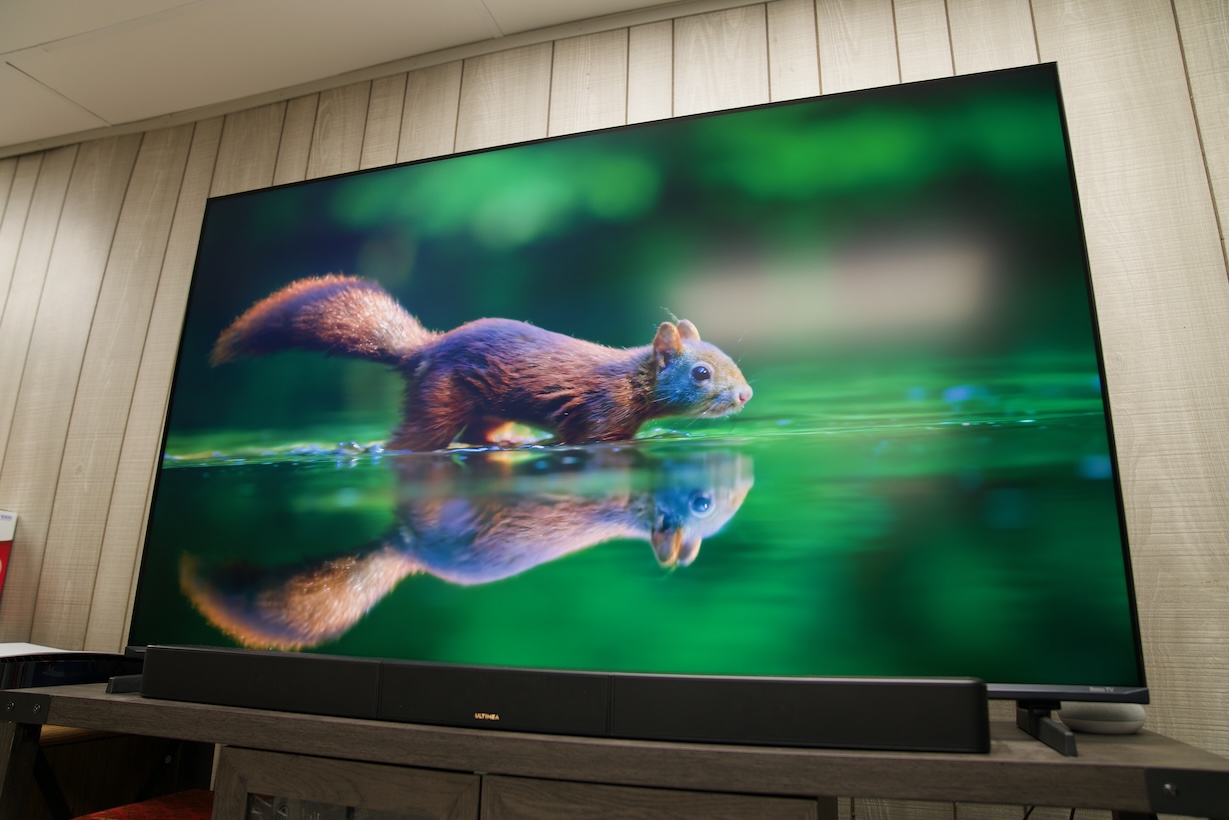
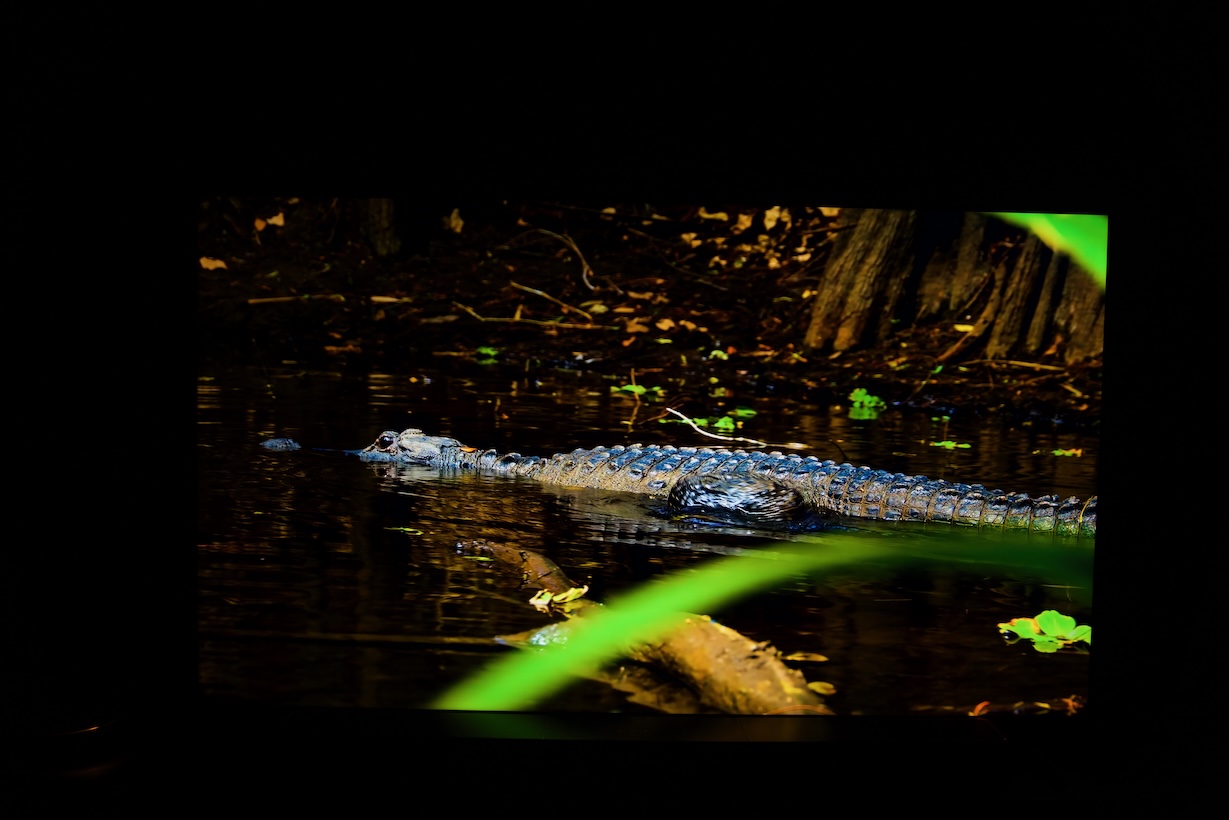
The foundation of the M7SR picture-quality system is Hi-QLED MiniLED with precise local dimming. MiniLED uses a large number of smaller LEDs behind the display, while local dimming divides the backlight into independent control zones. This allows the TV to adjust the brightness of different areas of the screen based on the luminance distribution of the image being displayed. In practical terms, this means the TV doesn’t have to illuminate the entire screen at the same brightness. I notice the difference most when watching movies with high-contrast scenes. A night scene with a bright streetlight, for example, can maintain a darker background while keeping the light source noticeably brighter. This gives the image more contrast and depth and makes HDR content feel more dynamic.
Hi-QLED MiniLED Color Reproduction
One feature I particularly appreciate is the combination of Anti-Reflection and Glare-Free technologies. During the day, the Anti-Reflection capability helps reduce reflections from ambient light sources such as windows and sunlight. This can make a noticeable difference in a bright living room, especially if the TV is positioned opposite a window. Strong reflections can make dark scenes harder to see and can become distracting even when the picture itself is excellent. By minimizing the amount of ambient light reflected back toward me, the M7SR maintains a clearer, more comfortable view of the content.
At night, the situation is a little different. With the windows no longer producing as much light, indoor lamps and other intense light sources can become the main problem. This is where the TV’s Glare-Free capability becomes useful. It helps minimize glare caused by strong artificial light sources, so I can keep the lights on in the room without having to deal with as much distracting glare on the screen.
AI-Powered Picture Optimization
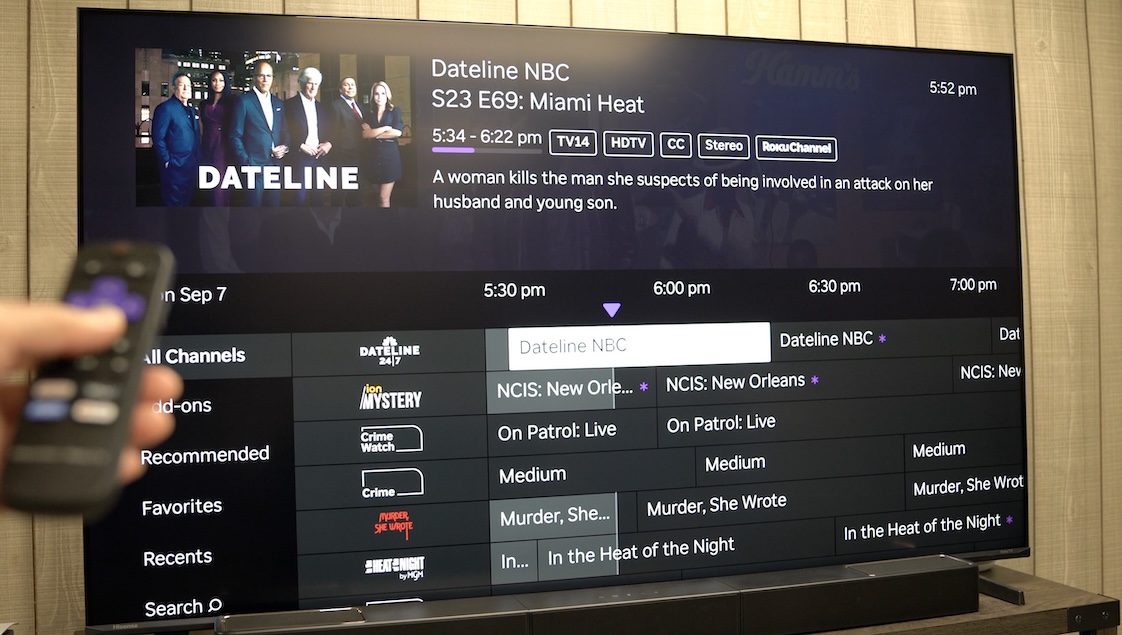
The M7 Series also uses AI-powered image processing. AI Picture focuses on optimizing the image based on the type of content being displayed and viewing environment. Television content can vary considerably in color, brightness, contrast, and overall image quality, so having the TV automatically adjust the picture can be useful when I move between movies, TV shows, sports, and online videos. Instead of relying on one picture setting for everything, AI Picture is designed to analyze the content and optimize it accordingly. Specifically, it adjusts color, contrast, and noise reduction to suit these conditions.
I find this particularly relevant when watching something like a standard YouTube video. Not every video uploaded to YouTube has the same production quality, and some can look overly soft, overly compressed, or have inconsistent colors. The goal of AI Picture is to make these different sources look more balanced and natural without requiring me to constantly change picture settings myself.
The AI 4K Upscaler addresses a different problem: resolution. Even though the M7SR has a 4K display, much of the content I watch isn’t actually native 4K. Standard HD television programs, older movies and shows, YouTube videos, and some streaming content may have a lower native resolution. The upscaling process analyzes the lower-resolution source and reconstructs it for the 4K screen. When I watch lower-resolution streaming content or older videos, this can help make edges look cleaner and fine details appear more defined, rather than simply making the original image look larger and softer.
Content Support Matters
A good TV isn’t just a display panel. The M7SR supports major HDR standards including HDR10, Dolby Vision and HLG. It also supports Dolby Gaming. There is also Filmmaker Mode, which is useful when I want movies to look closer to the way the filmmaker intended rather than having the TV apply overly aggressive processing.
On the audio side, DTS Virtual:X support helps the TV handle a wider range of soundtracks, while the M7SR’s built-in audio system provides enough volume and clarity for everyday viewing. Hisense equips it with a 20W 2.0-channel system with DTS Virtual:X.
Roku TV Is a Nice Alternative to Google TV
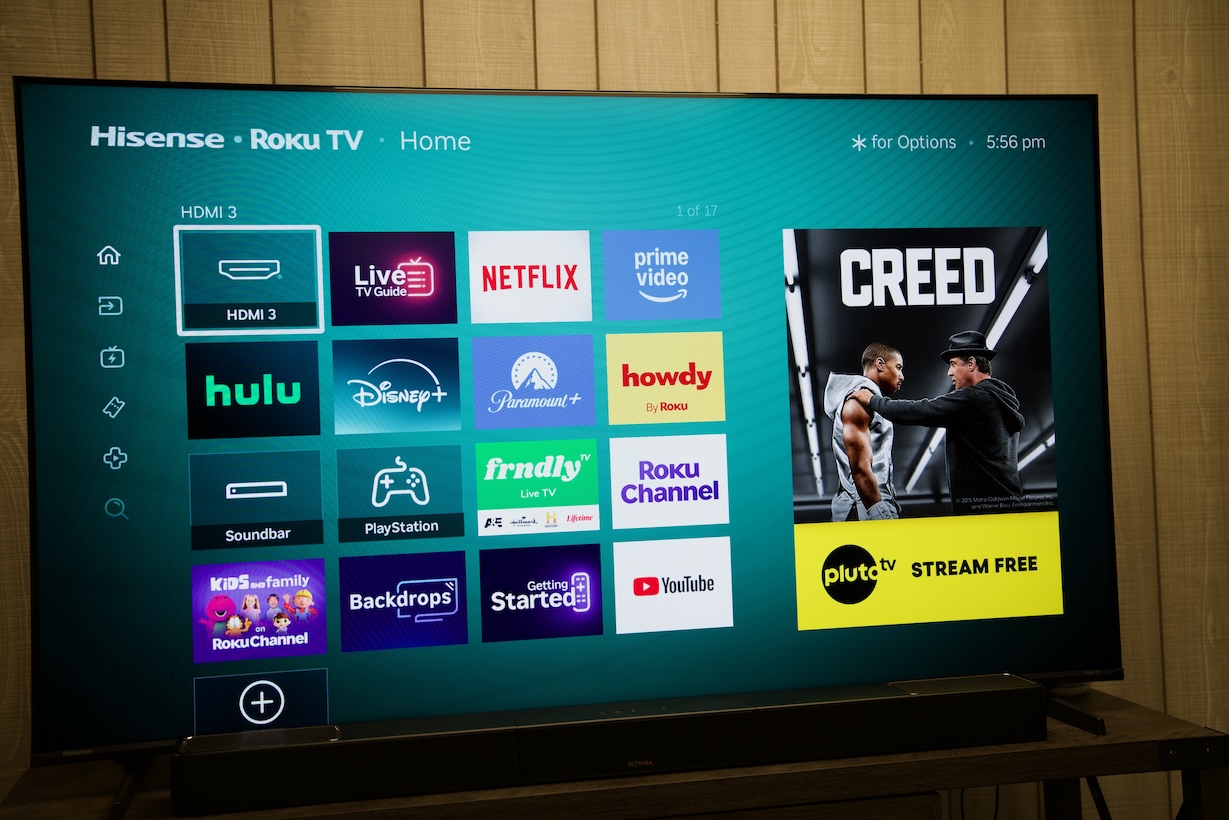
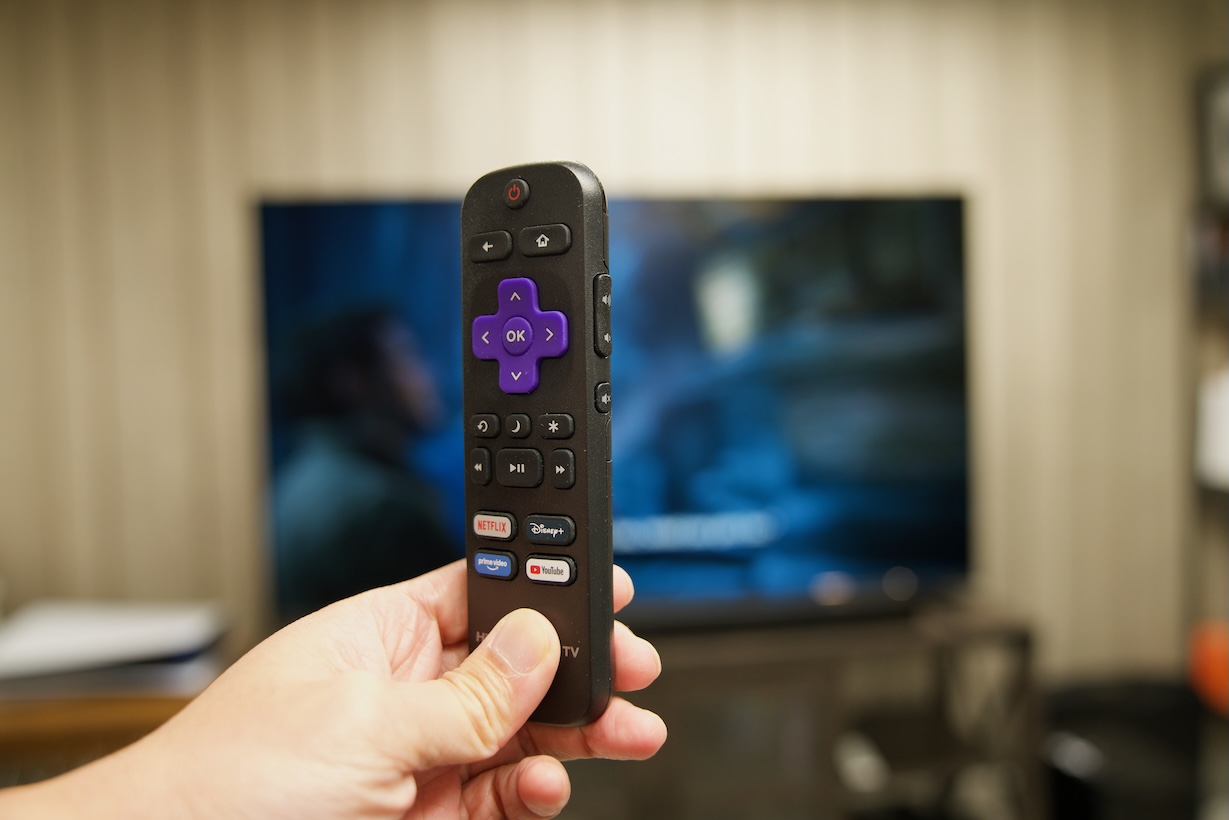
I personally prefer Roku TV because of its simplicity. The interface is straightforward, and I can get to my apps and content without feeling like I’m navigating through layers of recommendations and other information. The M7SR feels much simpler and, for my usage, easier to live with. This is actually very important, especially when you have older people using this TV in your family. Anyone can pick up the remote and generally understand how to find Netflix, YouTube, Disney+, or another streaming service without much explanation.
Gaming and Everyday Entertainment
The M7SR isn’t designed to compete with Hisense’s high-end gaming TVs, but it still has the features I want for casual console gaming. It supports VRR and ALLM, along with a Game Mode Plus and Game Bar.
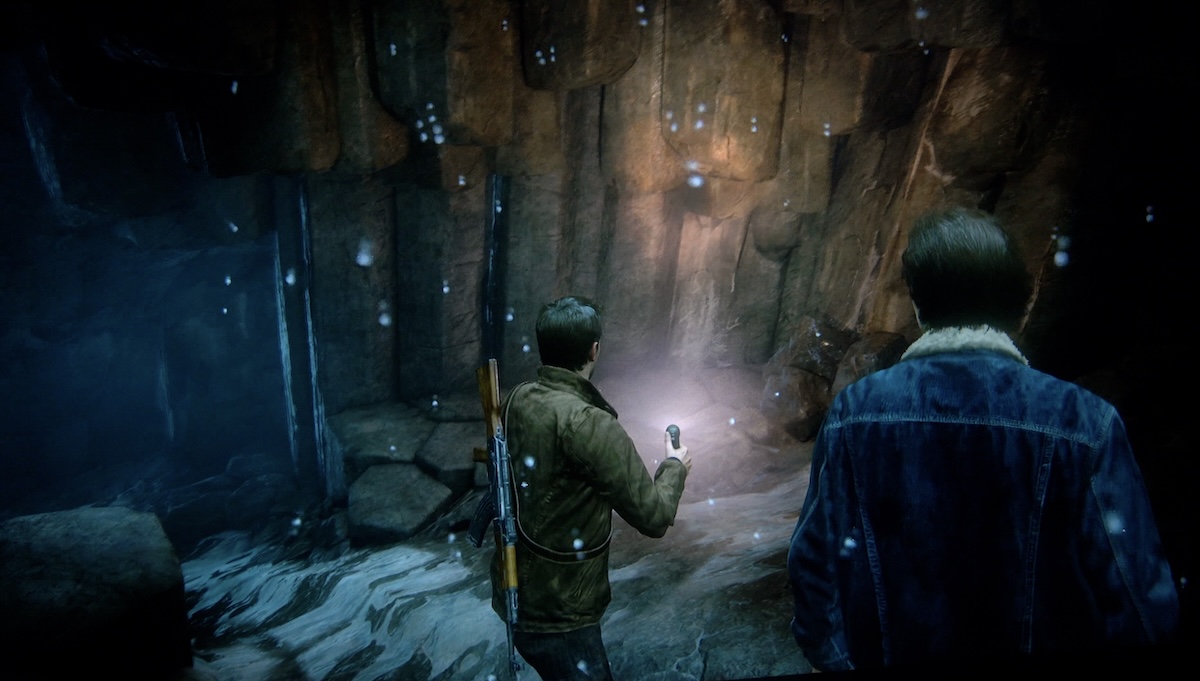
For everything else, though, the large 65-inch screen makes games enjoyable. HDR support also gives compatible games more visual impact, particularly in scenes with bright highlights and deep shadows.
Final Thoughts
The Hisense M7SR once again proves that you don’t necessarily need to spend a lot of money to get an excellent TV. For families buying their first MiniLED TV, I think that’s exactly the right approach. The M7SR doesn’t require you to understand every technical specification. You simply turn it on, start watching, and enjoy the decent picture quality. If you want a simpler streaming interface, the M7SR is the one I’d pick.