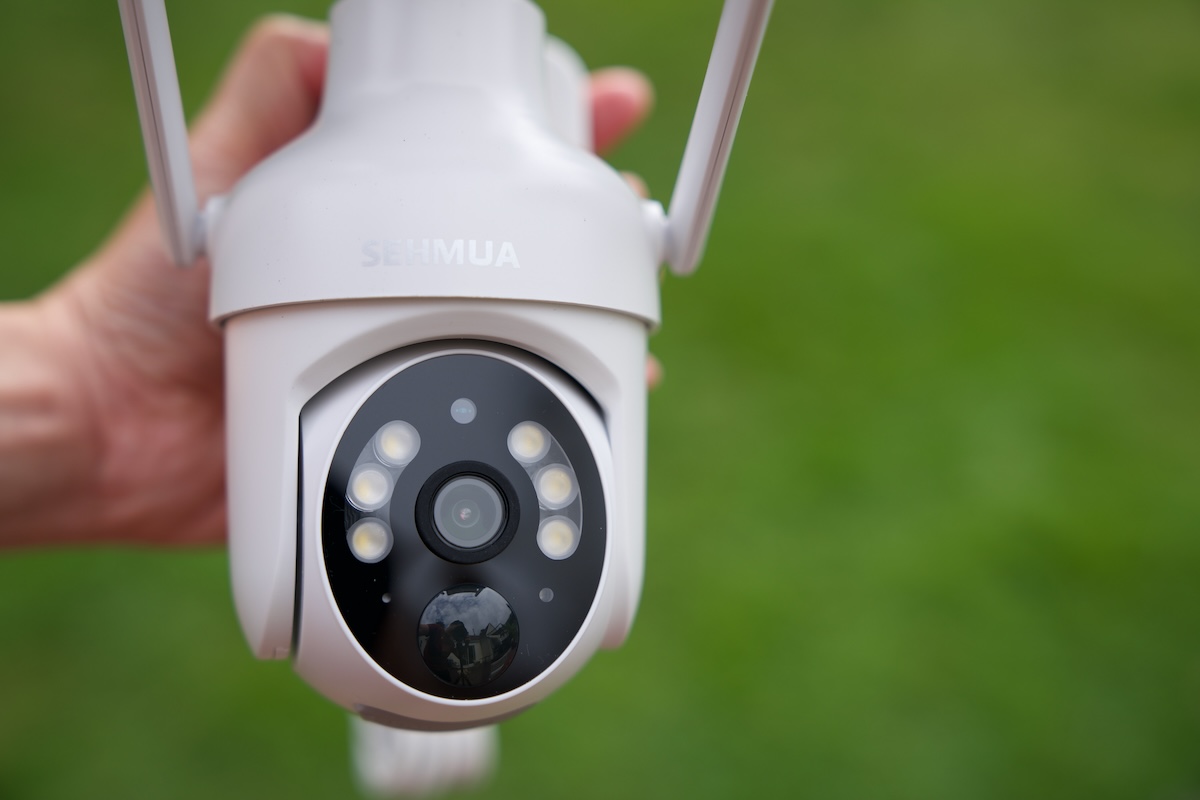
I’ve tested quite a few wireless security cameras, but it is getting harder to ignore how affordable these products have become. The SEHMUA 2K Solar Security Cameras are a good example. I picked up the 2-pack, which includes two cameras with solar panels, and it costs around $80 at the time of writing. That works out to just about $40 per camera, which is an incredible value for a wireless outdoor security camera system.
Disclosure: We received the cameras as a courtesy for review purposes. However, the review is intended to provide honest, unbiased insights about the product, based on personal experiences and observations.
Everything I Need in the Box
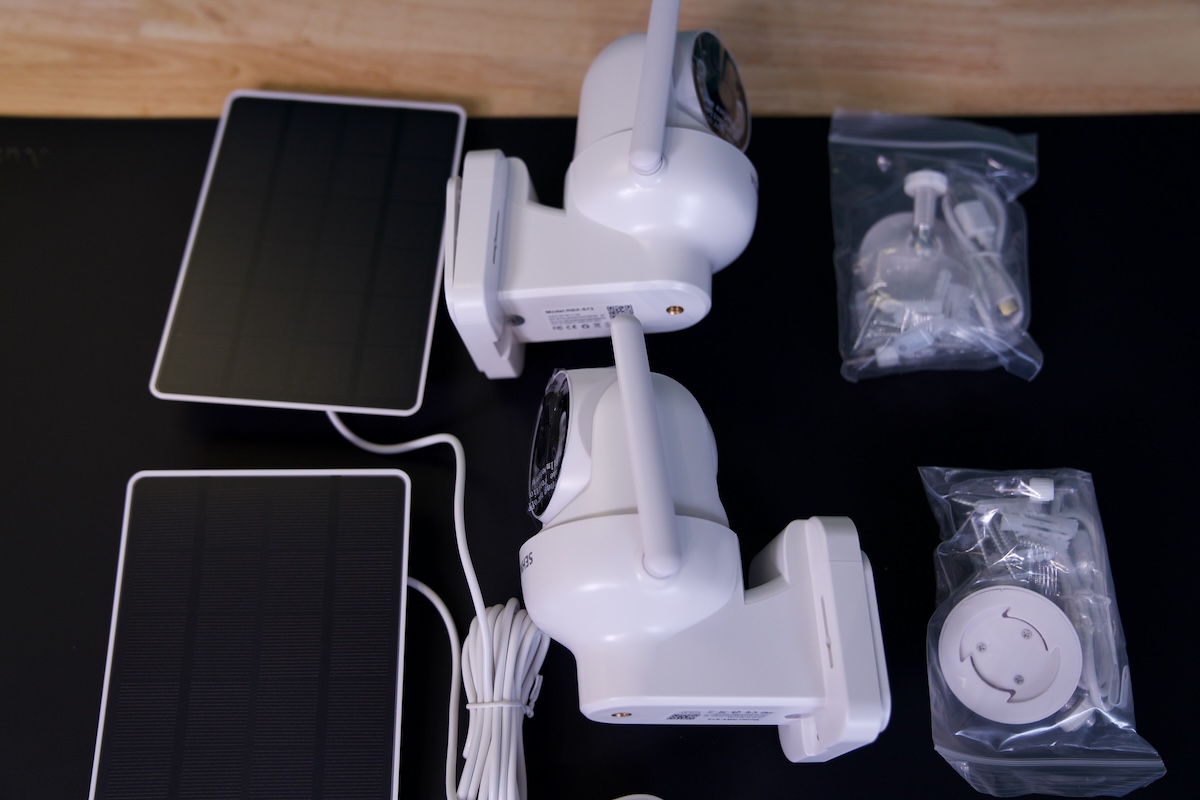
The SEHMUA 2K Solar Security Cameras come as a complete kit. The box includes two cameras, two solar panels, mounting hardware, charging cables, and the necessary accessories for installation. I only needed to purchase two microSD cards because I prefer local storage rather than paying for cloud storage.
SEHMUA offers cloud storage through the UBox system, but the subscription costs $79.98 per year. For me, that doesn’t make much sense when I can simply install a microSD card in each camera and keep recordings locally. I am glad they offer this option because many people want to avoid another recurring subscription.
Before installation, I recommend fully charging each camera using the included cable. This is particularly important for the first setup. After that, the solar panels can keep the internal batteries topped up, depending on how much sunlight they receive.
Easy Installation
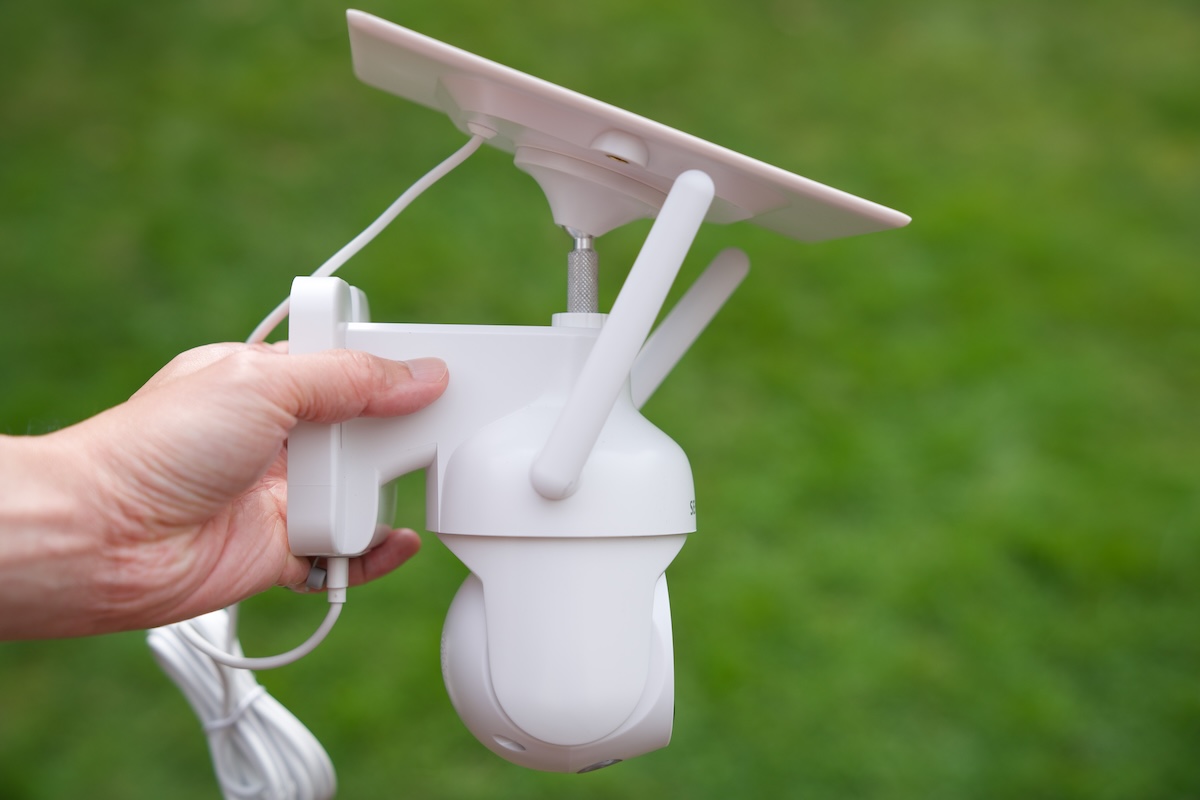
The cameras are battery-powered and can stay charged through their included solar panels, so I don’t need to run power cables to the installation locations. Installation is one of my favorite things about these cameras. I didn’t have to deal with electrical wiring or hire anyone to install them.
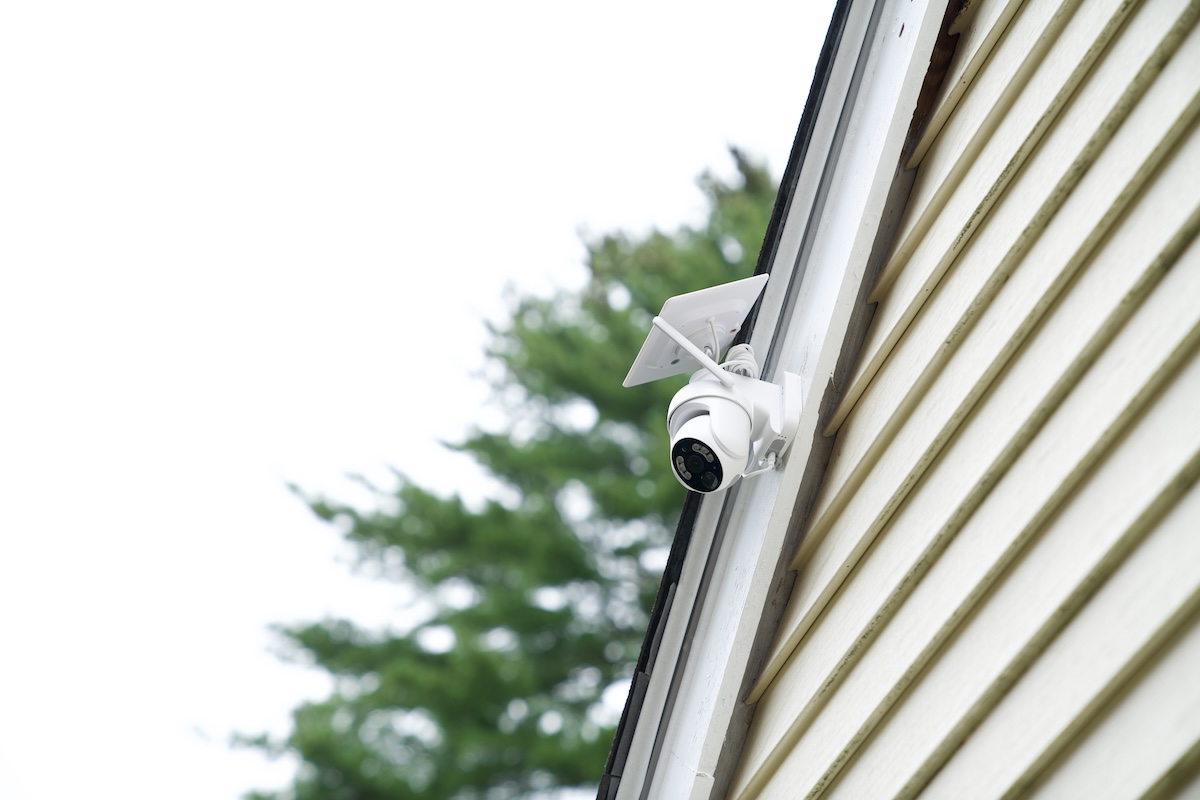
I simply screwed the mounting bracket into the desired location, slid the camera and solar panel assembly into place, and the camera was ready to go. The solar panel can be positioned to receive sunlight, while the wireless design gives me much more flexibility when deciding where to place the camera. This is useful around a house because I can install a camera in locations where running a power cable would be inconvenient.
Setting Up With the UBox App
Once the cameras were charged and mounted, I installed the UBox app on my phone. The app handles the initial setup, connects the cameras to my Wi-Fi network, and provides access to the live video and camera settings.
The SEHMUA cameras use 2.4GHz Wi-Fi, which is common for battery-powered outdoor cameras. After pairing the cameras, I can access them remotely from my phone, check the live feed, review recordings, adjust settings, and receive motion notifications.
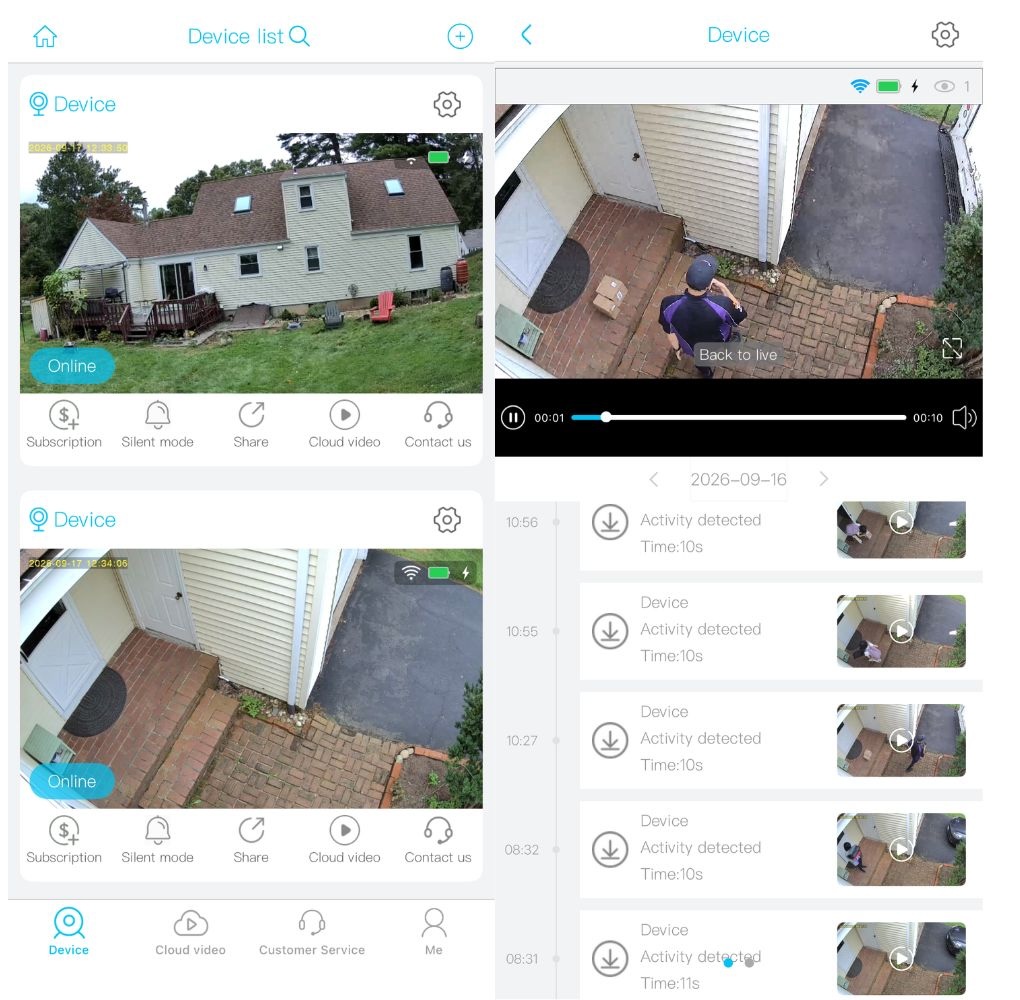
The app also provides controls for features such as motion detection, video settings, two-way audio, and other camera settings. I can use the built-in microphone and speaker to communicate with someone near the camera, which is useful when checking on a delivery or talking to someone at the door.
The cameras also support PIR motion detection and can send alerts to my phone when activity is detected. There is also night vision and a spotlight for monitoring after dark. The pan-and-tilt functionality provides a much wider viewing area than a fixed security camera, making it possible to monitor a larger section of the yard or driveway from a single camera.
2K Video and Wide Coverage
The 2K resolution is another nice feature at this price. During the day, the camera produces a reasonably detailed image, and the wide viewing area is useful for keeping an eye on a driveway, backyard, entrance, or other outdoor space.
At night, the cameras can use infrared night vision, while the built-in lighting can help illuminate the scene. Motion detection, the spotlight, and phone notifications work together to make the cameras more useful as security devices rather than simply remote-viewing cameras.
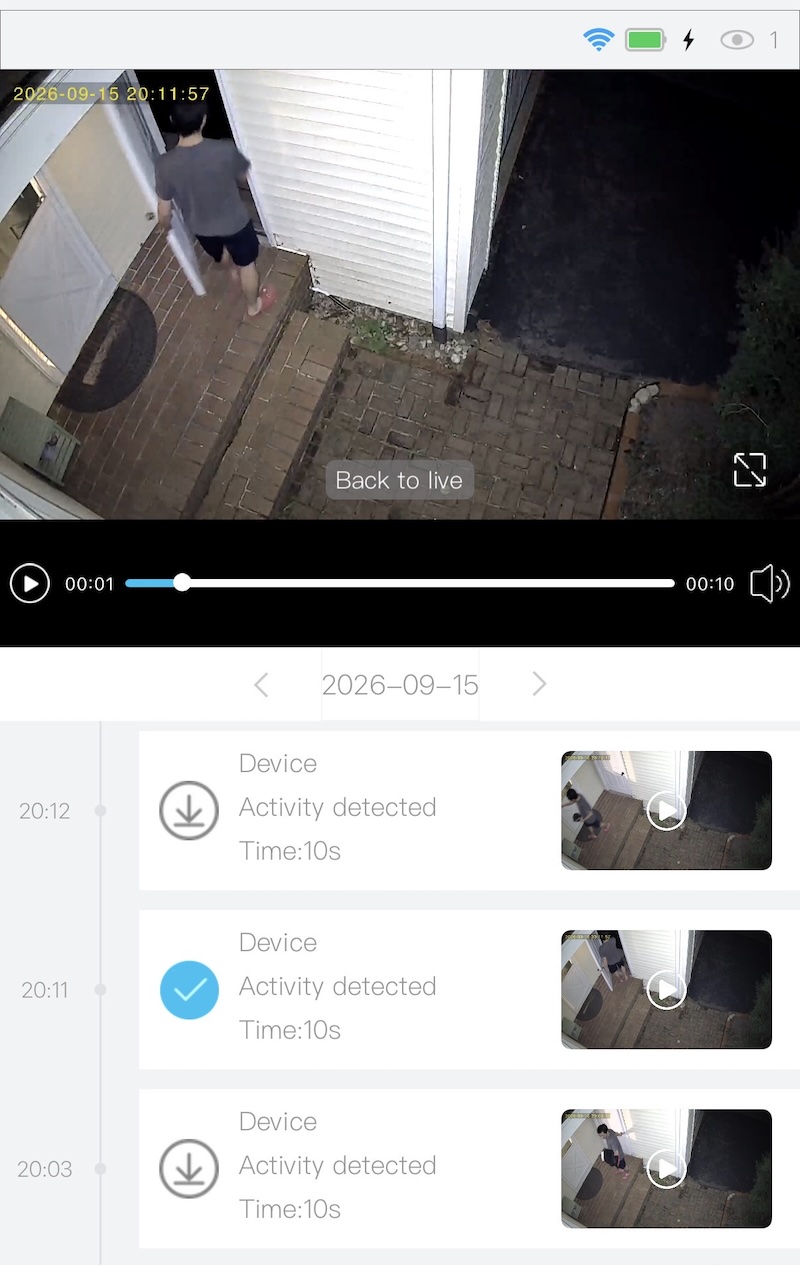
The ability to remotely pan and tilt the camera is particularly useful. Instead of installing multiple fixed cameras to cover every direction, I can move the camera’s viewing angle from the UBox app when I need to check another part of the area.
The App Still Needs Some Work
Unfortunately, my experience with the UBox app hasn’t been completely smooth.
The biggest issue I’ve encountered is connecting to the cameras for live feed. Sometimes I cannot get access even though the Wi-Fi signal is strong. I usually have to try reconnecting a few times before the live feed finally appears. It isn’t a deal-breaker, but it is certainly inconvenient when I want to quickly check what is happening outside.
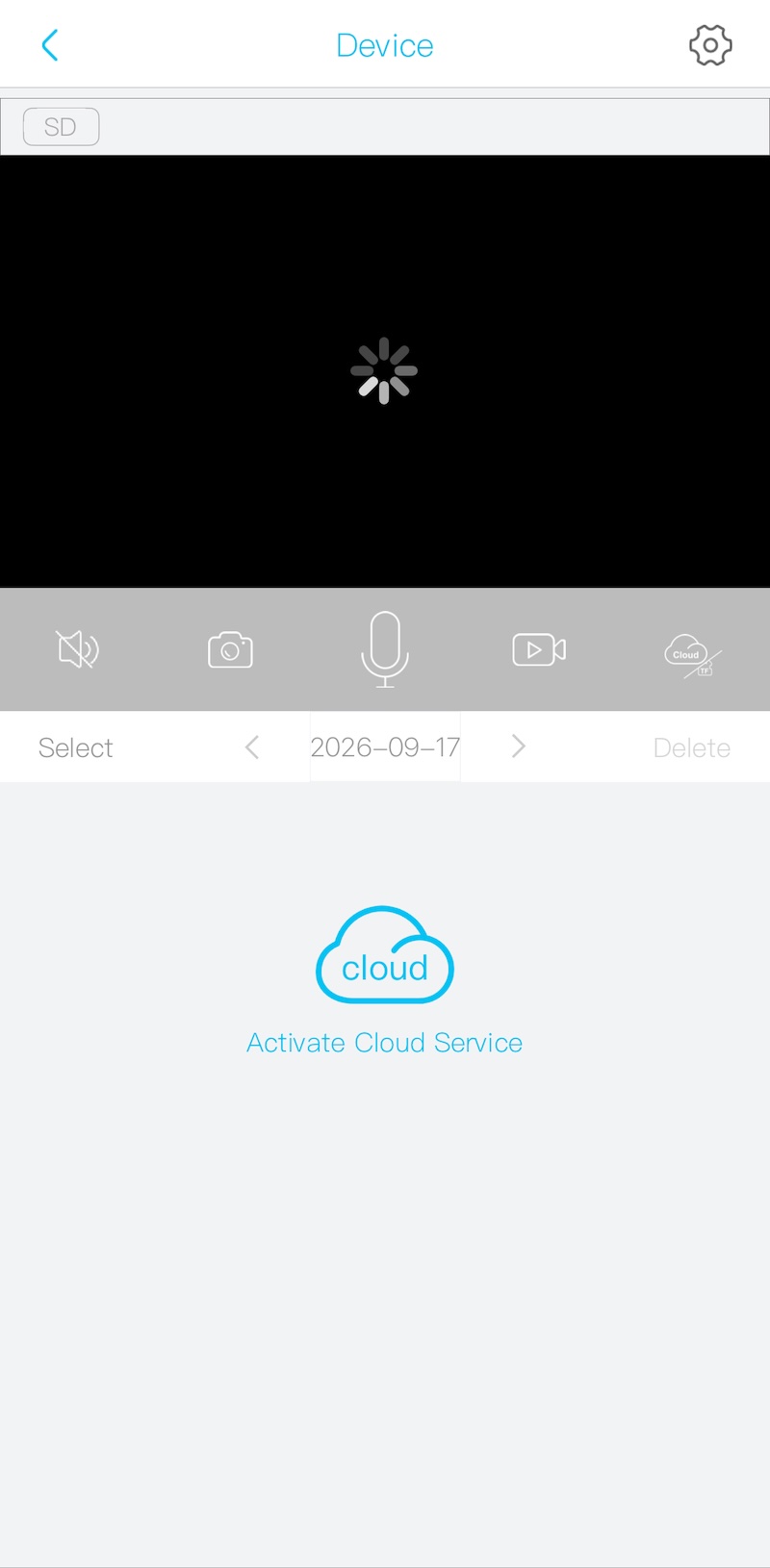
These are clearly software and app-related issues rather than problems with the basic hardware. The UBox app already provides a lot of functionality, but I think it still needs some refinement to make the experience more reliable.
Final Thoughts
The SEHMUA 2K Solar Security Cameras are one of those products where the price immediately changes how I look at the overall package. At around $80 for 2 cameras, that gets me wireless operation, solar charging, 2K video, pan-and-tilt control, night vision, PIR motion detection, two-way audio, and smartphone access.
The UBox app is the weakest part of the experience for me. Still, considering the low price, I think the SEHMUA offers an impressive amount of hardware for the money. This system is definitely worth considering in my opinion.