The built-in webcam on my MacBook is good enough for basic video calls, but it is still one of the weakest features on a laptop. The image can look soft, especially in less-than-ideal lighting, and I also have very little control over framing. I was excited to try out the Svbony SVN W2 as its advanced features could make a huge difference. After trying it out for a few weeks, I figure out it is not perfect but I will continue using it until there is a better product.
Disclosure: We received the webcam as a courtesy for review purposes. However, the review is intended to provide honest, unbiased insights about the product, based on personal experiences and observations.
Easy Plug-and-Play Setup
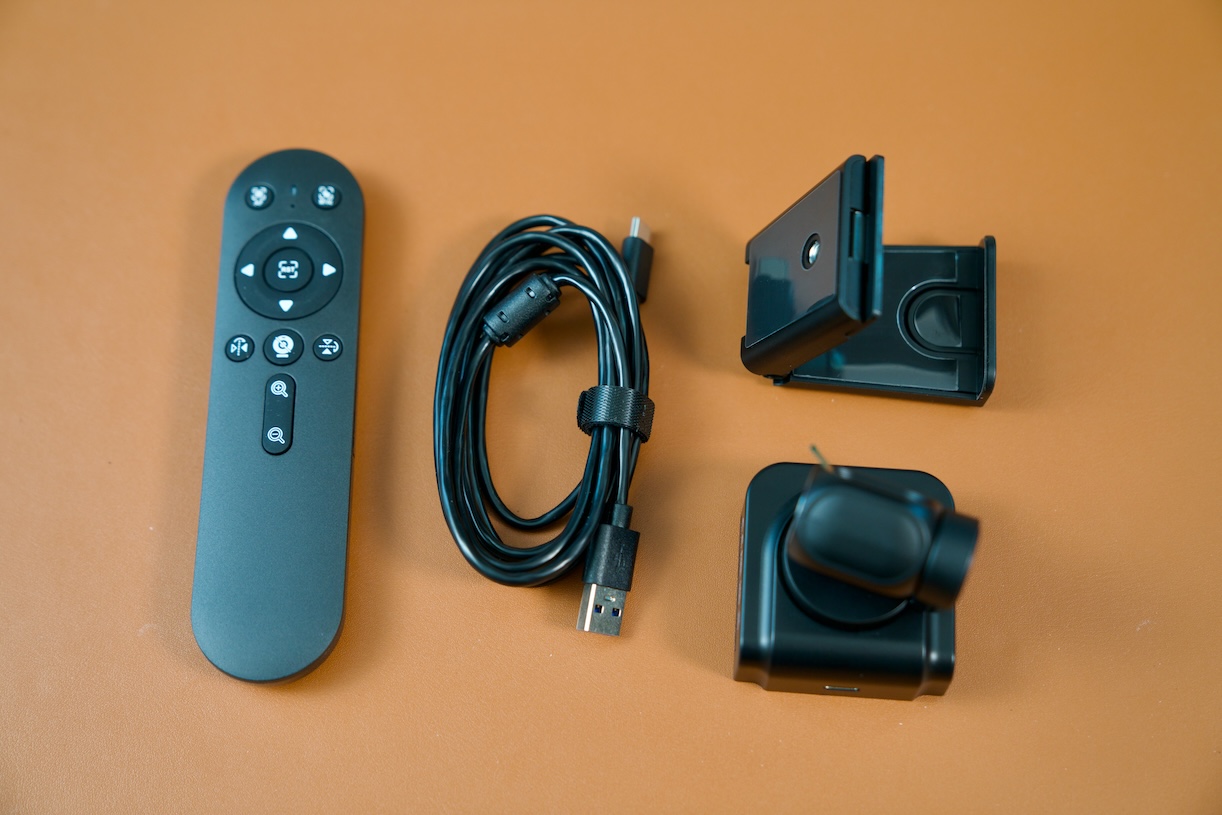
One of my favorite things about the SVN W2 is how easy it is to set up. It uses a standard USB-C connection and works with major operating systems, including macOS, Windows, and Linux. There is no companion application or complicated configuration process required.
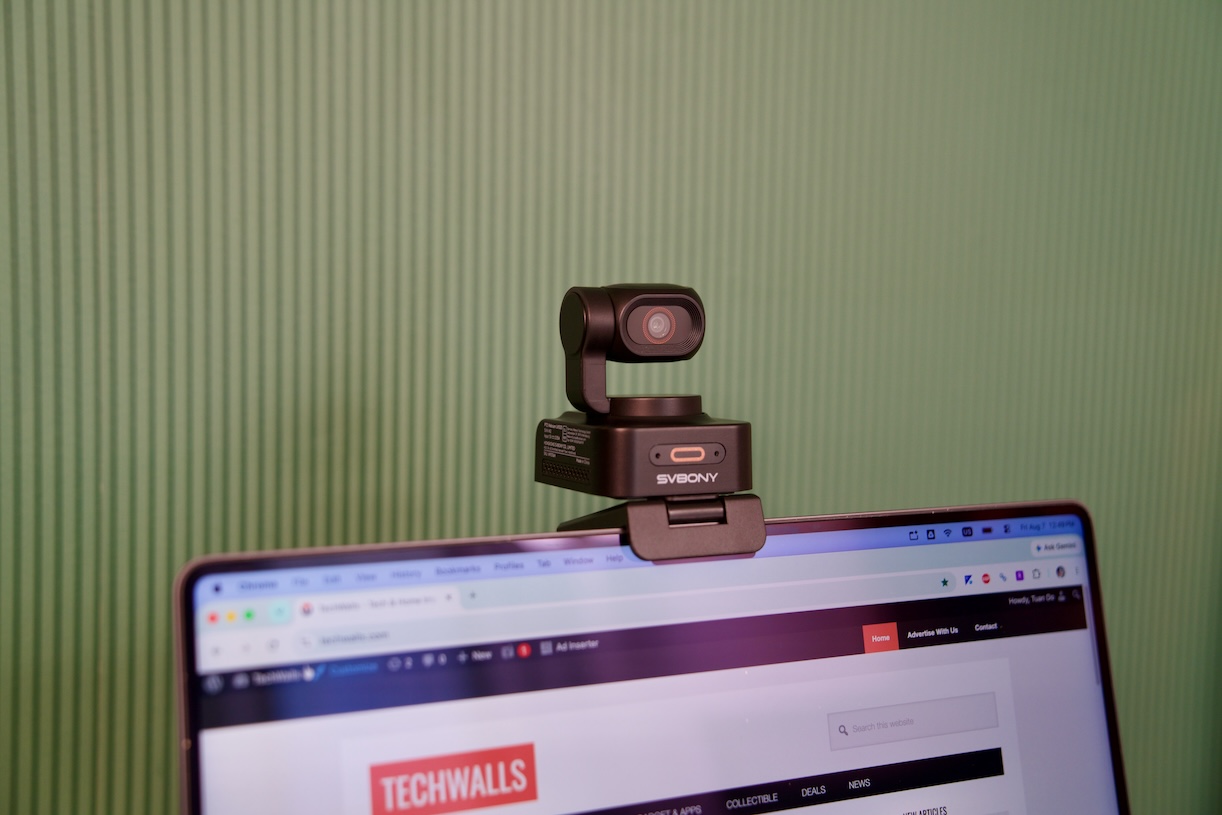
I simply connected it directly to my Mac, selected the SVN W2 as my primary camera, and it was ready to use. The webcam also sits securely on top of my MacBook’s screen, so I don’t need a separate tripod or complicated mounting setup for video calls.
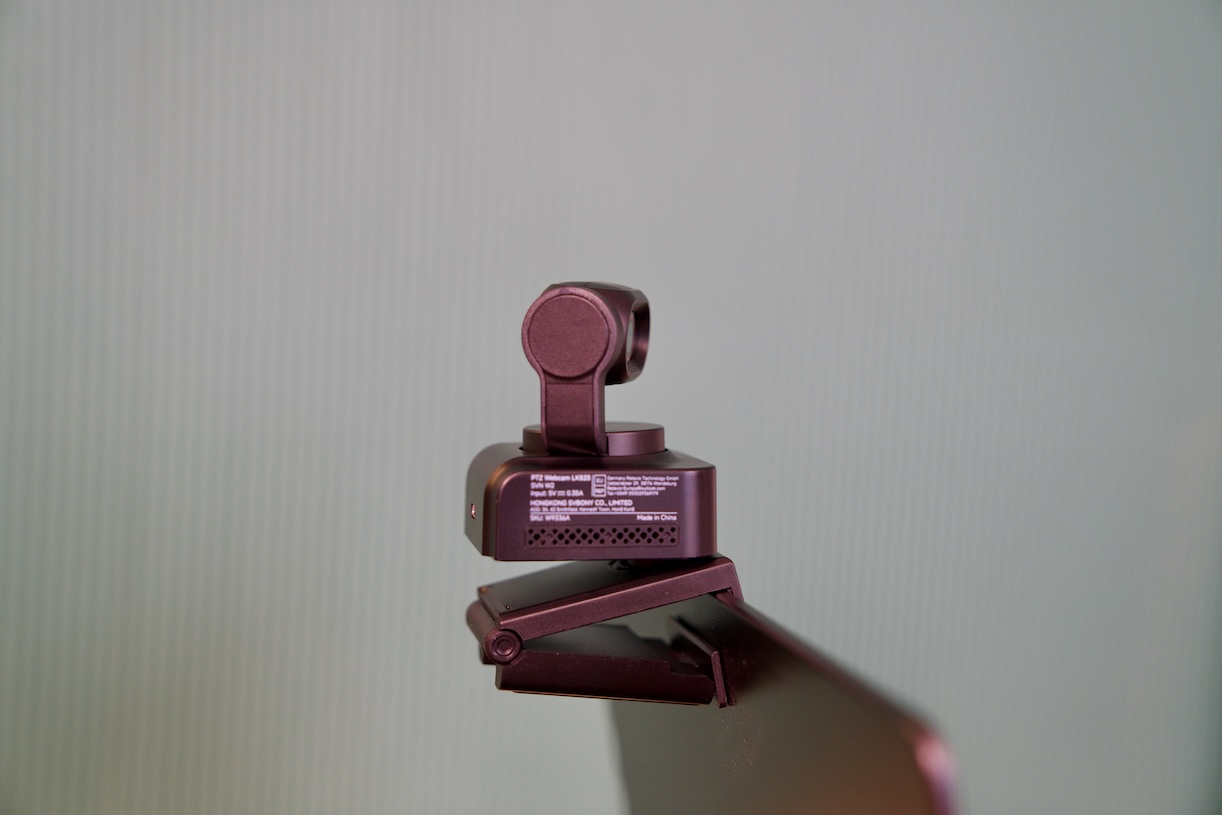
There is one minor annoyance, though: Svbony doesn’t include a USB-C-to-USB-C cable. The included USB-A cable works, but since I wanted to connect it directly to my MacBook, I had to use one of my own USB-C cable. This isn’t a major problem, but including the appropriate cable would make the plug-and-play experience even better.
Video Quality
The biggest reason to buy the SVN W2 is, of course, image quality. Its 4K resolution and relatively large 1/2-inch CMOS sensor produce a much sharper and more detailed image than the built-in webcam on my MacBook.
The difference is obvious when I look at fine details. My face looks more defined, and the overall image has more clarity. This makes the webcam a better choice for video conferencing, content creation, live streaming, and other situations where image quality matters.
The camera also supports HDR, which helps when the lighting isn’t perfect. In my experience, it does a good job dealing with backlighting and dimmer environments. However, the AI tracking and focusing system isn’t perfect.
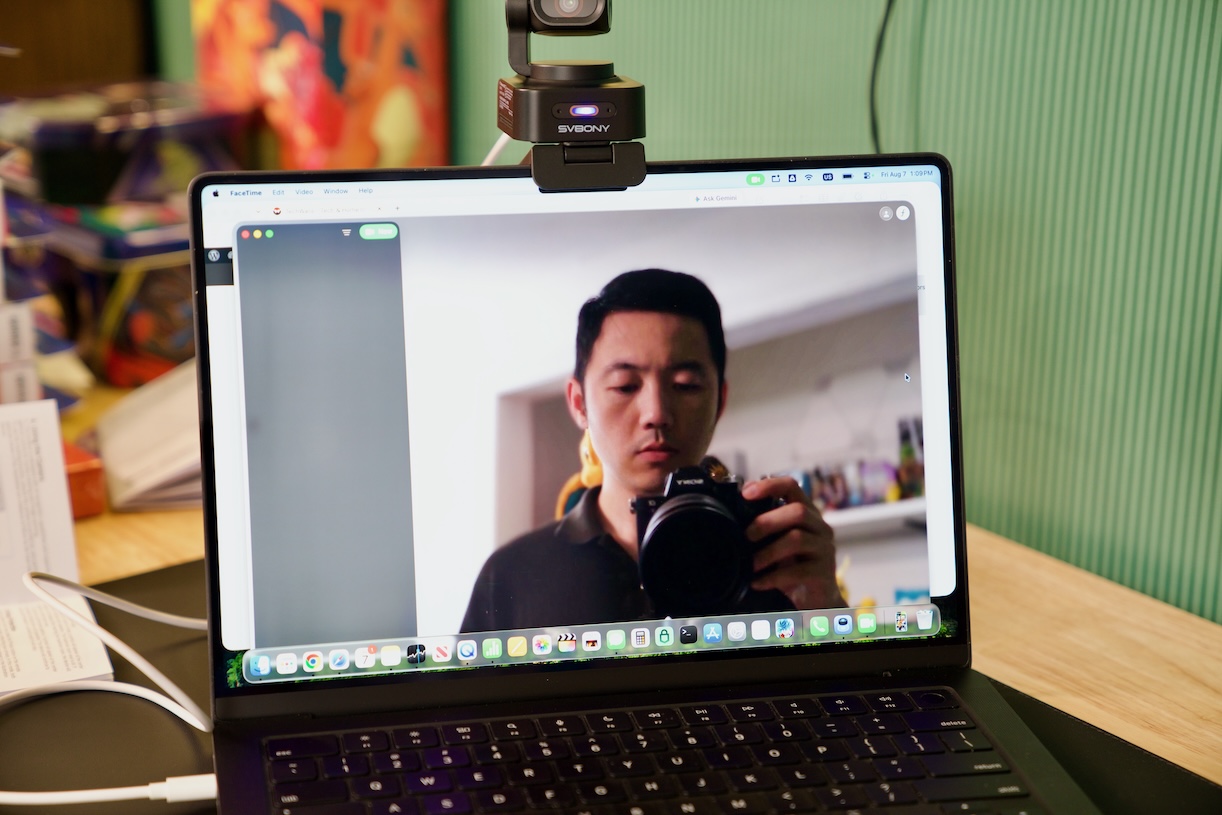
The SVN W2 relies on contrast detection and AI-based visual tracking, and sometimes it has trouble locking onto my face. This is especially noticeable when I have a bright window, strong LED light, or a complicated patterned bookshelf behind me. It performs much better when I have a light source positioned in front of me. This is something to keep in mind with AI-powered webcams in general. They can be extremely convenient, but they still benefit from a reasonably controlled lighting environment.
AI Tracking Performance
The AI tracking feature is, of course, my favorite feature of the webcam. The PTZ system makes it more interesting than a conventional webcam. The camera can physically pan and tilt while automatically tracking me as I move around.
I tested the AI auto-tracking while moving around in front of the camera, and its performance was pretty good as long as I didn’t move too quickly. It generally keeps me centered without requiring me to manually adjust the camera.
This is particularly useful for presentations, online teaching, demonstrations, or streaming. Instead of sitting in exactly the same position throughout a video, I can move around while the camera follows me.
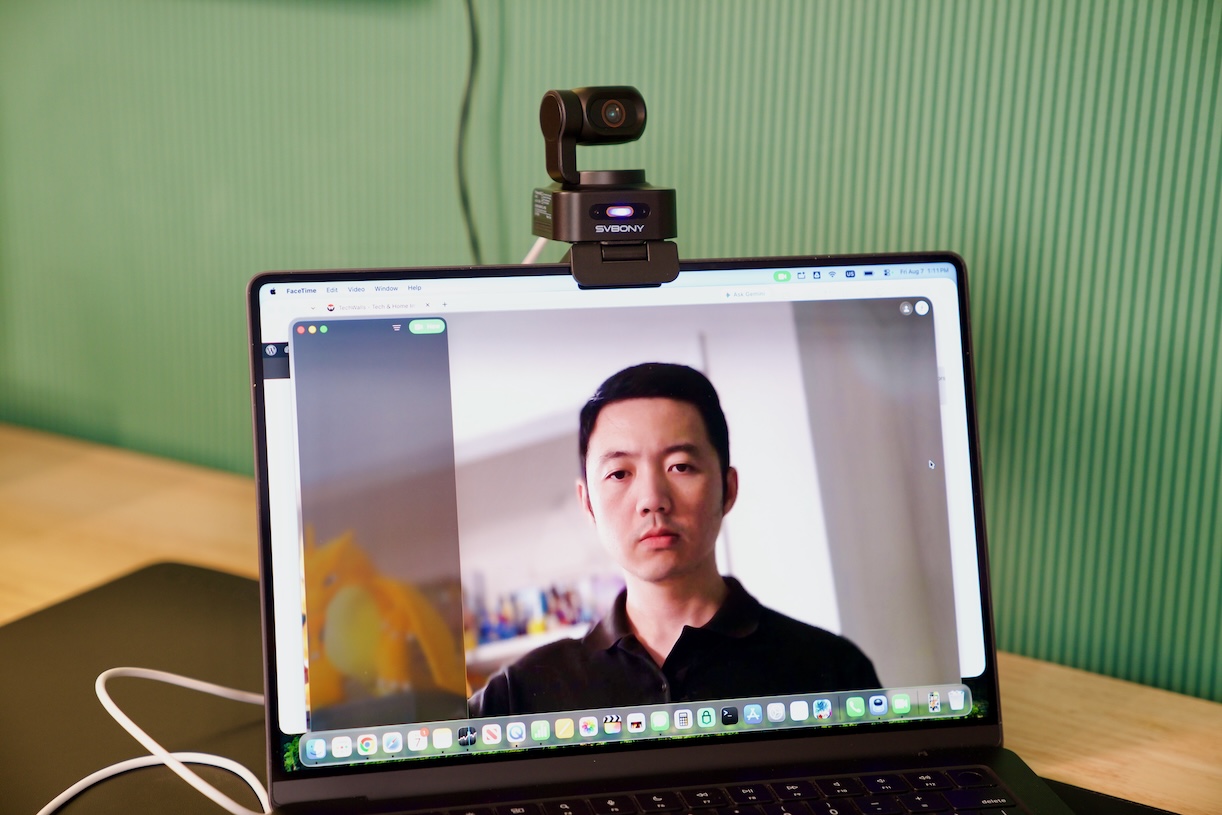
The motorized PTZ system can also be controlled manually, with up to 6X zoom. This gives me considerably more flexibility when positioning the camera or trying to capture a tighter shot.
There are also gesture controls. For example, I can show my palm next to my head to enable or disable tracking, while an L-shaped gesture can be used to zoom in and out.
The gesture system works, but zooming isn’t really responsive, and sometimes the camera continues zooming even after I stop making the gesture. It’s usable, but not as precise as physical controls. Fortunately, the included remote control provides a much more accurate way to operate the camera. Since I don’t use gesture controls very often, this isn’t a significant problem for me.
Built-In Microphones
The SVN W2 also includes dual noise-canceling microphones designed to reduce background noise during calls. They are convenient because I don’t need a separate microphone for basic video conferencing.
For a home office setup, this is important. A good webcam shouldn’t require several additional accessories just to get started. The built-in microphones make the SVN W2 more of an all-in-one solution.
Of course, anyone doing serious podcasting or professional streaming will probably still want a dedicated microphone. But for Zoom meetings, Facetime calls, online classes, and everyday communication, the integrated microphones are a useful addition.
Conclusion
After using the Svbony SVN W2, I think it makes the most sense for people who want more than just a basic webcam. Its 4K image quality is a clear improvement over my MacBook’s built-in camera, while the PTZ mechanism and AI tracking give me much more freedom to move around without constantly adjusting the camera. For me, the biggest advantage is simple: I can connect it to my Mac, put it on top of the display, and immediately get a much better camera with significantly more flexibility than the built-in webcam of my laptop.