Finding a good drawing tablet for teens isn’t just about screen resolution or pressure sensitivity. It also needs to be easy to use, responsive, and enjoyable enough to encourage them to keep creating. After letting my kid use the UGEE ArtPlay Pad for a few weeks, I was surprised by how much they liked it. They had previously used an iPad Pro with an Apple Pencil, so I was curious whether this more affordable drawing tablet could offer a comparable experience.
Disclosure: We received the tablet as a courtesy for review purposes. However, the review is intended to provide honest, unbiased insights about the product, based on personal experiences and observations.
A Drawing Experience Similar to the iPad Pro
The UGEE ArtPlay Pad is designed for digital drawing, and its performance has been impressive in our testing. My kid found the tablet responsive, with drawing feeling natural and fluid. They didn’t feel like they were giving up much compared with their previous iPad Pro setup.
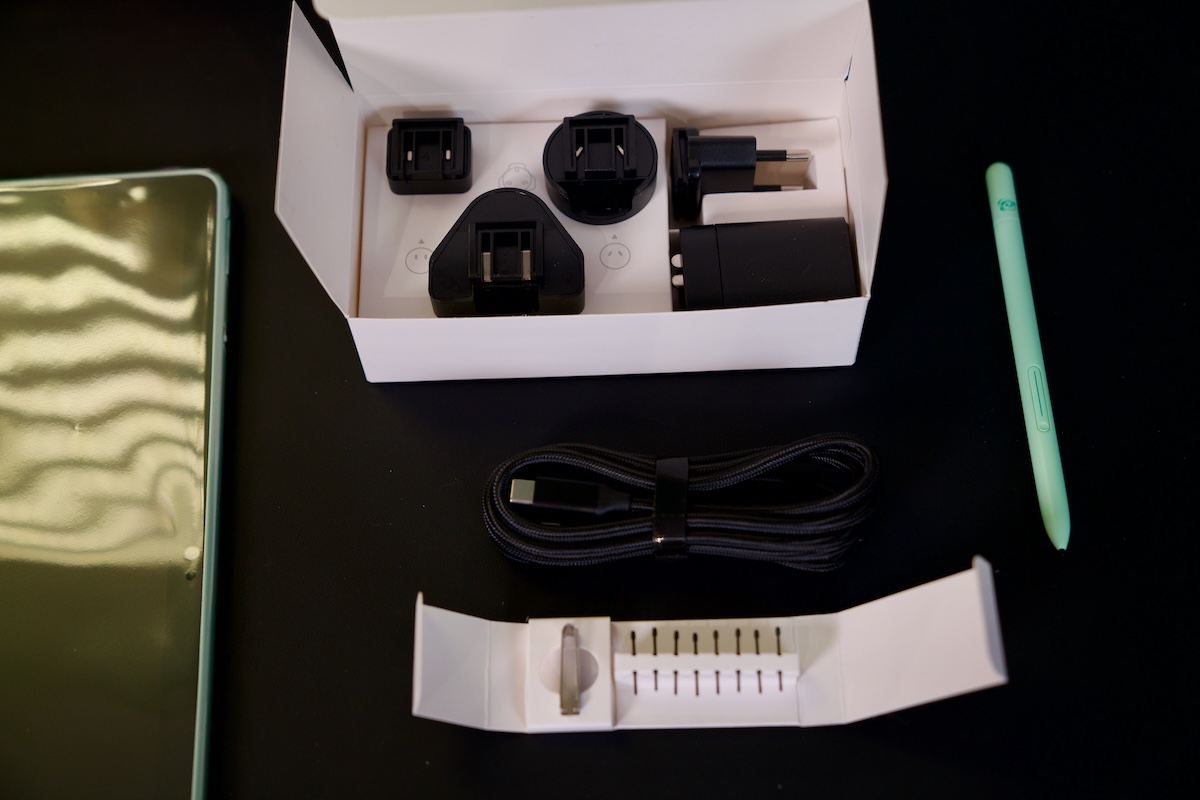
One of its biggest advantages is the included stylus. It supports 16,384 levels of pressure sensitivity, allowing users to vary line thickness and shading based on how firmly they press the pen against the screen. This makes it suitable for sketching, coloring, and more detailed illustrations.
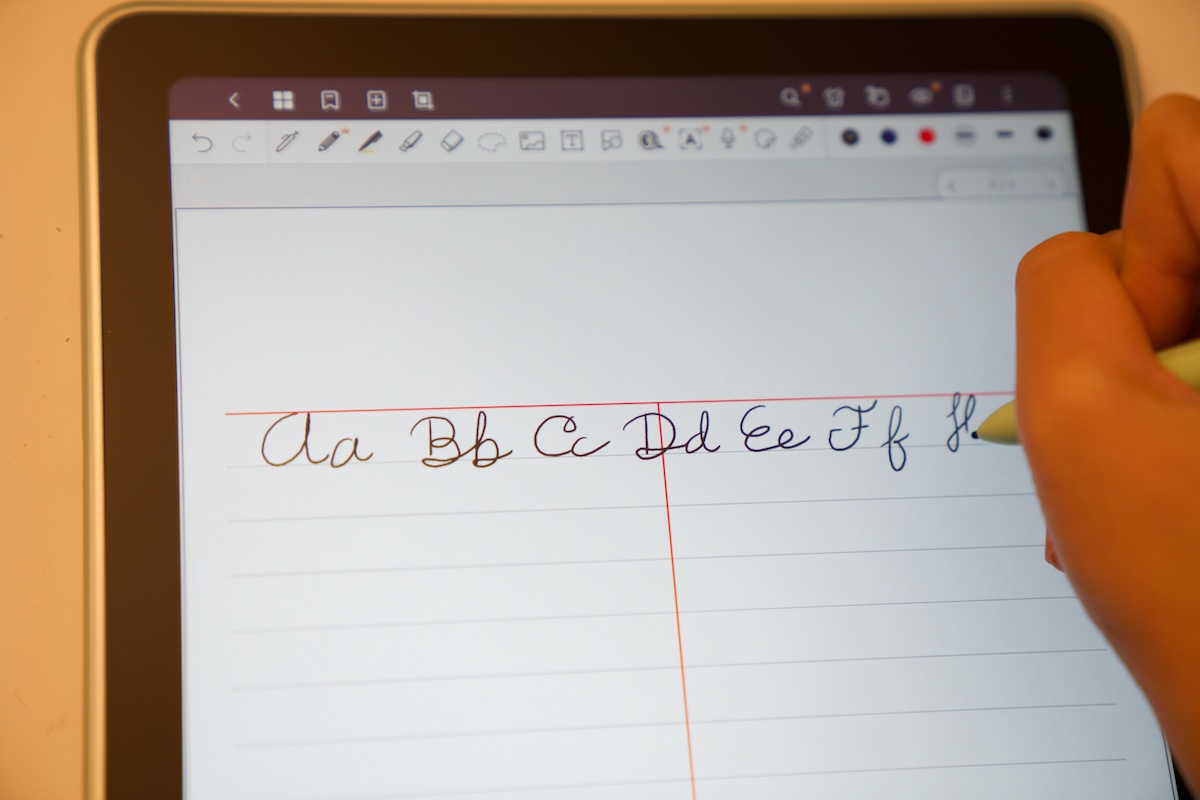
The stylus also doesn’t require recharging, which is a significant convenience. Unlike some active pens that need to be charged regularly, this one is ready to use whenever inspiration strikes. Even better, UGEE includes it in the box, so you don’t have to spend an additional $100 or so on a separate stylus as you might with an iPad Pro setup.
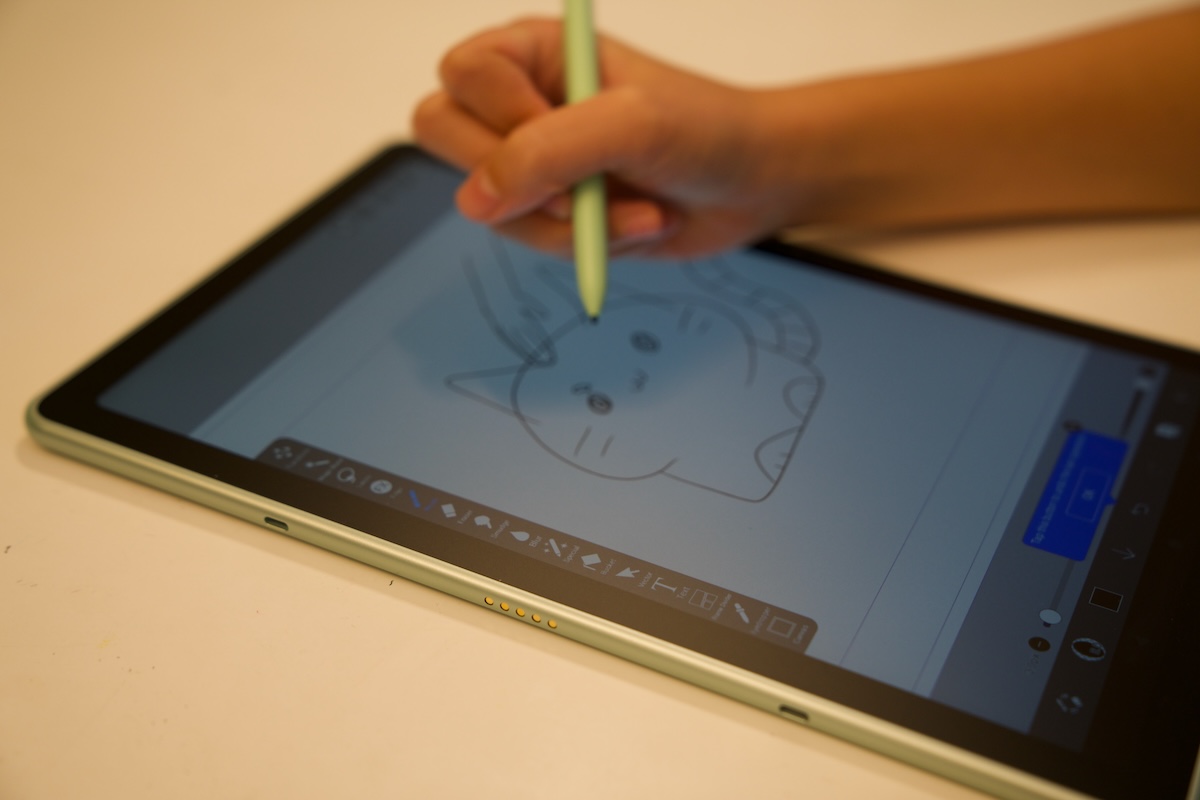
Another feature my kid appreciated was the matte display. Drawing on a glossy screen can feel slippery, whereas the ArtPlay Pad’s matte surface provides a more paper-like feel. I personally prefer this texture for drawing because it offers a little more resistance and makes pen strokes feel more controlled. It also helps reduce distracting reflections during use.
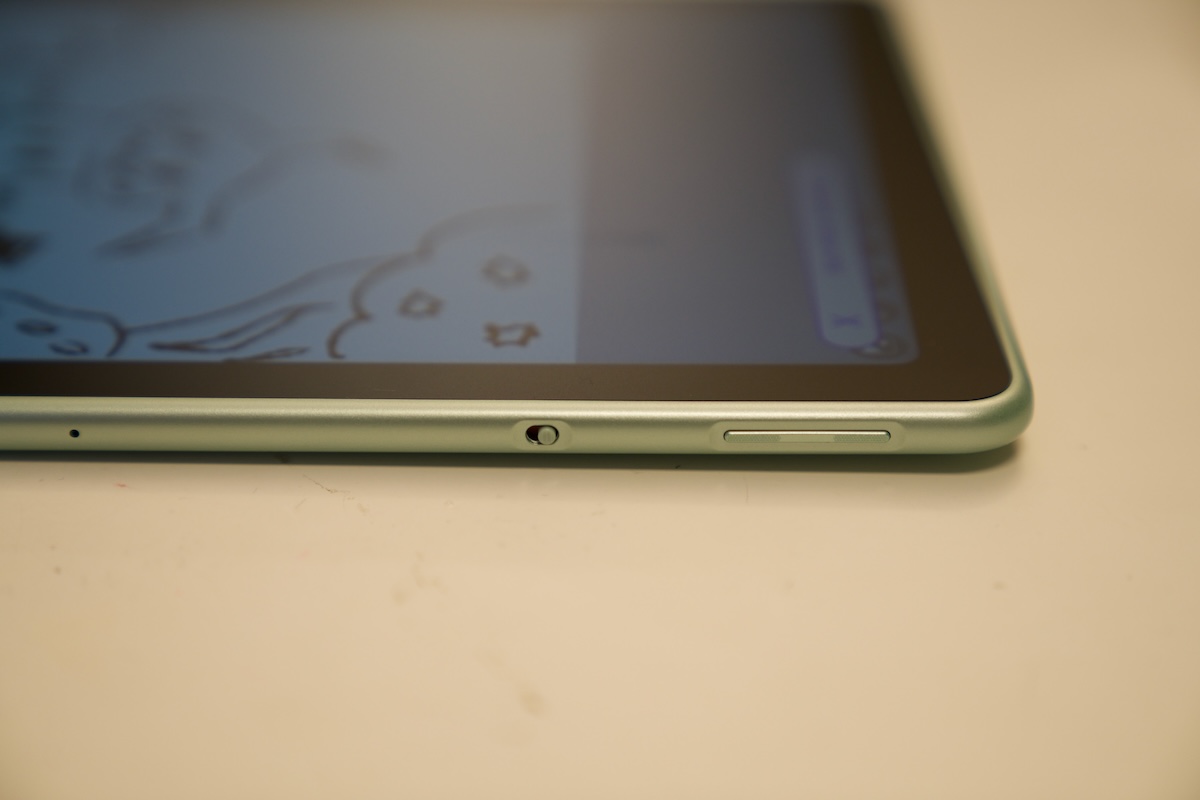
The tablet has a physical palm rejection switch on the side, making it convenient to enable or disable the feature when needed. Palm rejection is particularly useful for drawing because you can rest your hand naturally on the screen without accidentally creating unwanted marks.
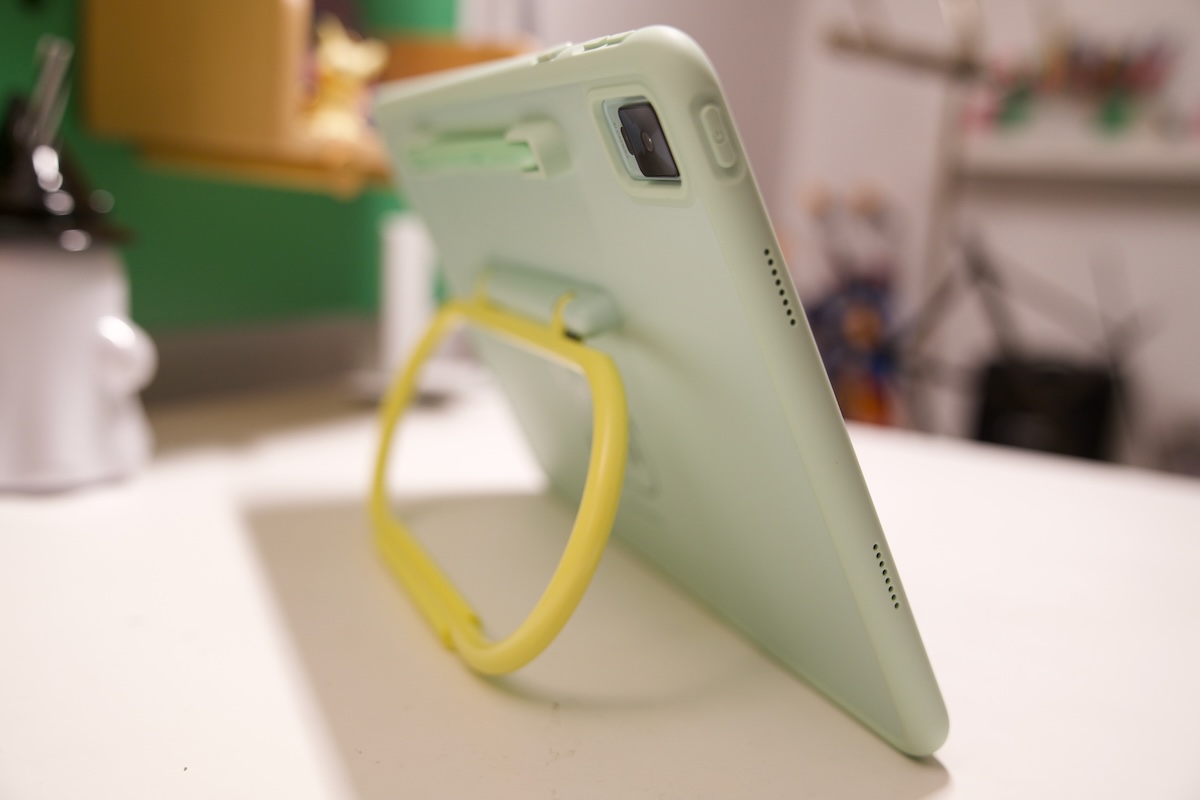
UGEE also includes a protective case, which is very useful when your kids use the tablet. It looks good and does more than simply protect the tablet from scratches. The case has a built-in kickstand for comfortable viewing and drawing angles, along with a dedicated slot to store the stylus.
These small details make the ArtPlay Pad feel like a complete drawing solution rather than a tablet that requires several additional purchases. The kickstand is especially useful when drawing at a desk, while the pen holder helps prevent the stylus from getting lost when the tablet isn’t in use.
ibisPaint K Makes Drawing More Accessible
During our testing, my kid primarily used ibisPaint K rather than the standard ibis Paint X app available to the general public. ibisPaint K is a version specially optimized for youth and students, making it a good fit for the ArtPlay Pad’s target audience.
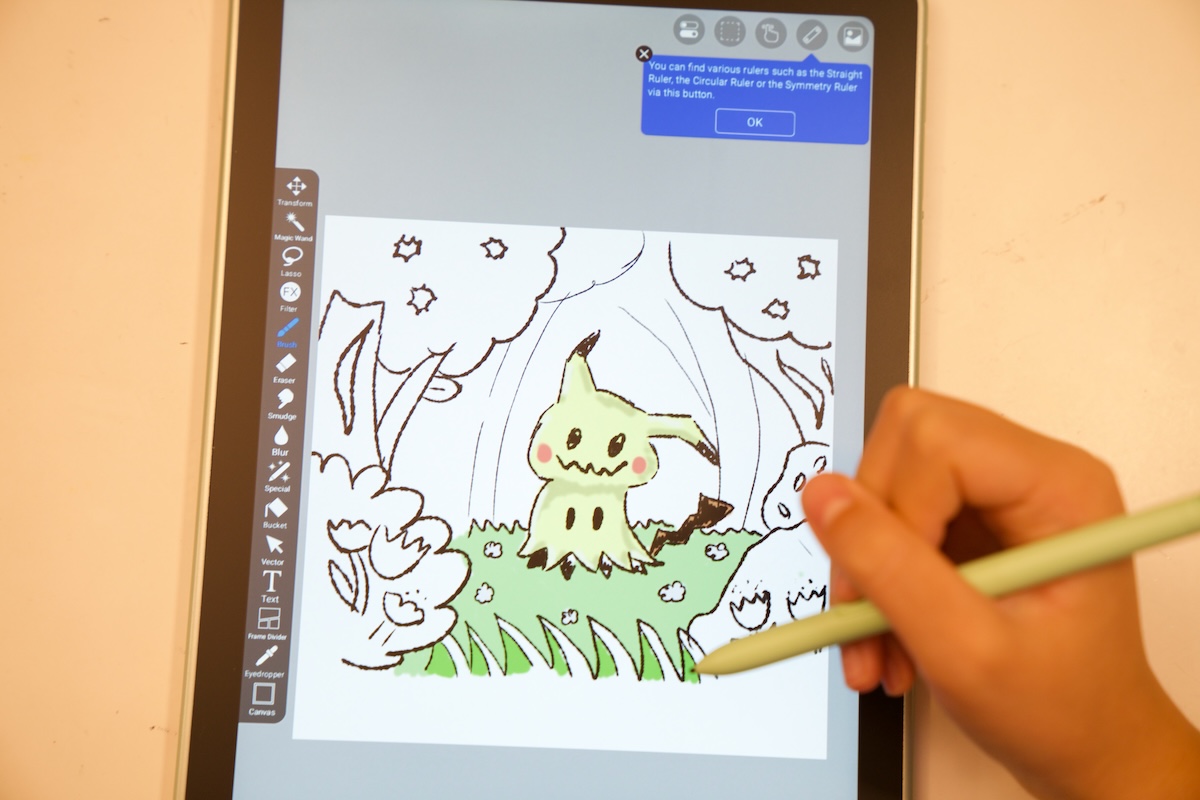
The drawing experience was smooth and responsive, and my kid enjoyed spending time creating their own illustrations. The app provides the tools needed to explore digital art without making the process feel overly complicated.
Another major advantage is the included lifetime license. You don’t have to worry about paying a recurring subscription to continue using the software, and the app experience is free of ads. For parents, this is an important benefit because it means fewer ongoing expenses and fewer interruptions while kids are concentrating on their artwork.
Digital drawing can be a rewarding hobby, but software subscriptions can quickly add up. Having a drawing app included with a lifetime license makes the overall package more appealing.
Bringing Drawings to Life With Tripo AI
Another interesting extra is the 1-month subscription to Tripo AI Pro. This is where the ArtPlay Pad becomes more than just a drawing tablet.
My kid enjoyed drawing in ibisPaint and then using Tripo AI to turn those creations into 3D models. Seeing a drawing become a 3D object was a fun experience, adding a new dimension to the creative process.
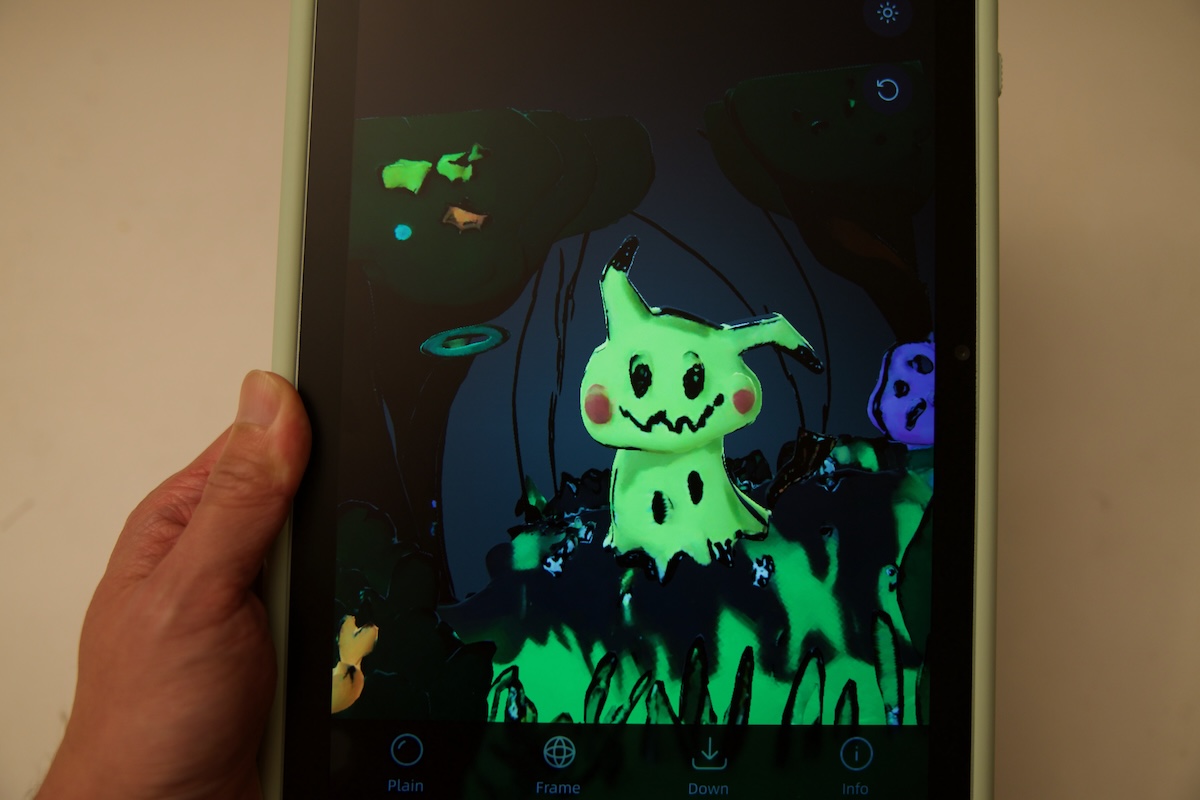
I think this is one of the tablet’s most compelling features for younger users. Drawing on a screen can sometimes feel like an isolated activity, but being able to transform an illustration into a 3D model gives kids another reason to experiment. They can create a character, see it take shape in 3D, and then come up with new ideas for their next drawing.
This combination of drawing software and AI-powered 3D creation helped keep my kid engaged and encouraged them to draw more. Rather than simply copying images or filling in colors, they had an opportunity to explore how their own ideas could become something more tangible.
My only complaint is that I wish the Tripo AI Pro subscription lasted longer. One month is enough to explore the feature, but kids who really enjoy creating 3D models may want more time to experiment.
Final Thoughts
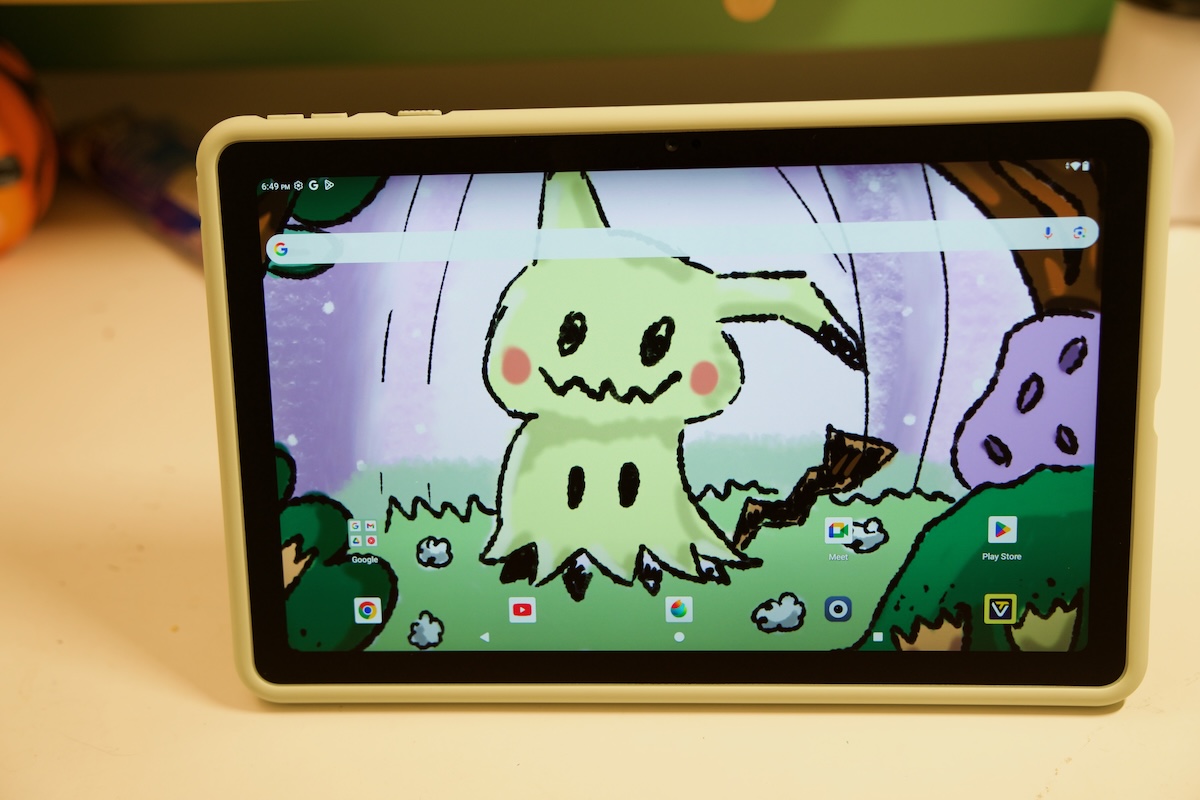
After a few weeks of use, the UGEE ArtPlay Pad has left a positive impression on both me and my kid. What matters most to me is that my kid genuinely enjoyed using it. If you’re looking for a drawing tablet for a young artist or student, the UGEE ArtPlay Pad is a decent option without breaking your wallet. It is currently on sale for just over $400 on the official website or Amazon.