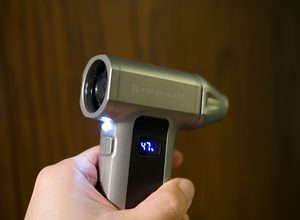
After replacing a GFCI outlet, I tested it with the Klein Tools GFCI tester to make sure it works properly. However, after tripping, the display showed “open ground/neutral” and displayed 30V. I reset the outlet and it showed a green light as normal. I figured out what was happening and how to address it.
When the tester shows 30V after tripping, it’s likely you’re seeing phantom or induced voltage. This can occur when wires are run parallel to each other, causing electromagnetic induction from live circuits nearby. High-impedance testers, like the one you used, are sensitive and can display this low voltage, even though it cannot deliver significant current and poses no real danger. I used a multimeter to measure the voltage and it was actually less than 0.1V.


When you turn the power back on and see a green light, it indicates that under normal operating conditions (with full power), the circuit appears to function correctly, and there’s continuity. Induced voltage can cause confusion during testing but typically doesn’t present a danger unless it reveals an underlying wiring issue like a loose neutral.
To address the issue, try plugging a small appliance, lamp, or device into the outlet or any outlet downstream. This would help dissipate phantom voltage by providing a path to ground. If the issue is truly phantom voltage, the reading should disappear. However, if issues persist, call an electrician as a professional diagnosis is recommended to ensure the electrical system’s safety.