AI hardware has attracted growing attention over the past two years, with recording devices and wearables offering new ways to use AI at work. Plaud’s latest product, Plaud One, takes an earbud form. This article covers what it does, how it works, and its trade-offs so you can assess it against your own sales calls.
Plaud One fits sales representatives who receive customer calls while moving between appointments with a laptop bag or proposal materials. Earbuds let the phone stay in a pocket during the conversation, while recording and Plaud Agent connect the client’s request to the follow-up that comes next.
What is Plaud One?
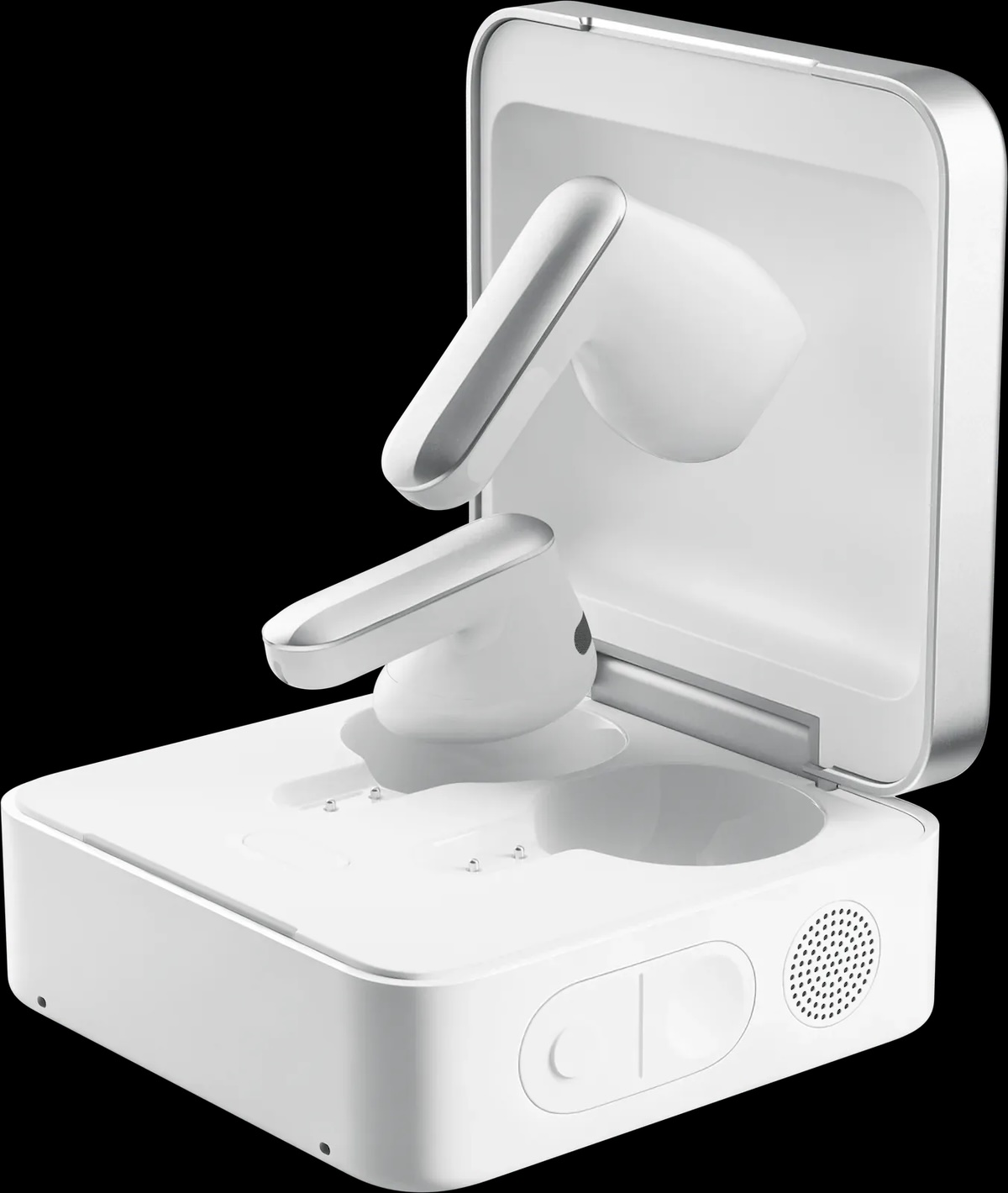
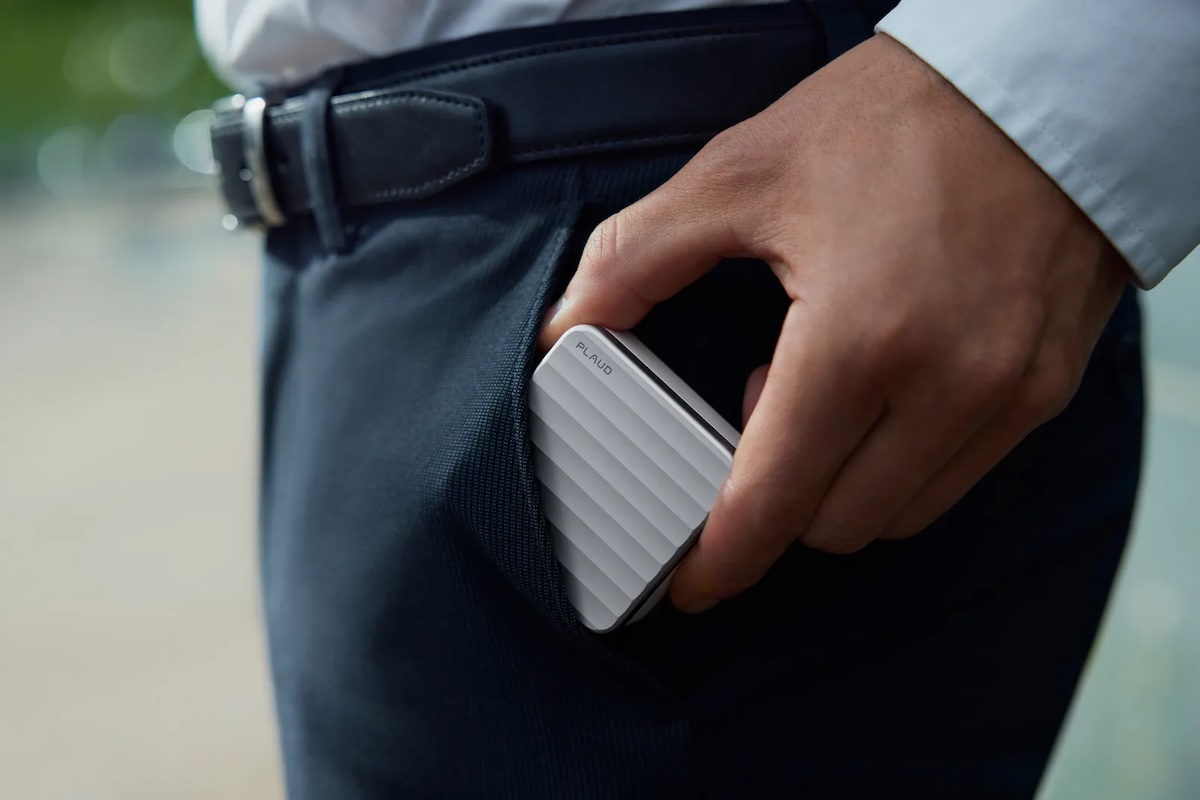
Plaud One is a pair of AI recording earbuds designed as an AI work companion, with a recording case and voice access to Plaud Agent. The earbuds record calls and online meetings, while the case records in-person conversations, so the workspace can hold both kinds of discussion. Afterward, hold the case’s AI Button to request an email or brief from the available context. Cloud tasks need connectivity and feature access, and you review detailed work in Plaud App or Plaud Web before sharing it.
Why use earbuds for a client call between visits?
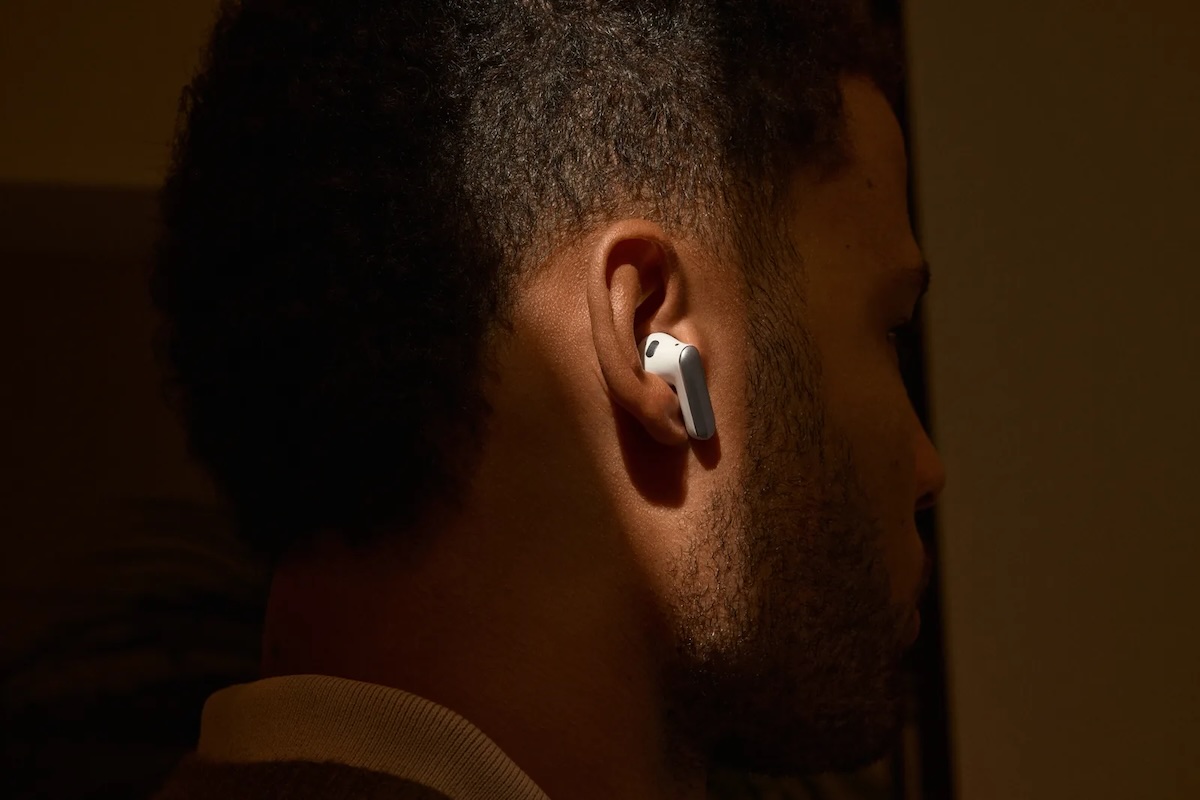
A customer calls while you are carrying a laptop bag and proposal materials to the next appointment. If both hands are occupied, holding a handset means rearranging what you are carrying, while speakerphone would play the buyer’s voice into the lobby. Earbuds let the phone return to your pocket after connection, leaving your hands available for the materials.
| Client-call setting | What occupies the user’s hands | Reason for earbud audio |
| Moving between client appointments | Carrying the laptop and proposal materials | The handset need not stay in a hand throughout the conversation. |
| Waiting in a shared client lobby | Checking the next appointment or proposal | Incoming customer audio does not play through a room speaker. |
| At the desk after the visit | Editing the proposal during a follow-up call | Both hands can operate the keyboard and trackpad. |
A desk headset can meet the seated-call need too. Earbuds have a stronger role when calls repeatedly move between a desk and other workspaces.
What comes in the box?
The package contains:
- Plaud One earbuds, left and right.
- Charging case.
- Quick start guide.
The case charges through USB-C, but a charging cable and power adapter are not included.
Key specifications
| Specification | Plaud One |
| US device price | US$249.99, Limited Explorer Edition (checked November 6, 2026) |
| Earbud microphones | 3 MEMS microphones and 1 voice pickup unit (VPU) per earbud |
| Case microphones | 4 MEMS microphones with AI beamforming |
| Case pickup range | Up to 5 m (16.4 ft) |
| Continuous case recording | Up to 25 hours |
| Playback with charging case | Up to 36 hours |
| Fit | Half-in-ear |
| Connectivity | Bluetooth 5.4 and built-in eSIM with 4G LTE |
When comparing endurance, keep recording separate from playback because they describe different activities. The performance figures come from controlled testing, so settings, surroundings, and use can affect the result.
How do you set up Plaud One and start recording?
Bind the device to your account
- Sign in to Plaud App and enable Bluetooth.
- Place both earbuds in the case, keep the lid open, and hold the internal pairing button for 2 seconds.
- In Plaud App, select Add device, then Plaud One. Verify the serial number, tap Connect, and accept pairing.
Record the call through the earbuds
The earbuds record both sides of a phone call. Once call or meeting audio is playing, hold the earbud stem for 1 second to start or stop recording with the default settings.
Participants hear an announcement when call or online-meeting recording begins. Obtain the required consent beforehand and follow company policies for recording, cloud processing, and retention. For a later face-to-face discussion, use the case to record the room.
What does Plaud One do before and after the client call?
Plaud One can preserve the customer’s request and give Plaud Agent context for the follow-up. The call establishes what needs doing, and the Agent can prepare a draft from that discussion once you ask.
Receive the request between appointments
Suppose a buyer calls while you are carrying materials between client visits. They want a product brief for a technical colleague before agreeing to a demonstration. You need to clarify what the colleague will assess, because that determines which information belongs in the follow-up.
With the required consent obtained and recording active, Plaud One captures both sides. Its transcript and summary let you revisit the technical questions at the next workspace, along with the condition attached to booking the demonstration.
Ask the Agent for the follow-up
That call leaves you with a specific job: send the brief before arranging the demonstration. Hold the case’s AI Button after the call and ask for an email from the recorded discussion. Request a recap of the buyer’s questions and the promised material, with the demo date left open pending the technical review.
The Agent can prepare that draft when connectivity and feature access are available.
Review when you can use a screen
When you open the email in Plaud App or Plaud Web, check that it promises the brief without treating the demonstration as booked. If you use your usual email application, add the approved attachment there before sending the reviewed message.
How do you review and use the results?
Start with the condition on the next step, since a fluent email can make a tentative plan sound settled. Check that the technical review still comes before the demonstration, then verify the buyer’s questions and the promised attachment. If the wording differs from your recollection, return to the recording before making a correction.
You can edit, export, and share detailed work in Plaud App or Plaud Web. Sending through an external tool also requires an available integration and your confirmation, so starting the request between appointments does not remove the review step.
What are the pros and cons of Plaud One?
What are the pros?
The earbuds let the phone stay in your pocket while your hands carry the laptop bag and proposal materials. Incoming buyer audio also stays off shared-space speakers, which fits the client-lobby call described here.
After that call, the recording gives the Agent context for a follow-up that preserves the technical-review condition. You can request the draft between appointments and check it at the next workspace.
What are the cons?
Repeated customer calls can add up to uncomfortable wear, even if each conversation is brief. Fit matters during movement too: if the half-in-ear shape sits loosely, the earbuds may shift or fall out. Assess both comfort and retention for the way you work.
Once the email is drafted, you need screen time to check its questions, attachment, and next-step condition. Connectivity and feature access affect cloud work, while recording and listening have different endurance figures. Plan charging around the activity you need, and confirm regional beta availability before relying on advanced drafting.
Who should consider Plaud One?
Consider Plaud One if client calls often arrive between visits, your hands are occupied, and the conversations create proposals or follow-up writing. The earbuds address the call in the moment, while the Agent can use its context for the next document.
If most of your day is spent at a fixed desk, your headset and approved recording process may already cover those tasks. A day dominated by face-to-face meetings creates a different buying question, because the case does that recording. Assess how often the earbuds themselves would be part of the work.
FAQ
Are earbuds essential for every sales call?
No. Their strongest role here is a client call in which holding the phone is inconvenient and speakerphone is unsuitable. Desk headsets or other audio arrangements may meet different situations.
How do you start recording a client call?
With call audio playing through the earbuds, hold the earbud stem for 1 second to start or stop recording.
Can I request a follow-up without opening my phone?
Hold the case’s AI Button to start the request when connectivity and feature access are available. Review the detailed output in Plaud App or Plaud Web before sending.