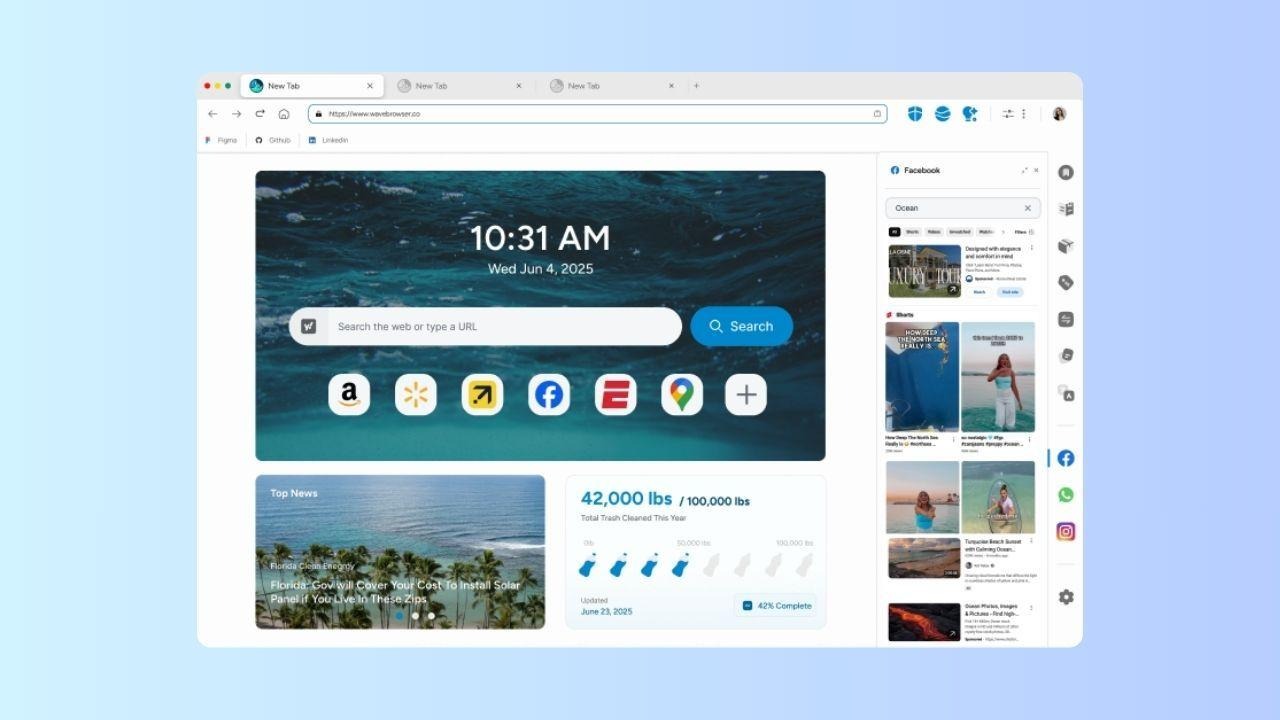
Most people think of a browser as a simple utility: it opens websites, manages tabs, saves bookmarks, and helps users move from one page to the next.
But for many people, the browser has become a daily workspace. It is where they research, study, game, communicate, compare information, stream content, and manage online tasks. That makes features like organization, multitasking, and resource management more relevant than they might seem at first.
Wave Browser fits into that broader use case by combining familiar browsing tools with features designed for productivity, efficiency, and transparency. It also connects everyday browsing activity to verified ocean cleanup through its partnership with 4ocean.
That combination makes Wave Browser worth examining beyond a standard feature list.
The browser is not only a gateway to the web, but also a place where users can manage tasks, monitor impact, and follow measurable cleanup progress over time.
What Is Wave Browser?
Wave Browser is a web browser that helps turn everyday browsing into verified environmental impact.
Through its partnership with 4ocean, Wave Browser helps fund the removal of plastic and trash from our ocean, rivers, and coastlines while offering features designed to support productivity, organization, and a more efficient browsing experience. Wave is available on Windows, Mac, Android, and iOS.
It includes tools designed to support everyday browsing and digital organization, such as bookmarks, reading lists, translation tools, content notifications, sidebar access, split-screen browsing, AI-powered assistance, memory saver, and energy saver.
Instead of treating these tools as separate add-ons, Wave brings them into the browser experience.
The Innovation Side of Wave Browser
Wave Browser’s innovation comes from combining two areas that are often treated separately:
- Productivity tools that support multitasking
- A built-in environmental mission connected to verified ocean cleanup
This combination makes Wave different from a traditional browser story. It is not only about tabs and search bars. It is about designing a browser around the way people actually surf the web.
- A student may use the browser to research assignments, translate content, and save articles for later.
- A remote worker may use split-screen browsing to compare information.
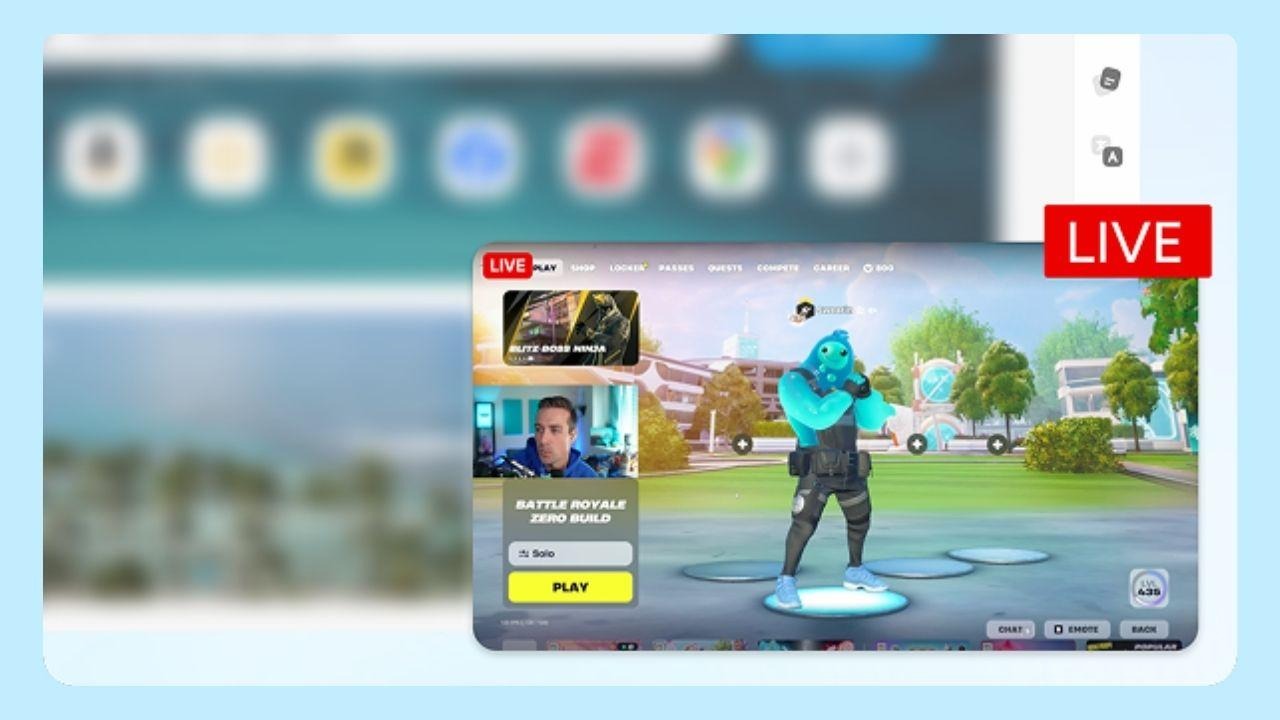
- A gamer may keep guides, videos, and community pages open while managing system resources.
- A casual user may simply want a browser that keeps everyday tasks organized.
Wave’s feature set reflects this blended reality.
Designed for Multitasking
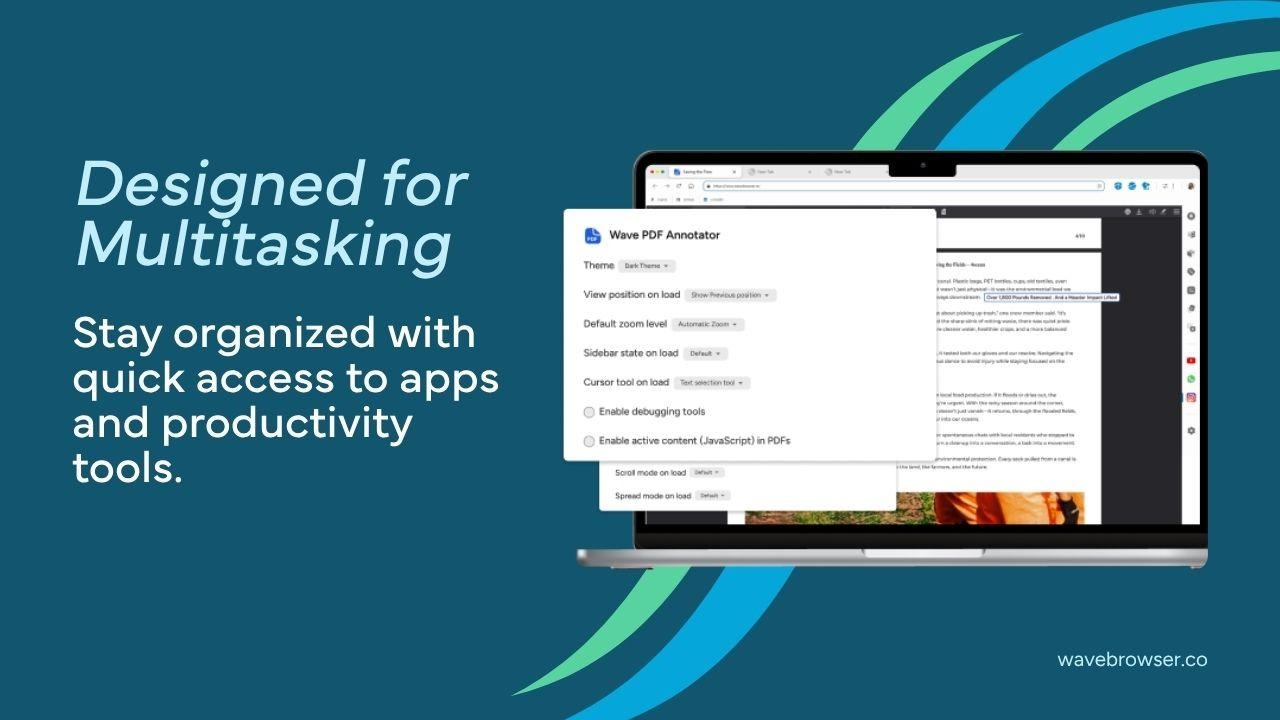
Modern browsing is rarely linear. Users open multiple tabs, jump between platforms, save content, compare products, watch videos, and manage communication tools throughout the day.
Wave Browser supports this behavior through features such as sidebar shortcuts and split-screen browsing.
- The sidebar gives users quicker access to frequently used destinations, helping reduce tab clutter.
- Split-screen browsing allows two pages to be viewed side by side inside the same browser window, which can be helpful for research, comparison shopping, tutorials, or productivity workflows.
These features may seem simple, but they point to an important design idea: the browser should adapt to multitasking instead of making users constantly rearrange windows and tabs.
Memory Saver and Energy Saver
Efficiency has become an important part of modern software design.
Many users keep several tabs open at once, sometimes for hours or days. Over time, inactive tabs can compete for system resources, especially on laptops or devices used for demanding tasks.
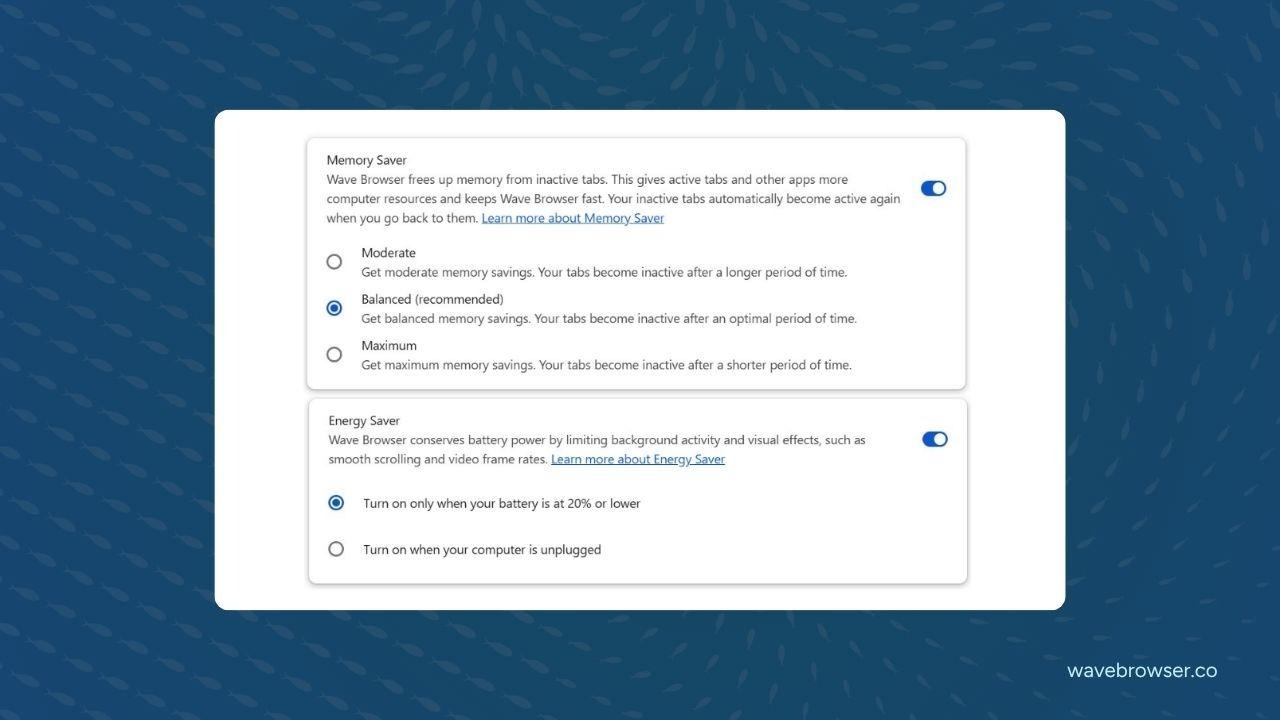
Wave Browser includes memory saver and energy saver features designed to help manage this problem.
- Memory saver helps reduce the impact of inactive tabs so users can focus on the pages and tasks they are actively using.
- Energy saver is designed to help reduce unnecessary power usage during browsing, which can be especially useful for laptop users who care about battery life.
AI Assistance Inside the Browser
AI tools are increasingly being integrated into everyday apps, helping users summarize information, complete tasks, and interact with content more efficiently.
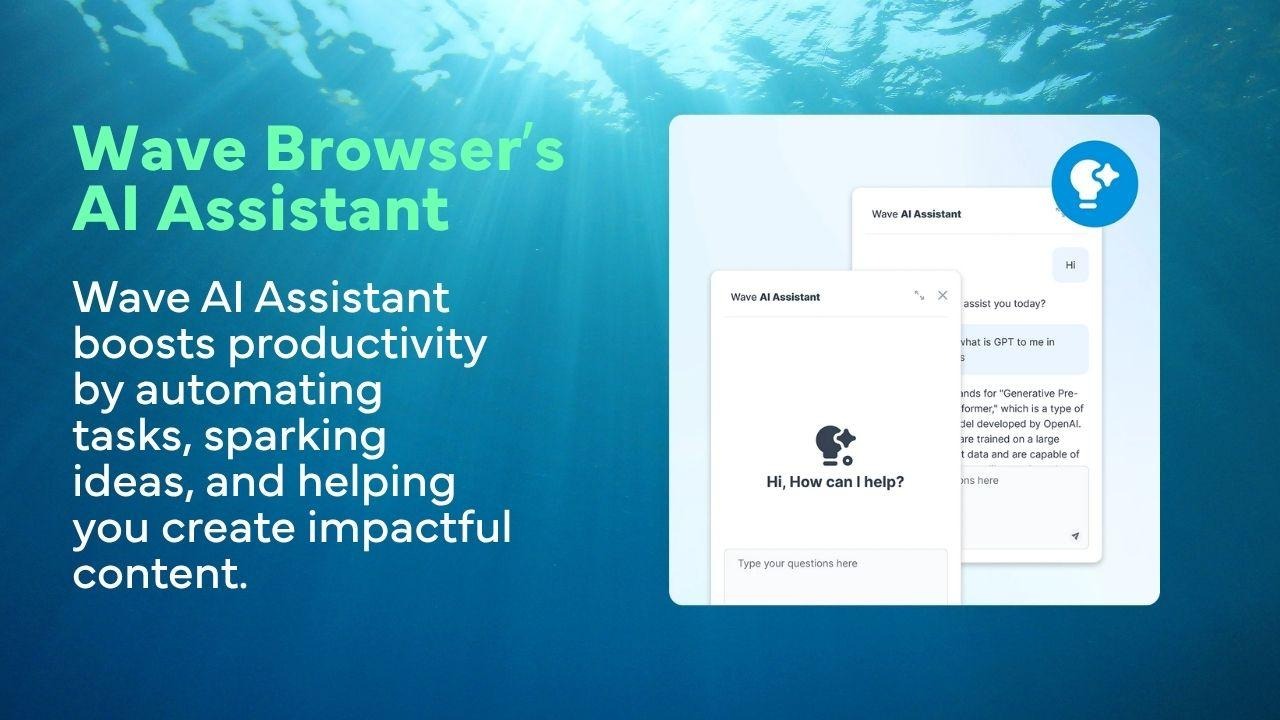
Wave Browser includes an AI Assistant designed to support users during browsing. For people who regularly research, compare information, or manage multiple online tasks, integrated assistance can reduce the need to jump between different tools.
The value is not just the presence of AI, but its placement. By bringing assistance directly into the browsing environment, Wave follows the broader direction of software becoming more contextual and task-aware.
A Browser with an Environmental Mission
Wave Browser’s most distinctive element is its environmental mission.
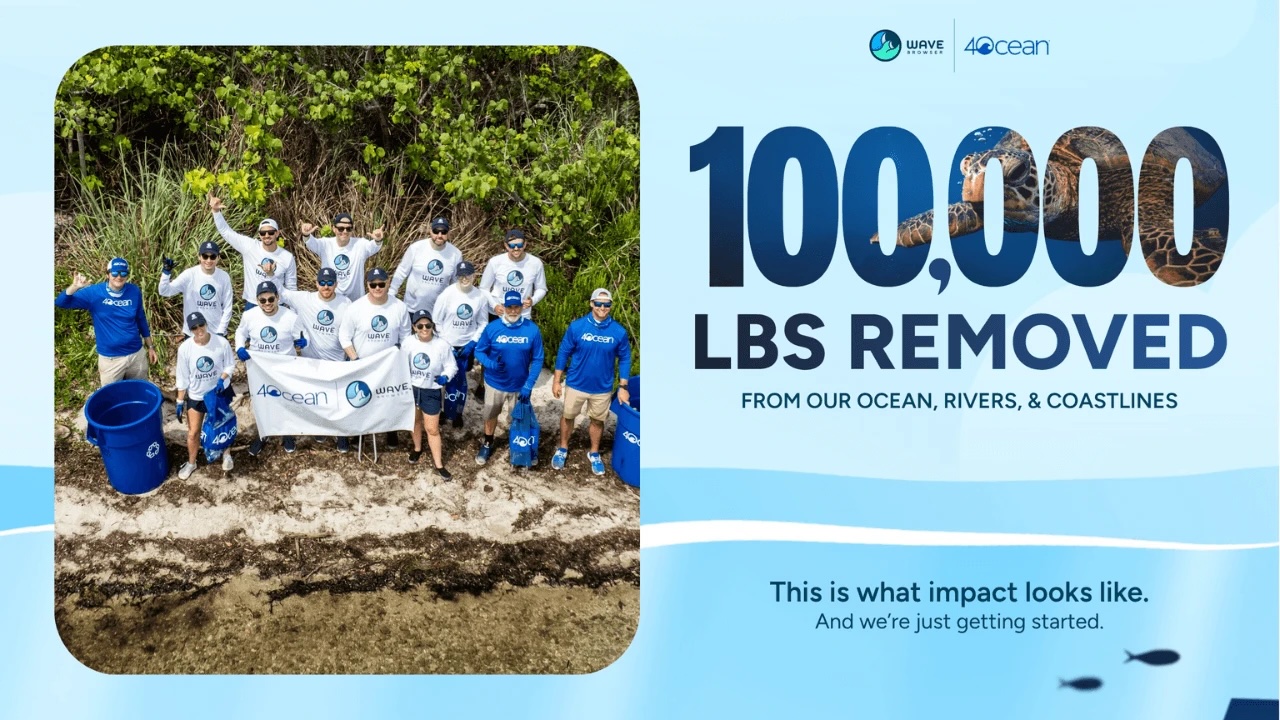
Through a Certified Cleanup Partnership with 4ocean, Wave helps fund the removal of plastic and trash from our ocean, rivers, and coastlines. The partnership supports cleanup crews, vessels, equipment, and supplies used in ongoing cleanup operations.
So far, Wave and its community helped support the removal of more than100,000 pounds of plastic and trash from our ocean, rivers, and coastlines. The company has also stated a long-term goal of helping fund the removal of 300,000 pounds by 2028.
This matters because ocean plastic pollution remains a major global issue. According to the United Nations Environment Programme, 19 to 23 million tons of plastic waste leak into aquatic ecosystems every year, affecting lakes, rivers, and seas.
Wave’s model connects everyday browsing habits with ongoing support for ocean cleanup . Users browse as they normally would, while the company and its community contribute to verified cleanup efforts over time.
The impact can be tracked through a live impact tracker within the browser, as well as monthly impact reports that highlight cleanup progress, key milestones, and partnership updates.
Trust and Software Standards
Trust is an important part of software adoption, especially for browsers.
Wave Browser is AppEsteem certified, meaning it has been evaluated against standards related to transparency, responsible software practices, and consumer protection.
For users, this provides an additional evaluation point when considering the browser. It also fits with Wave’s broader positioning around accountability, both in software behavior and environmental reporting.
What Makes Wave Browser Unique?
For people who spend a significant amount of time online, Wave Browser offers productivity and multitasking features alongside a transparent environmental initiative that can be tracked directly within the browser.
Wave brings these ideas together in one product:
- A browser for daily web use
- Tools for organization and multitasking
- Efficiency features for memory and energy awareness
- AI support inside the browsing experience
- A measurable environmental mission tied to ocean cleanup
This combination makes Wave Browser an example of purpose-driven software innovation, while its partnership with 4ocean gives the browser a mission beyond everyday browsing.
Wave Browser shows how a familiar browsing tool can evolve into something more purposeful, measurable, and connected to real-world action.