After upgrading WordPress to the latest version 5.1, I saw a warning in the Dashboard saying: “PHP Update Required, WordPress has detected that your site is running on an insecure version of PHP“.
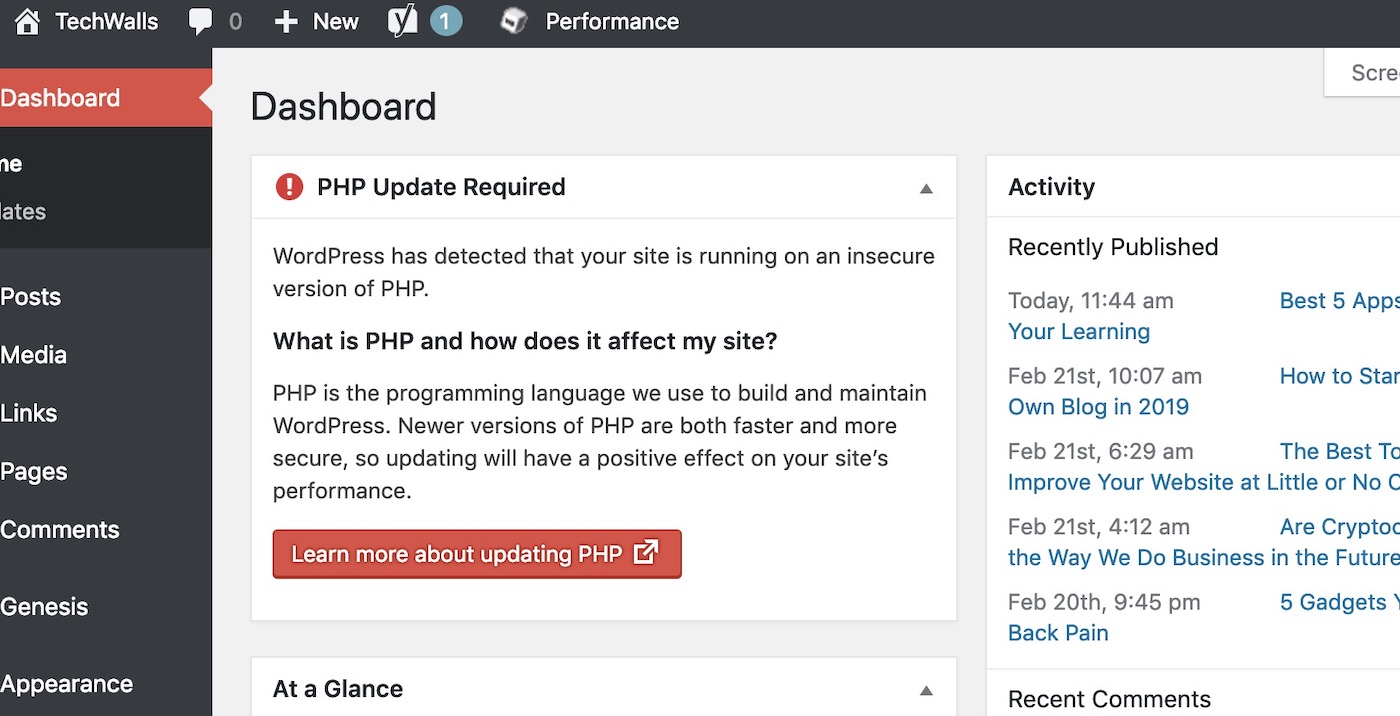
PHP is the coding language of WordPress and they always recommend us to update it to the newest version to ensure the speed and security of our websites. I almost forgot about it until seeing that reminder. My Ubuntu server on DigitalOcean ran on PHP 5 and I didn’t update it for years. When I checked on my server, the current PHP version was 7.3 and therefore, the update must be done as soon as possible.
In case you are using shared hosting services, you can go to PHP Selector in cPanel to set up your PHP environment. If you are using the service from DigitalOcean or running a Ubuntu server, you can follow the guide to update your PHP version.
1. Back up your Websites: Make a backup of your websites or server before updating PHP version. Although there is little risk during the process, making a backup is still recommended.
2. Log on to your Ubuntu server
3. Check your current PHP version:
$ php -v
3. Add a PPA for PHP 7.3 Packages:
$ sudo add-apt-repository ppa:ondrej/php
$ sudo apt-get update
4. Implement the upgrade:
$ sudo apt-get install php7.3
$ sudo apt-get install php7.3-mysql
You can check your PHP version again to make sure the PHP has been updated on your server. Then, proceed to install related modules.
sudo apt install php7.3-fpm php7.3-common php7.3-mbstring php7.3-xmlrpc php7.3-gd php7.3-xml php7.3-mysql php7.3-cli php7.3-zip php7.3-curl
5. Disable PHP5 and enable PHP7
$ sudo a2dismod php5
$ sudo a2enmod php7.3
$ sudo service apache2 restart
All done, your WordPress websites should be running on the newest PHP version now and you won’t see the warning again in the Dashboard. The PHP update is really important and I highly recommend you to do it immediately if you haven’t done so. It does not only make your site faster for search engines and for your visitors, but also make your website better protected against hackers.




Dimas says
Hi,
How are you ?
I made all processes, but message does not leave the wordpress panel, but when I run the command php -v, appears the updated version: OPcache v7.3.11-1 + ubuntu18.04.1 + deb.sury.org + 1.
What should I do?
Paluss says
Try to run “sudo a2dismod php7.x” where x is your previus version. It worked for me.