If you’re using MacOS, you will need to convert video files from MOV to MP4 or other formats very often. This is because MOV files have large size and they are not compatible with some devices.
MOV is the default video format on MacOS so it can’t be played on Windows Phone, Android devices, Xbox, or PlayStation without installing 3rd-party apps. Besides, the smaller file size will make the videos more accessible, that means you can easily upload them to Youtube or other streaming services without waiting too long. This is very important when you’re living in a country with limited Internet access and we have to work with a slow Internet connection most of the time.
Wondershare Video Converter Ultimate is an all-in-one video converter and it could help with the file conversion. It is available on both Windows and MacOS. We installed the app to see how it performs. The app is free to try but you can convert just 1/3rd length of the original video duration, besides, it doesn’t support batch conversion and high-speed conversion. The lifetime license of the MacOS app costs nearly $60.
Once opening the app, you will see a conversion screen telling you to add files here. You can just drag and drop your MOV files to the app to get started.
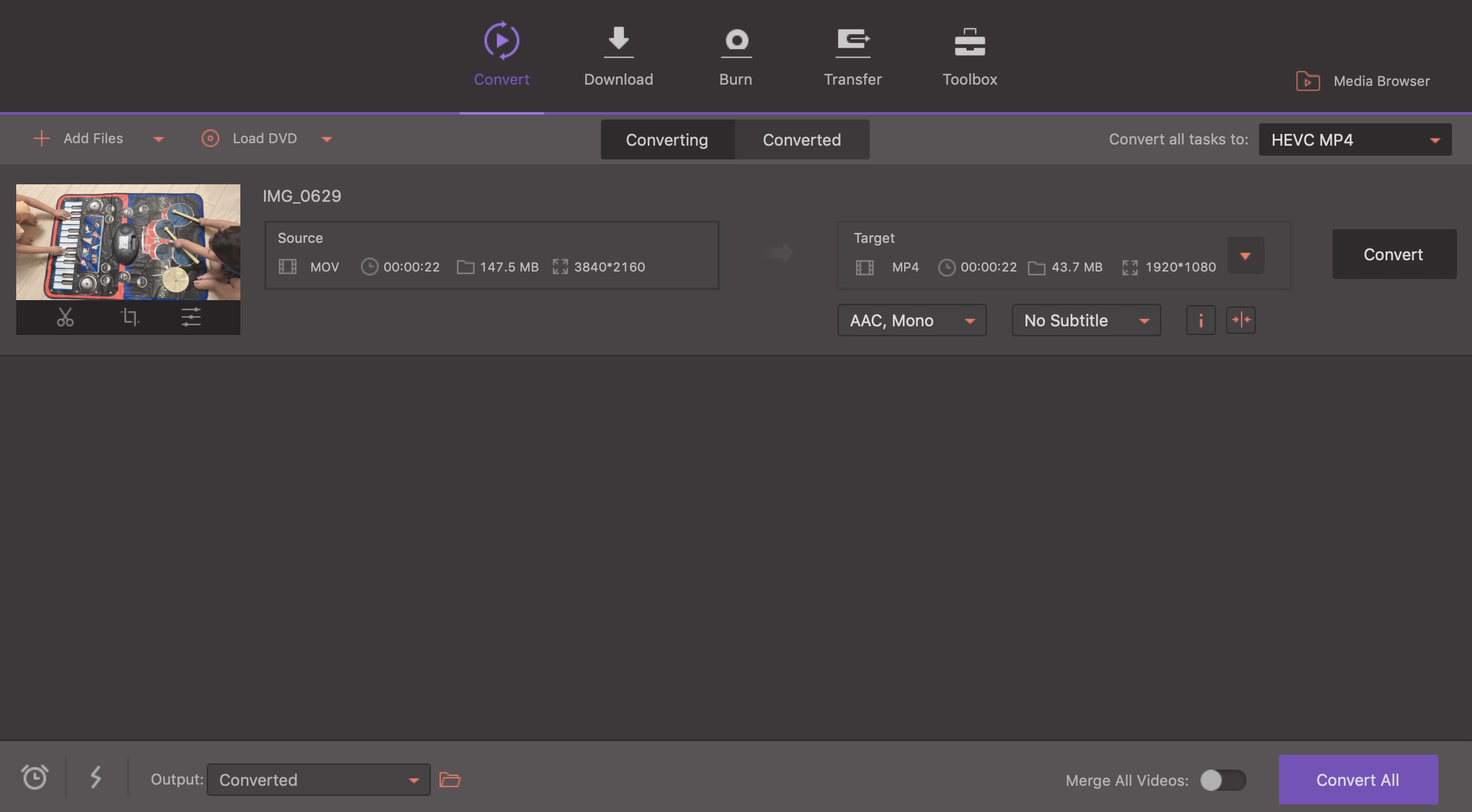
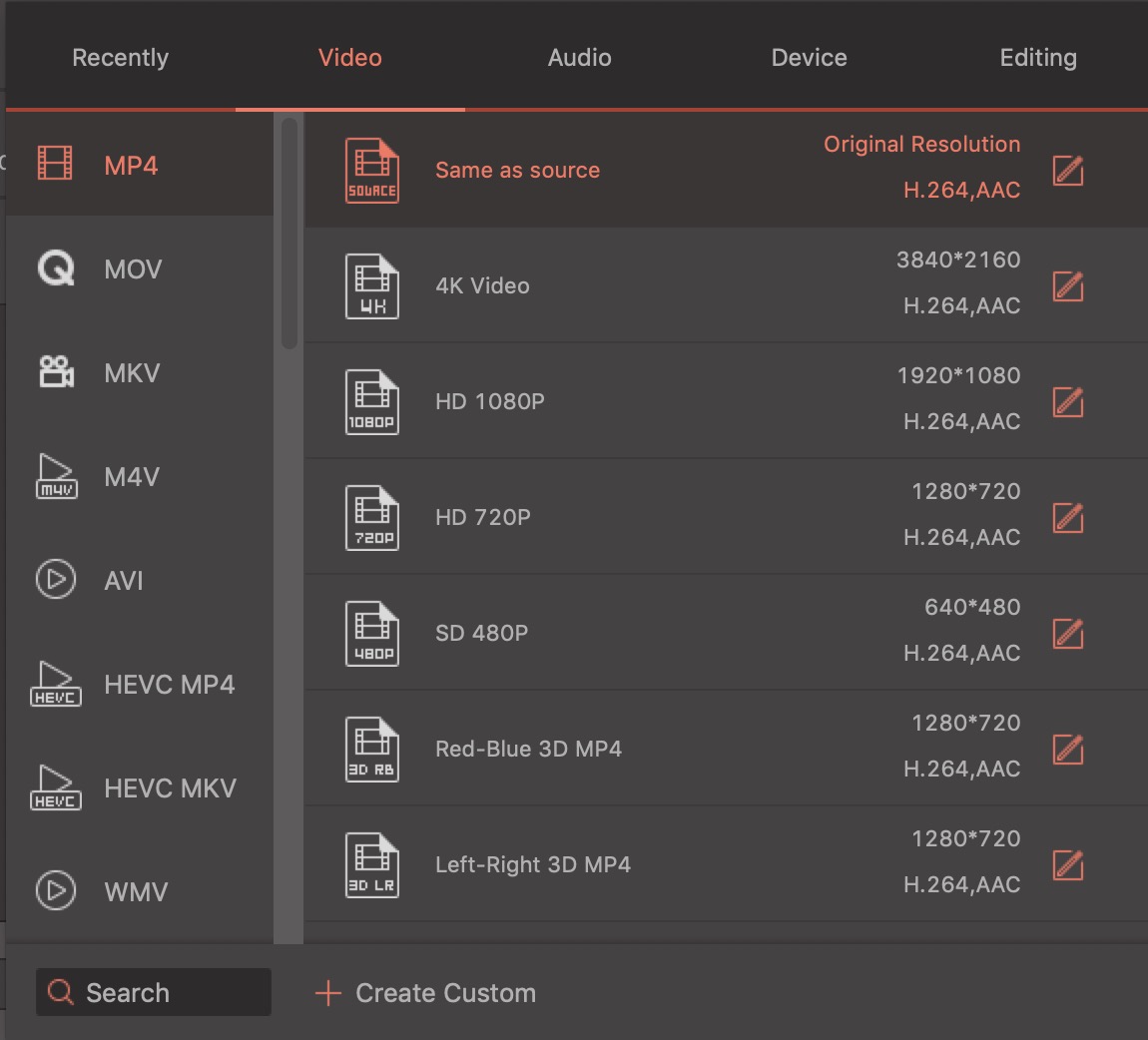
Then, you can choose the output format and resolution. The app supports a wide range of video formats including MP4, AVI, MKV, WMV, MPEG-2, DIVX, MOV, DAT, HEVC, etc. To make it easier for novice users, you can even choose the device that you will play the files, such as iPhone, Samsung, PlayStation, Sony TV, etc.
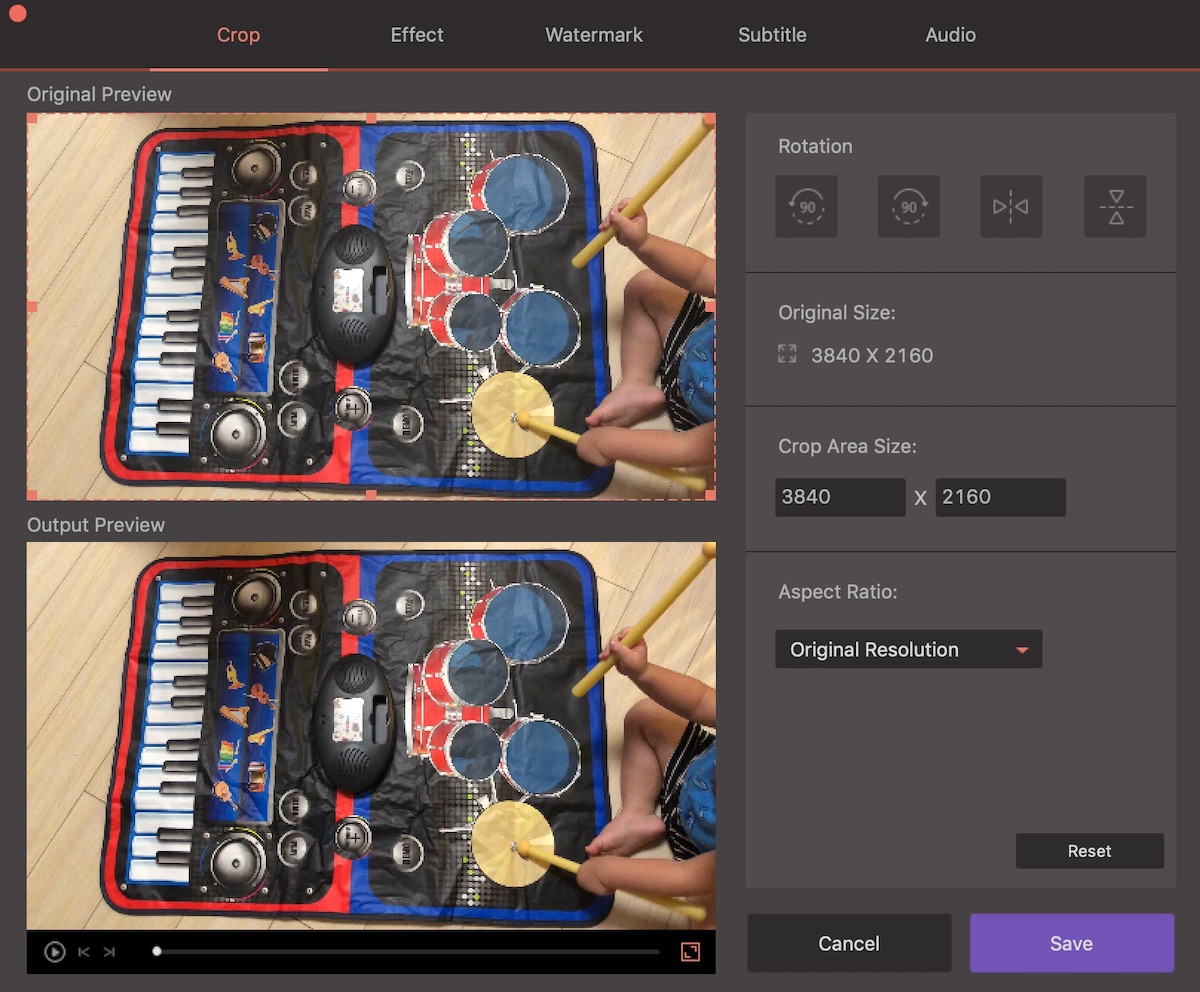
Before starting the process, you can make some simple edits to the videos like cropping, applying some filters, adding watermark, adding subtitle, and adjusting audio.
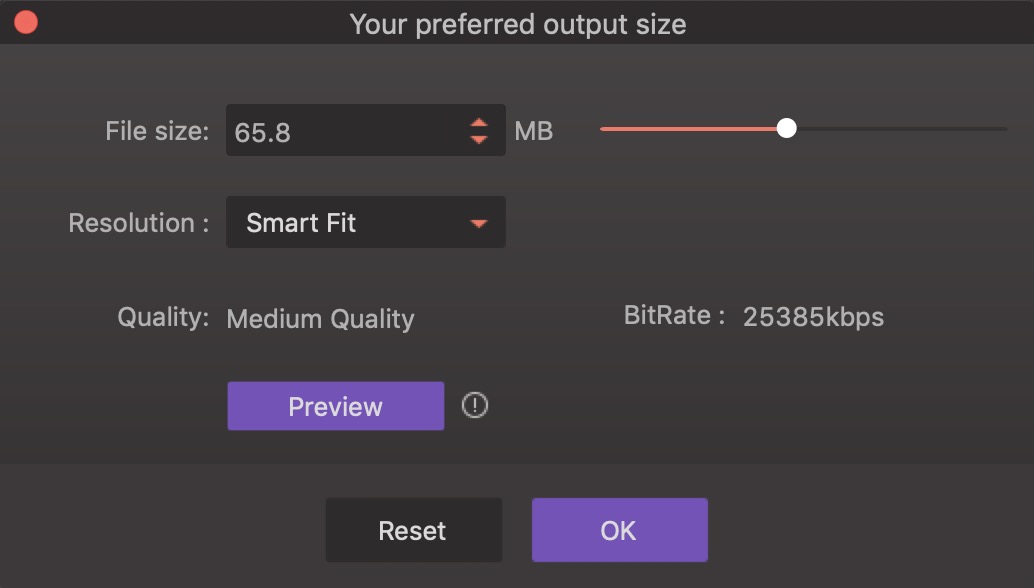
You can even compress the output files and adjust the output file size; Of course, the smaller the files, the more video quality you will have to sacrifice. In case you want the best quality, it also supports zero quality loss. The high-speed conversion feature will help you convert large files quickly without any quality loss. For instance, I can convert a 2-minute video in less than 30 seconds.
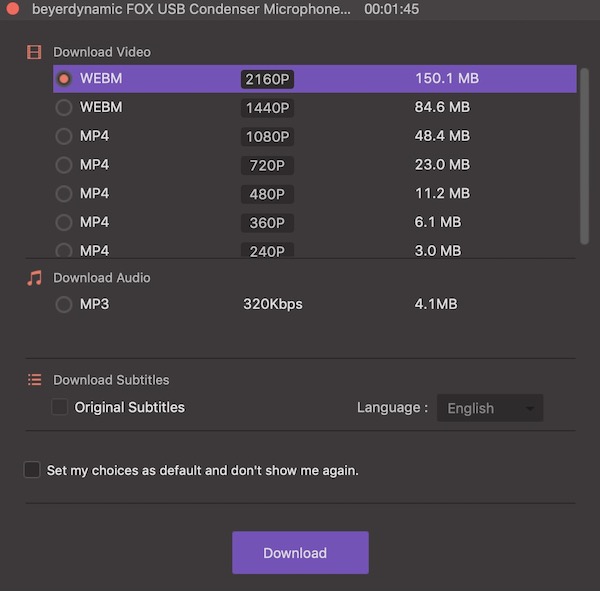
Apart from the conversion function, you can use the app to download videos from video streaming sites like Youtube.
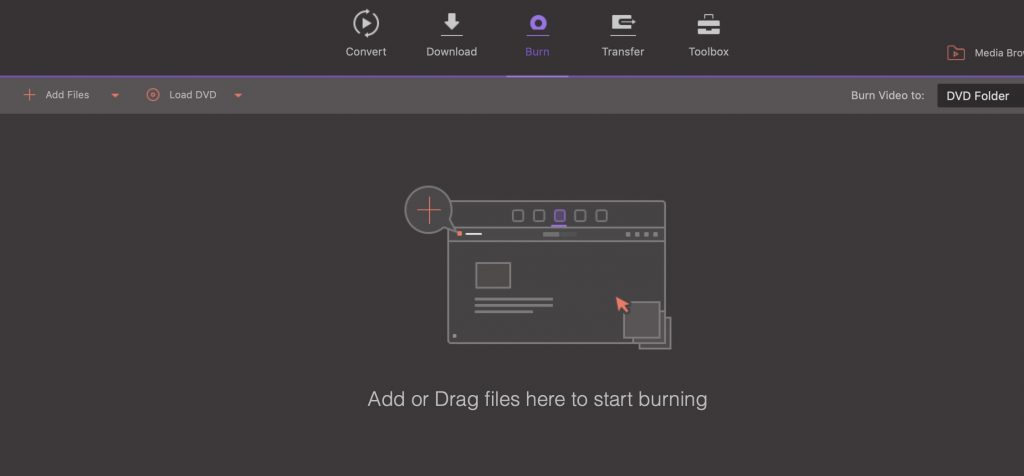
You can also burn DVDs from your video files.
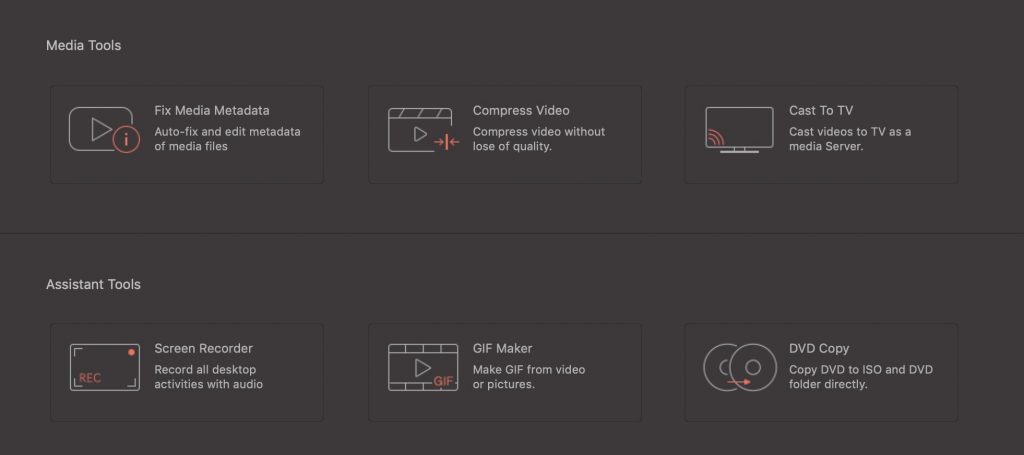
The app offers some other tools like Fix Media Metadata, Compress Video, Cast To TV, Screen Recorder, GIF Maker, and DVD Copy.
Overall, the Wondershare Video Converter Ultimate is worth trying if you want to convert among different video formats. I use it mostly to convert MOV to MP4 files on my Mac. If you’re interested in purchasing the app, you can join their Christmas activities for more discounts.



