Xiaomi has made products in all kinds of categories and I’m surprised that it took them so long to finally release a mechanical keyboard. The Xiaomi YUEMI MK01 is available on Amazon US and it actually has a very hefty price. Let’s see if it’s worth the money.
Unboxing Video
Design & Performance
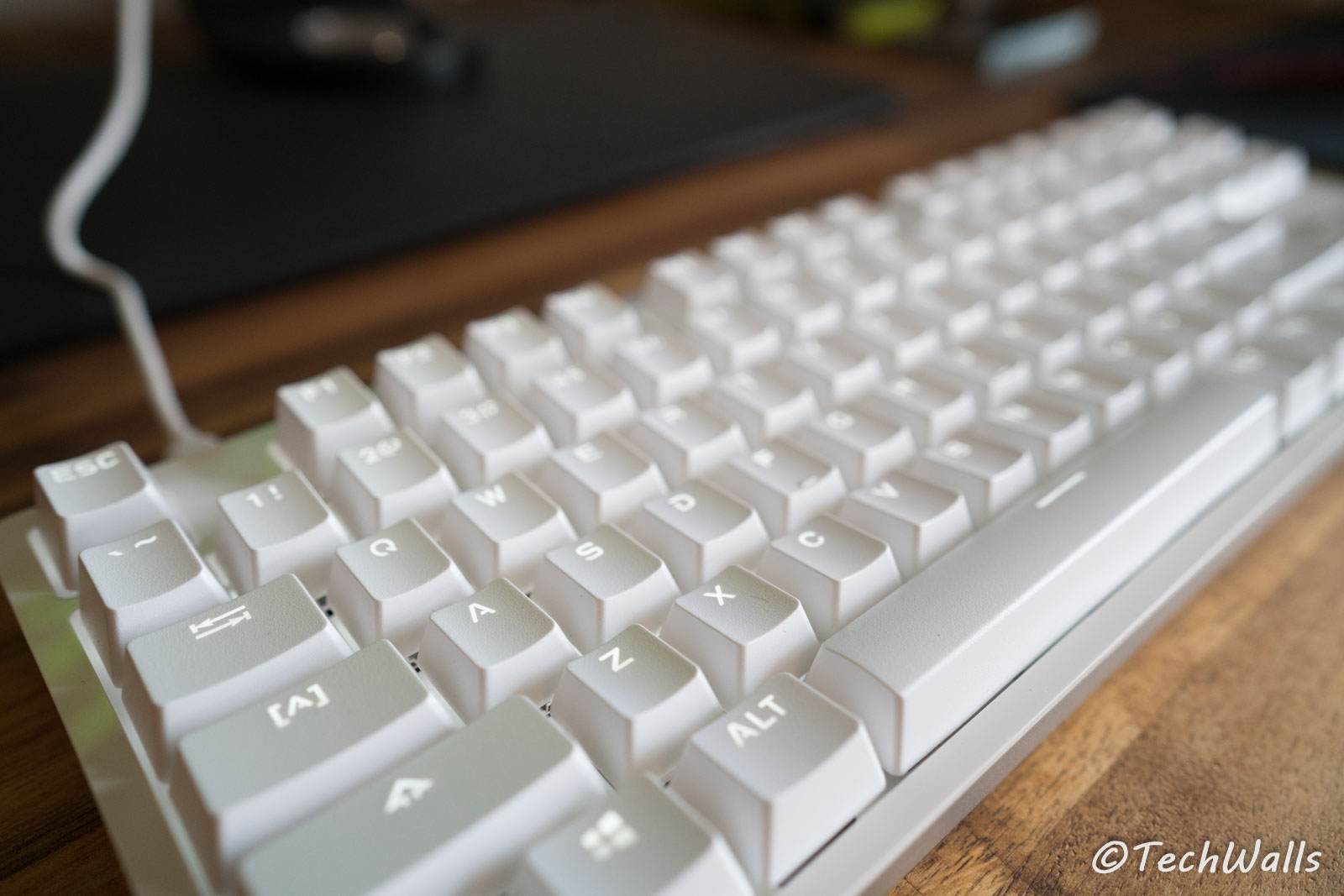
The Xiaomi keyboard looks really fancy with a glossy top surface and an aluminum base in silver color. The design is so sleek that I guess many people will think it is an Apple’s keyboard. The build quality is also quite good as the keyboard feels weighty and the keycaps are not wobbling around. Since Apple hasn’t got a mechanical keyboard yet, you totally can consider this one for your Mac setup. You will just need to connect it to your computer with the included USB cable and it’s ready to use.
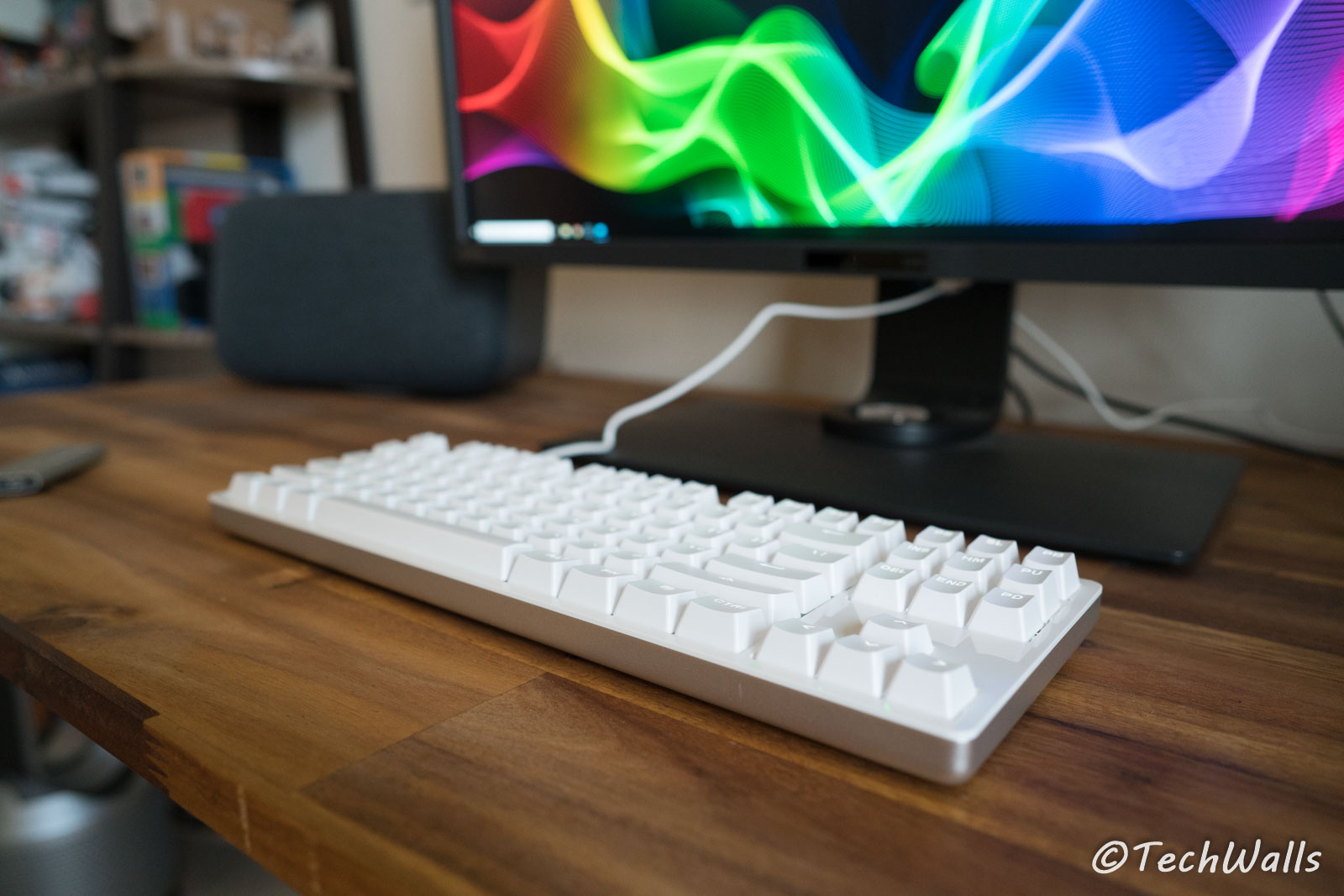
The keyboard also has two feet on the bottom but I would recommend you to keep them retracted for better ergonomics. Extending the feet could make the top higher and injure your wrists in long term.
I really love the tenkeyless design since it makes the keyboard much more compact. Furthermore, I don’t have to extend my right arm when using my mouse. It still has the standard key size, so you won’t have any problem when using it for fast typing.
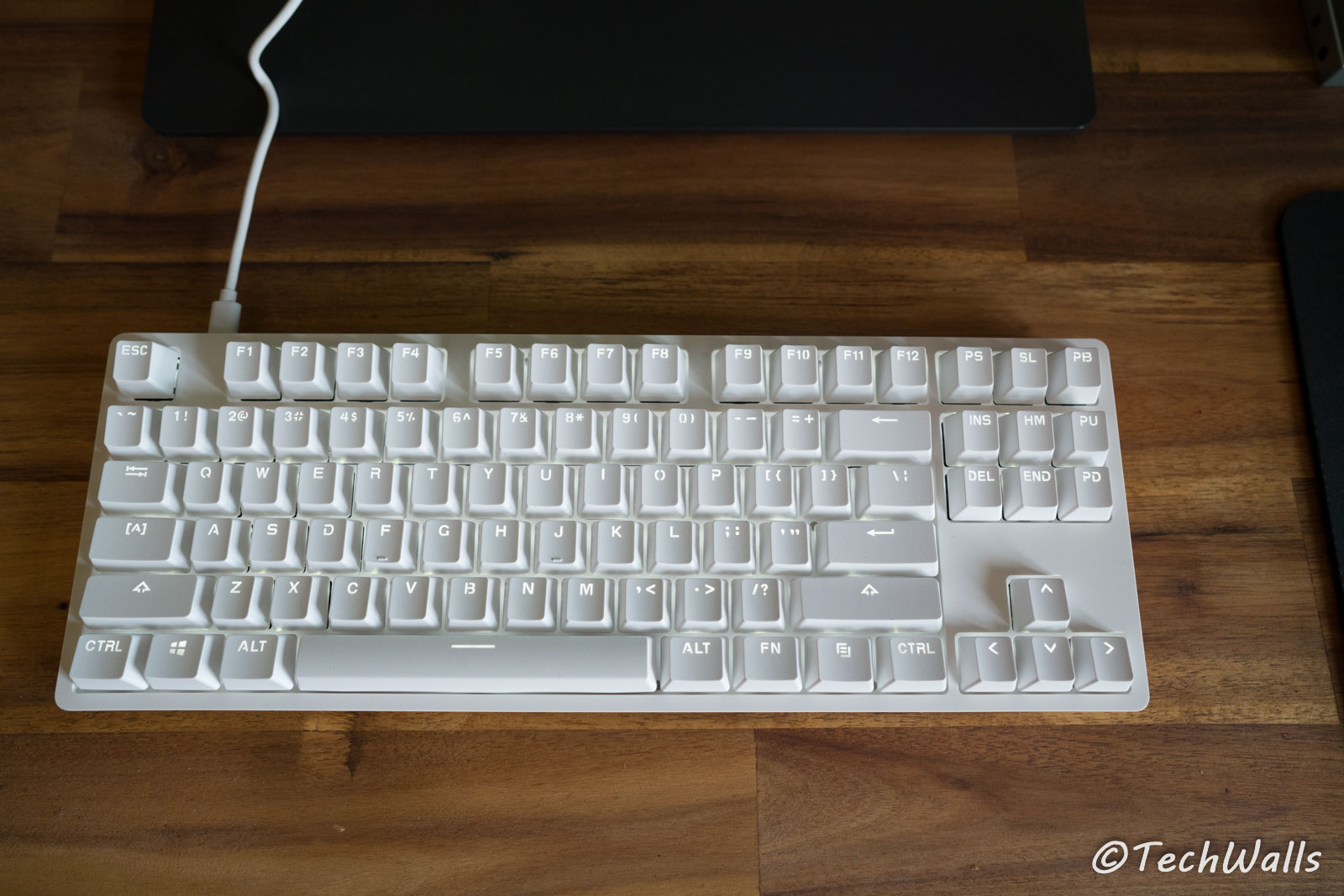
The YUEME doesn’t have RGB lighting, instead, it has just a pure white backlight and you can just adjust the brightness by pressing FN+Up/Down arrow key.
As usual, Xiaomi follows the minimal design philosophy, so you can’t find media or programmable keys here.
The most important feature of a mechanical keyboard is its switches. Unfortunately, Xiaomi doesn’t use Cherry MX switches on this keyboard. Instead, they use the cheaper TTC Red mechanical switches which are the clone of Cherry MX Red switches. They have the same characteristics as they are linear switches with the similar actuation force. The switches don’t provide tactile bump or loud clicking noise, so it comes handy when you need to work at night. As compared to the Cherry switches, the TTC switches are a little heavier. It works great until now but I haven’t got enough time testing the keyboard, so I will come back to update its performance and durability in a few months.
The Xiaomi YUEME is more suitable for your work instead of for gamers. It doesn’t support 10-key rollover like advertised, it even has problems when registering 2 or 3 keys.
I will only recommend the keyboard when you are looking for a cheaper alternative to Apple keyboards. In terms of performance, it will have to compete with a lot of budget mechanical keyboards out there. Fortunately, you can grab it for just over $40 after applying the coupon code YUEMI001 during checkout. This becomes a much more attractive keyboard at the low price.