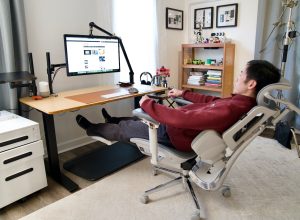
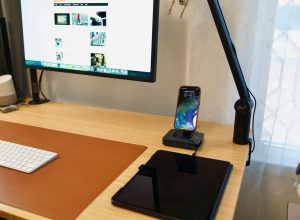
I’ve used the TourBox Elite Plus for a while with Final Cut Pro and it is my favorite controller so far. Therefore, I’m even more excited when they introduced Dynamic Panel for Adobe Lightroom Classic. The feature is designed for photographers who want a faster, more immersive way to edit. Instead of replacing the mouse and keyboard, TourBox works as a tactile companion, allowing you to use your left hand to make adjustments and still use right hand on the mouse or trackpad.
Disclosure: We received the controller as a courtesy for review purposes. However, the review is intended to provide honest, unbiased insights about the product, based on personal experiences and observations.
If you haven’t used a TourBox controller before, the Elite Plus is their most high-end product. It is a compact controller with dials, wheels, and buttons. Those controls are customizable through TourBox Console. Fortunately, the learning curve is almost non-existent, even for users who have never worked with a dedicated editing controller. You also don’t need to start from scratch since there is already a preset for Lightroom Classic. And when you are ready to use it, you also don’t have to remember button combinations because you can turn on on-screen HUD to remind you of functions of each button or wheel.
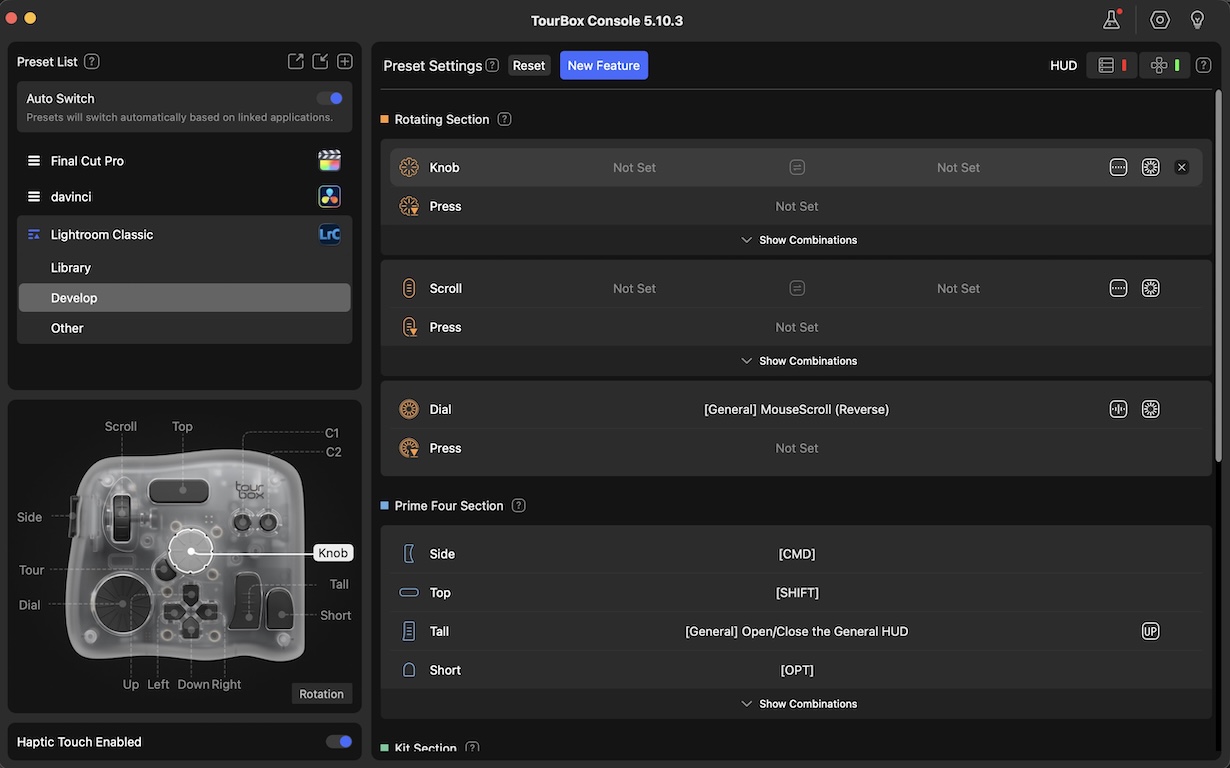
The default preset for Lightroom Classic is pretty good. Exposure, contrast, highlights, shadows, clarity, texture, and color adjustments all map naturally to rotating knobs and scrolling wheels. Instead of dragging sliders back and forth, you can fine-tune edits with small, precise physical movements. This approach feels more accurate, especially for subtle tonal and color changes.
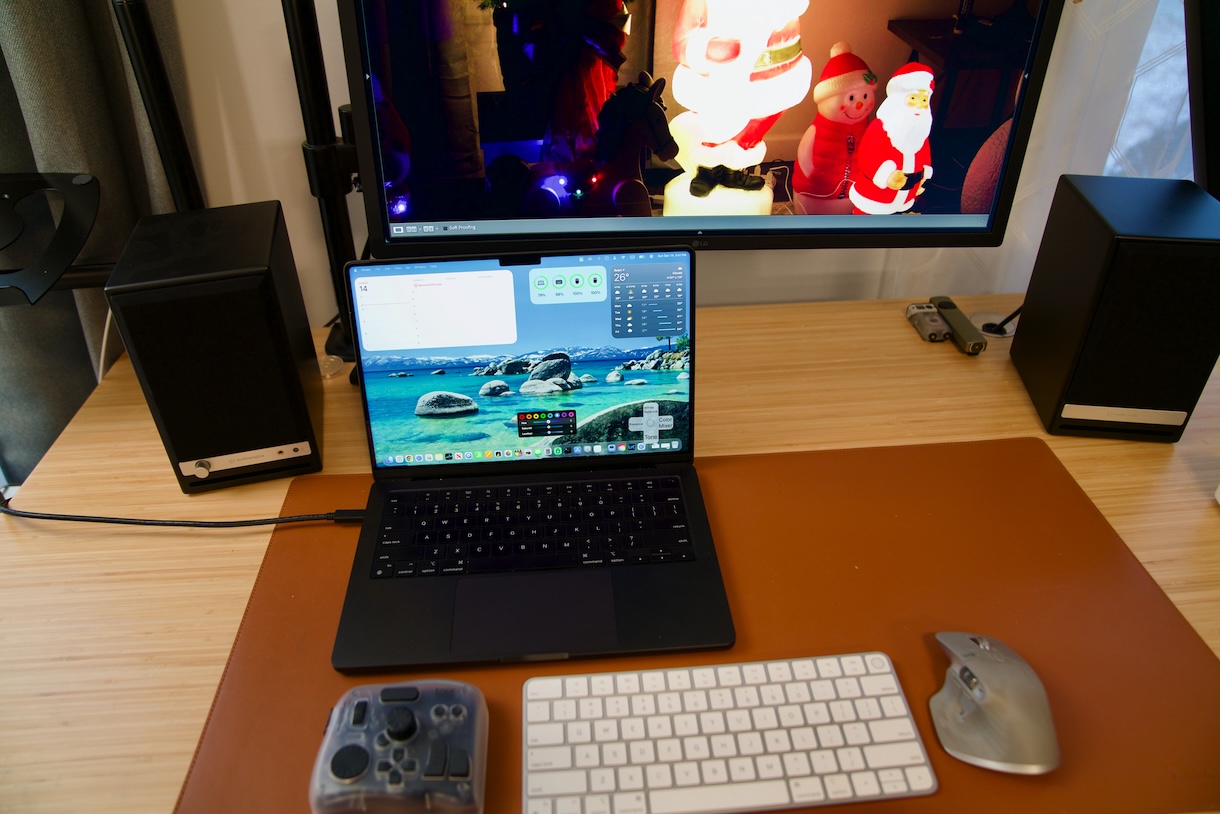
The Dynamic Panel feature is a huge improvement for Lightroom users. Previously, Lightroom Classic forces you to work around its fixed side panels, which can feel cramped, particularly on smaller displays. Dynamic Panel breaks that limitation by turning Lightroom’s controls into floating, movable panels that sync directly with the software. These panels can be placed anywhere on the screen, parked on a 2nd monitor, or minimized when not needed, giving you a full view of your images. This makes my work much more easy and comfortable.
The Dynamic Panel is tightly integrated with Lightroom’s workflow. When I use the D-pad to move between different tools, the Dynamic Panel updates automatically to show the relevant controls. This context-aware behavior keeps you focused on editing rather than finding through menus or collapsing panels. More importantly, the sliders in the Dynamic Panel mirror Lightroom’s values exactly, so there is no disconnect between what you see and what the software is doing behind the scenes.
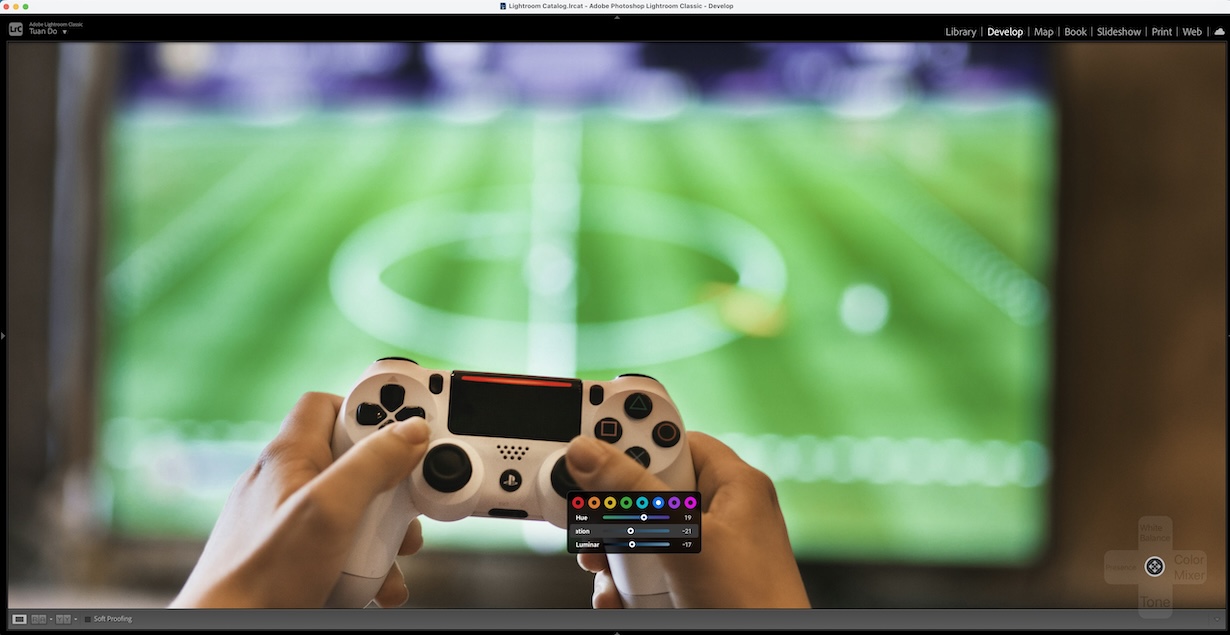
Notably, the Dynamic Panel includes a smart color mixer for HSL adjustments that pairs perfectly with TourBox’s physical knobs. Selecting a color channel and adjusting hue, saturation, or luminance with a dial feels far more fluid than using a mouse. Because the image remains largely unobstructed, it is easier to judge subtle shifts in skin tones or skies without distraction.
In my test, this noticeably improves efficiency as I could select photos, apply basic corrections, and move through a batch of images faster. The workflow feels much more natural as well because I use my right hand to control the mouse less. Dragging the mouse on Lightroom’s sliders is a repetitive and annoying process for any editors. Over time, this can reduce fatigue during long editing sessions.
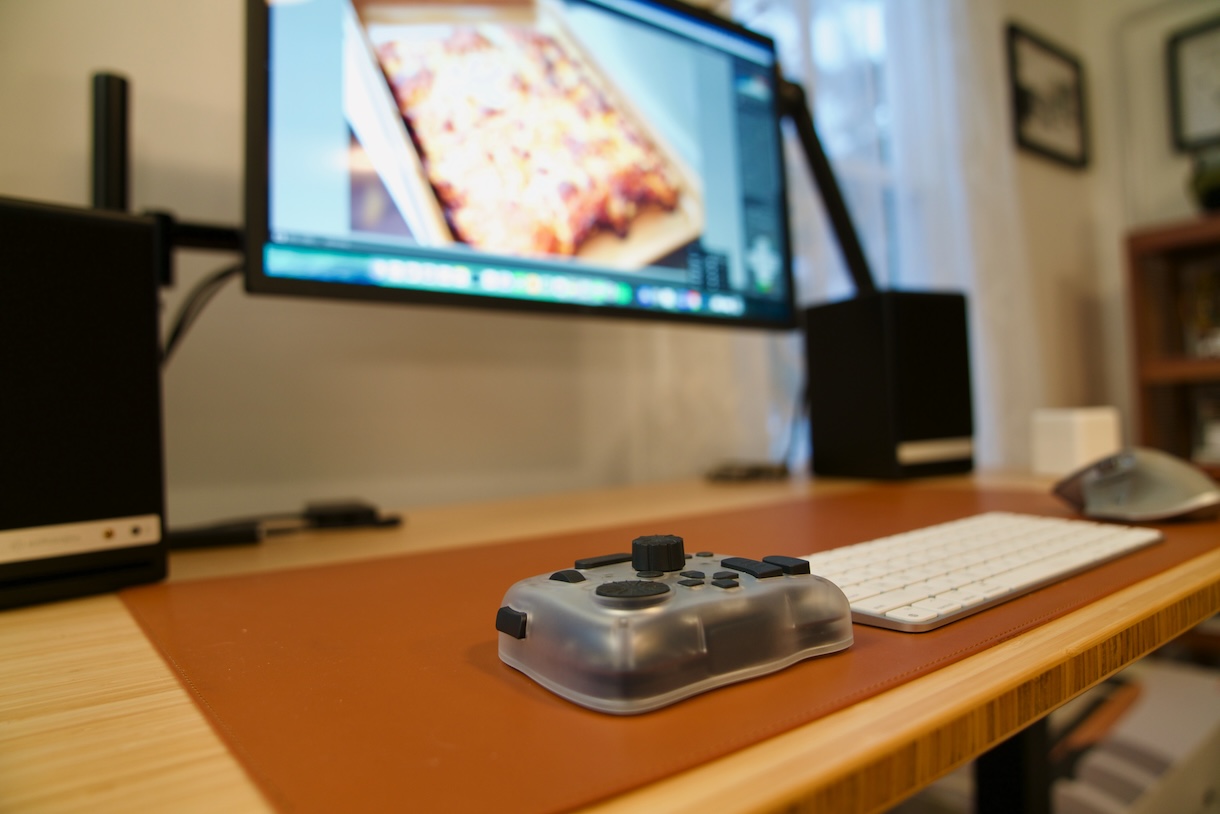
Overall, the TourBox Elite Plus with the new Dynamic Panel feature is a must-have tool for Lightroom Classic users. It does not change what Lightroom can do, but it improves how you interact with it. For photographers who want to edit faster and more comfortably, this setup is the perfect upgrade and we highly recommend it.