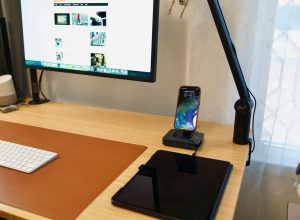
I’ve used many digital photo frames but none of them stays for a long period of time. The Pexar Starlight 15.6″ Digital Picture Frame is different with its subtle and elegant design, it looks more like a piece of art rather than a tech gadget.
Disclosure: We received the photo frame as a courtesy for review purposes. However, the review is intended to provide honest, unbiased insights about the product, based on personal experiences and observations.
Design & Build
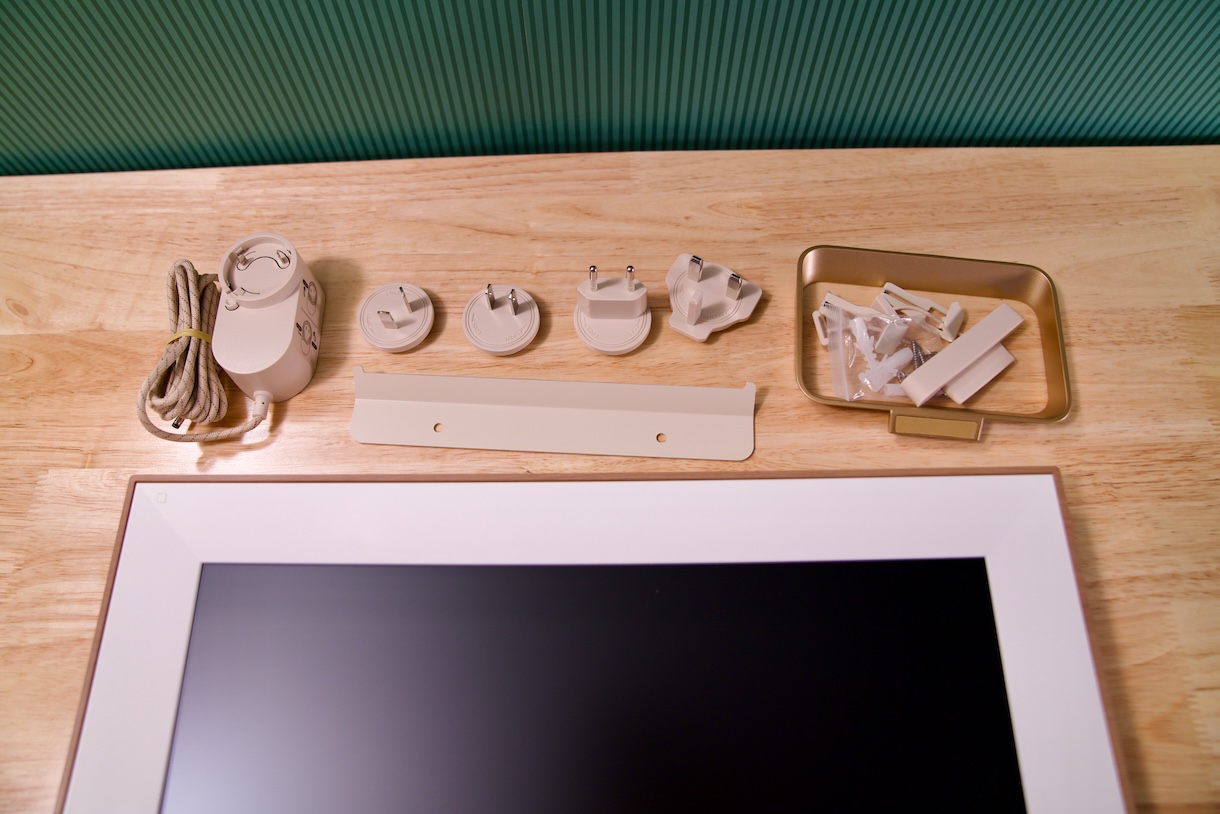
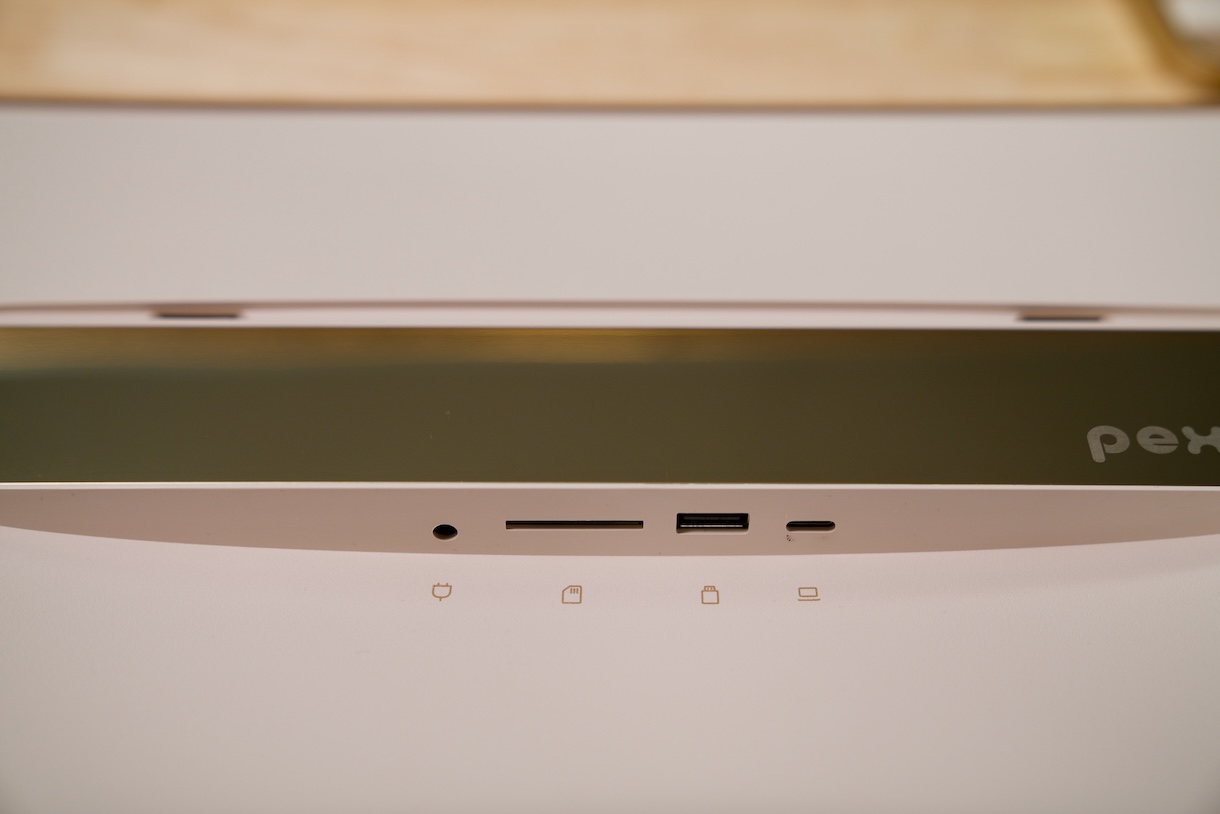
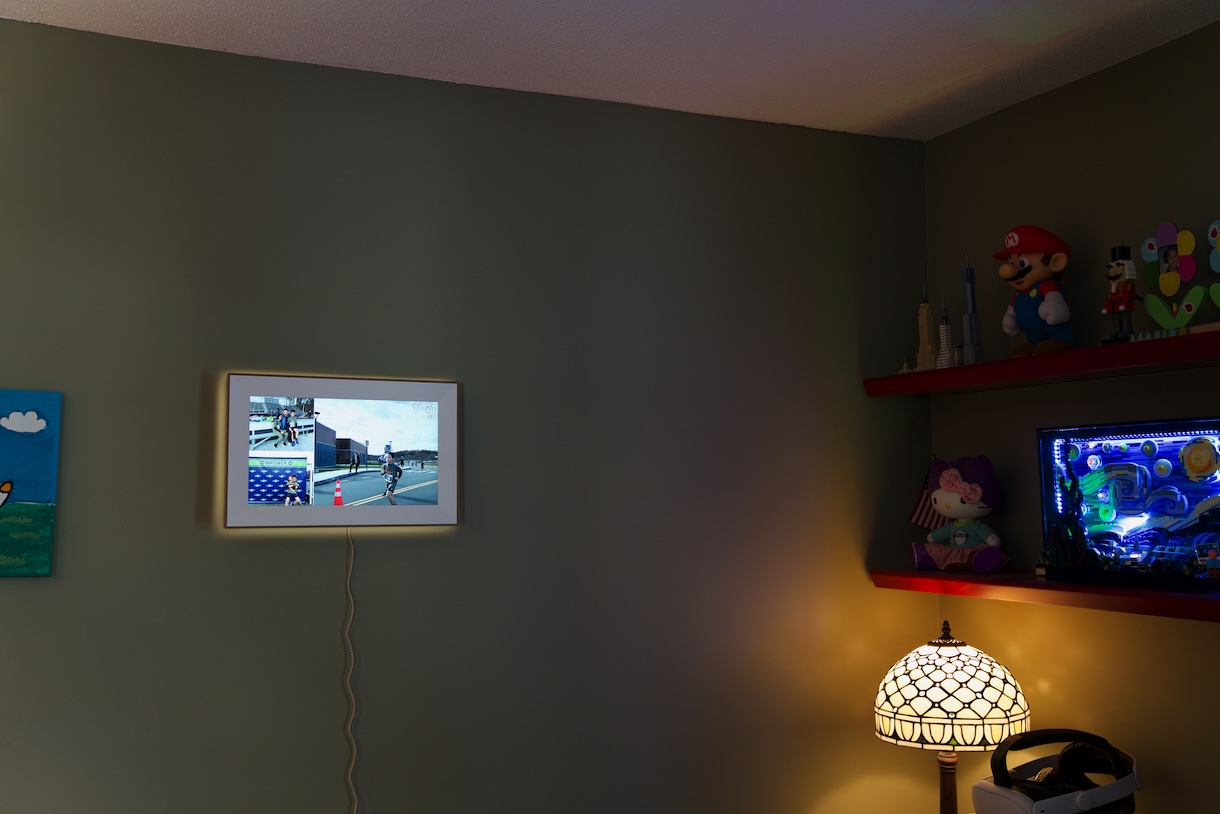
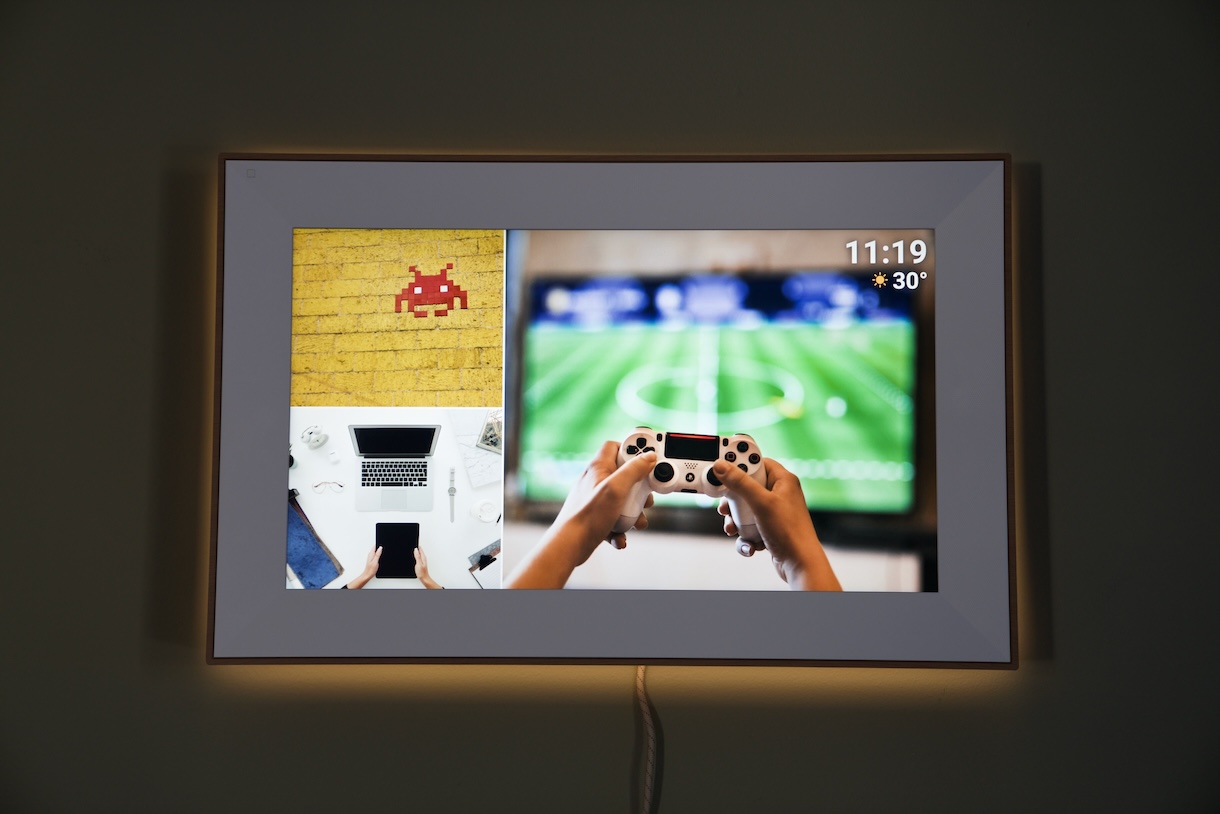
The packaging of the product is eco-friendly and it is made entirely from recyclable materials, so it feels premium in hand. One of the things I appreciate most about the Starlight is that it doesn’t look like a gadget. It is more like a traditional photo frame with the wooden texture. It looks even more stunning with the ambient gallery lighting at the back. It is a gentle halo that casts a warm glow behind the frame, making you feel like you are in a gallery. In darker rooms, it feels like a mini art installation without stealing attention away from your pictures.
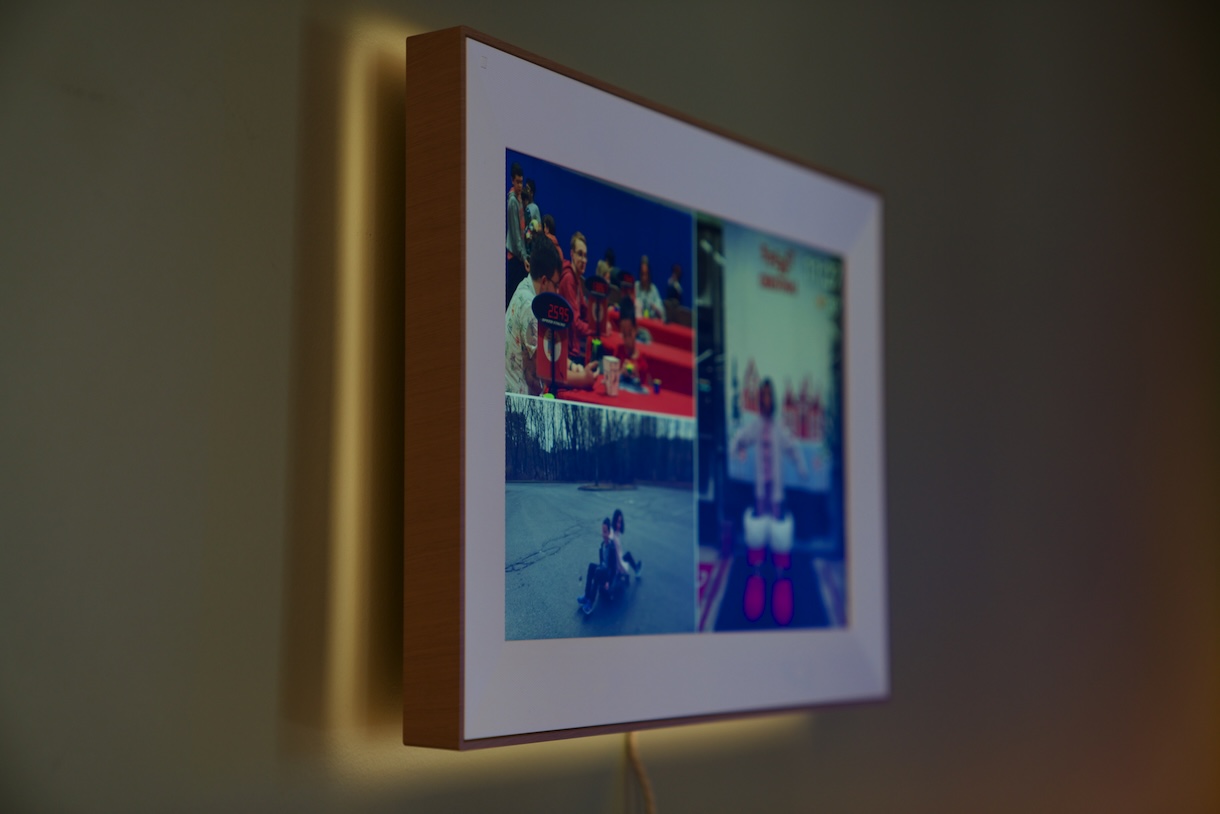
You can hang the frame on the wall or stand it on any surface. The metal stand feels more durable than the plastic ones I’ve seen on other frames; And you can choose to show photos in portrait or landscape orientation. I prefer hanging the frame on the wall with the included wall-mounting kit. It is easy to hang the frame as you just need to use 2 screws to secure it.
Photo Management
The Starlight uses the Frameo app for sharing photos and videos from your phone to the frame. You will just need to install the app on your phone and pair it quickly with the frame via Wi-Fi.
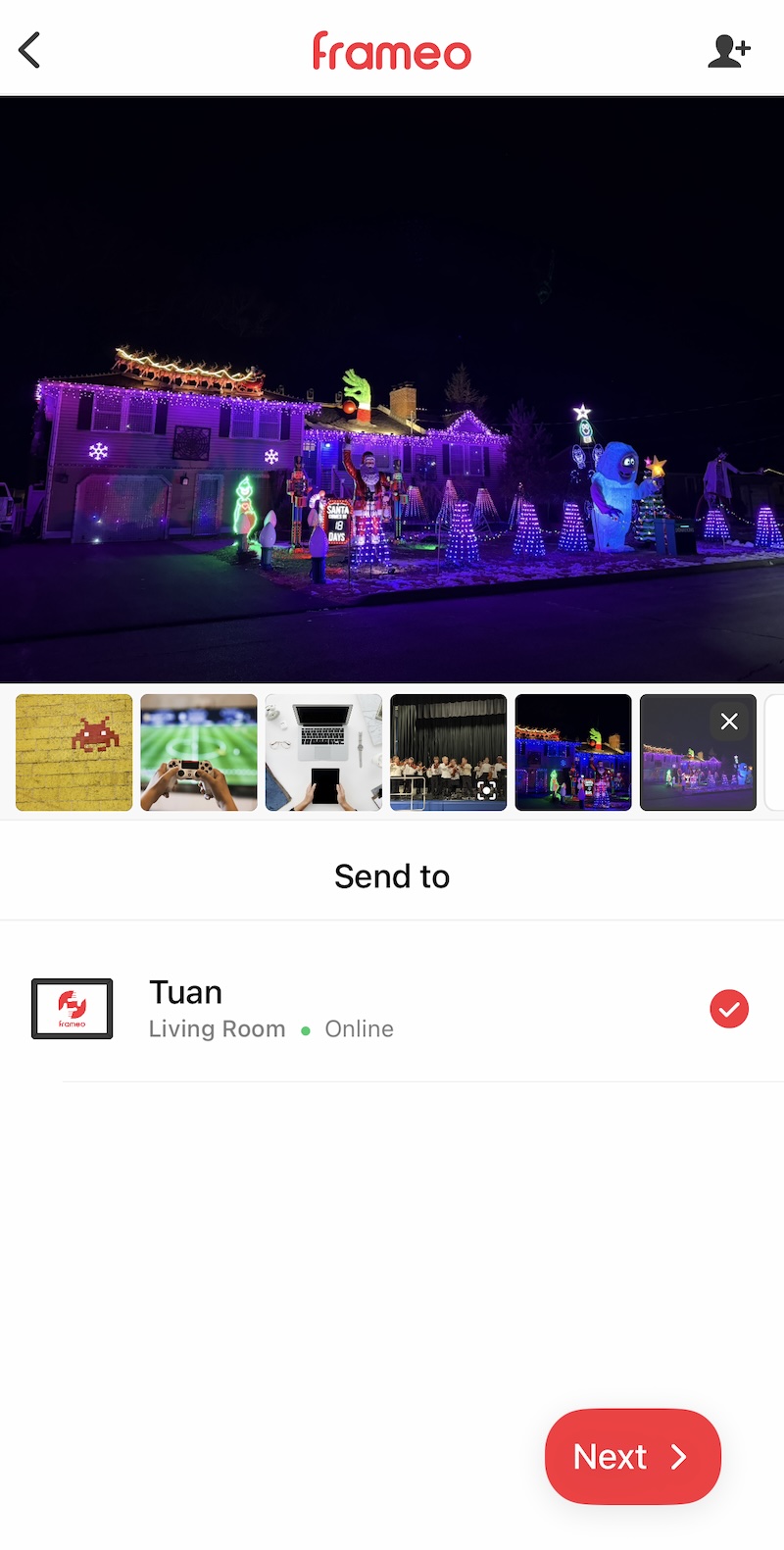
My favorite part of this system is how it feels social. You can invite family members to share photos to the frame via their phones. And every time someone uploads something, it feels like a moment of connection even when we’re miles apart. You can also add captions, reactions, and create themed albums right from the app.
The privacy-first storage approach is another win for me: all photos are stored locally on the frame’s 64 GB of built-in memory (about 80,000 photos), and you can expand that with an SD card or USB drive if you need more.
There is a Frameo+ subscription which allows you to see, manage, and back up photos within the app. You can also send up to 2-minute videos and up to 100 photos at a time. The subscription costs $1.99 per month or $16.99 per year but it is not necessary for me as I’m happy with sending 10 photos at once. I only want to show some nicest photos on this frame, not my whole library.
Everyday Use
I don’t just use the Starlight for photos. It also doubles as a subtle clock and weather display, and I love setting sleep schedules so the display powers down at night and wakes up in the morning. There’s also a neat “greeting card” mode that cycles special messages and photos on birthdays or holidays.
Video support is nice too. I can send up to 15-second clips with sound though they feel a bit limited if you’re hoping for longer media playback. Some frames out there let you run longer videos, but for me, short clips add a delightful burst of movement without feeling out of place.
Display Quality
The 15.6-inch anti-glare touchscreen with Full HD (1920×1080) resolution makes scrolling through my photo memories feel luxurious. Reflections are minimal even near windows, and the touch controls are responsive and intuitive.
It isn’t so massive but it’s big enough to make detail in photos really pop. The color reproduction isn’t better than OLED screens but skin tones, landscapes, and everyday shots feel sharp and vibrant. The pixel density isn’t as sharp as smaller high-end frames with higher PPI, so if you’re used to extremely fine detail, you might notice that up close. But for most living room or kitchen viewing distances, it’s more than good enough.
Final Thoughts
Overall, the Pexar Starlight is a living photo album that makes revisiting memories something I look forward to. It is the first photo frame that I want to stare at for a while. And when we had parties at our house, guests can easily share some precious moments from their phone to the frame. If you want a stylish, socially connected display of your memories, this feels like one of the best packages available in its class.