I play table tennis in real life, so I was quite excited to try the VR game called Eleven Table Tennis on my Meta Quest 3. Firstly, I used only the controller, then I moved on to try the two popular adapters: the Sanlaki and the SolidSlime. They aim to make VR gameplay feel like swinging a real paddle, and after using both, here is my experience.
I tried the Sanlaki adapter first since it is quite affordable at $25 on Amazon. It’s 3D-printed and feels sturdy enough, with a textured wooden PLA filament that’s pleasant to hold. However, I struggled with its top-heavy design, which made swings feel unnatural, especially for forehand and backhand strokes. If I add the counterweights, the paddle will become quite heavy, so it is not an option for me. Even after a week of tweaking my playing style, I couldn’t get comfortable. The tracking quality was another disappointment as fast movements often felt less responsive. It didn’t meet my expectations, so I stopped using the adapter after a week.
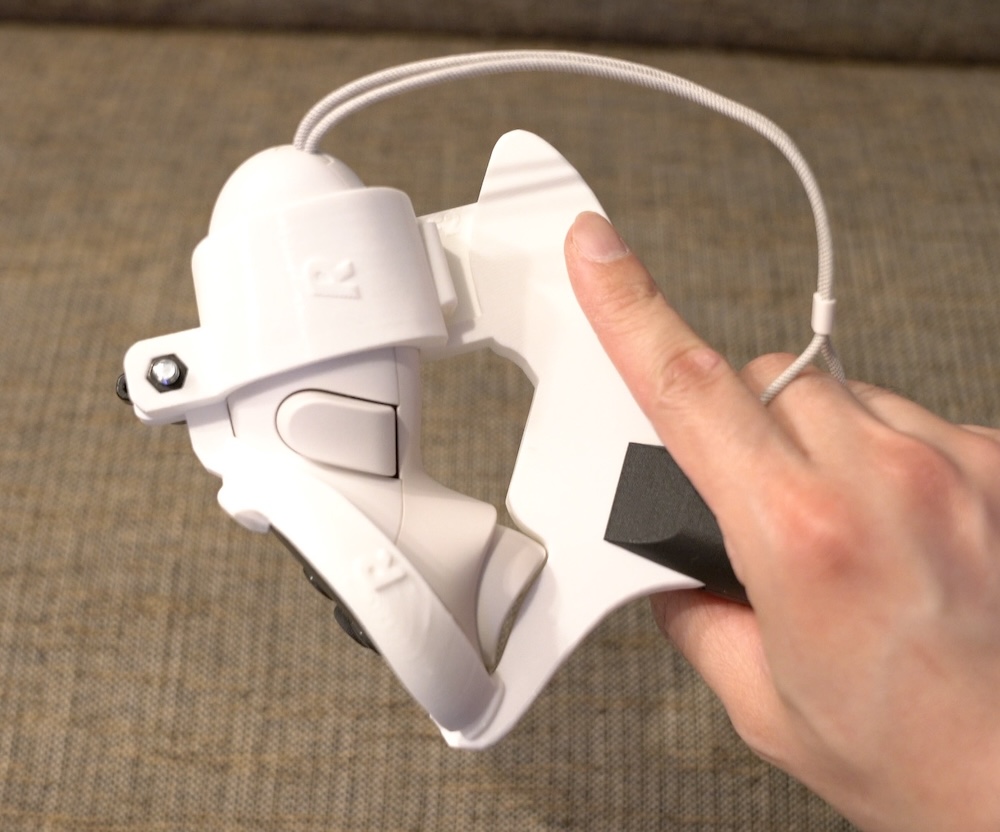
Then I switched to the SolidSlime adapter, which I bought for $45 with rubber and shipping. The difference was night and day. From the moment I gripped it, the SolidSlime felt like a real paddle, with a balanced weight of around 185g. It required almost no adjustment time, which was a huge relief as I could start playing like normal after a few minutes. The tracking was flawless with all controller LEDs visible during swings. Its 3D-printed build is just as solid as the Sanlaki’s, but the design is more refined, with a quick assembly that doesn’t need screws. The SolidSlime’s realistic feel and precision made the game much more enjoyable.
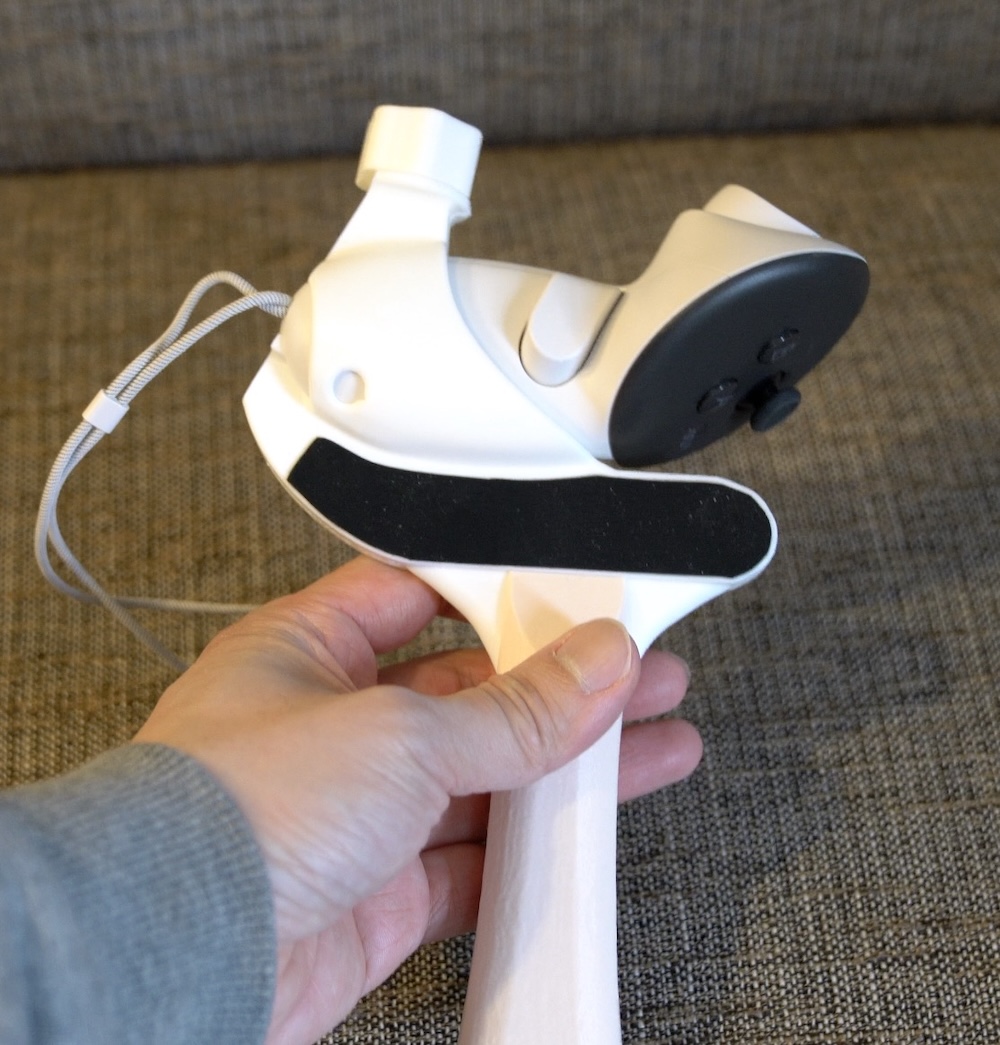
The SolidSlime is significantly more expensive but it is worth every penny for serious players. Its balanced weight and superior tracking make it feel like an extension of my real-life skills. If you’re just playing for fun and don’t play table tennis in real life, you might not need an adapter at all. Using the Quest 3 controller alone can actually give you an edge with spins and backhands since it’s lighter and easier to maneuver. For me, the SolidSlime v3.1 is the best adapter and I haven’t looked back since making the switch.