I’ve tested many thermal printers this year and liked many of those products. However, they might have varied quality even though their prices are pretty much the same. A few of them have poor printing quality, so I don’t want to use them ever again. I tested the MUNBYN printer recently and there are a lot to love about this product.
Disclosure: We received the printer in exchange for the review. We thoroughly tested it to make sure the review is honest and unbiased.
Unboxing & Testing
Features & Performance
If you haven’t used a thermal printer before, I highly recommend you to check out one, especially when you need to print a lot of barcodes or shipping labels. This is an efficient solution for any online seller because it is faster and can save them a lot of money. What I like the most about a thermal printer like this is that it is super easy to set up and you don’t have to purchase any ink or toner. You can even save more by ordering free supplies from shipping carriers like UPS. The thermal labels are the only supply you need to operate this printer.
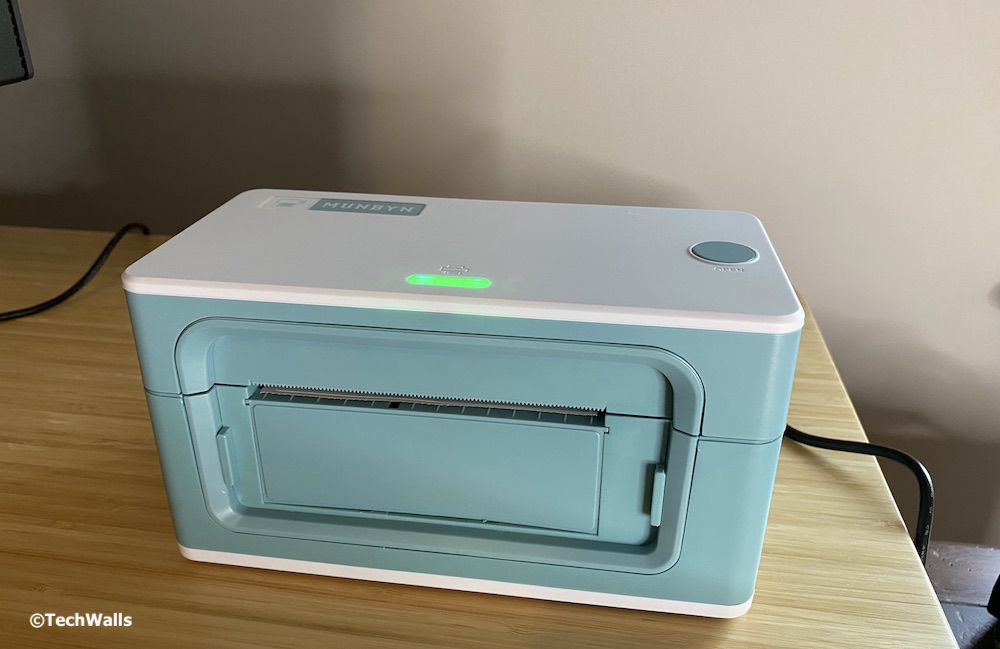
Notice that the MUNBYN printer comes in 3 different versions, which are Basic, Standard, and Pro. The printer in this review is the Standard version. Basically, the Basic and Standard versions are the same printer. The Standard comes with some more accessories like a USB flash drive or a USB Type-C adapter, besides, it has 4 different color choices (White, Pink, Green, Gray) while the Basic only comes in white color. In my opinion, most users don’t need those extra colors or accessories, so you totally can save money by choosing the Basic version. However, the color choices also make the product stand out of the crowd because other products either come in black or white color. I believe female entrepreneurs would be more interested in owning a pink or green printer.
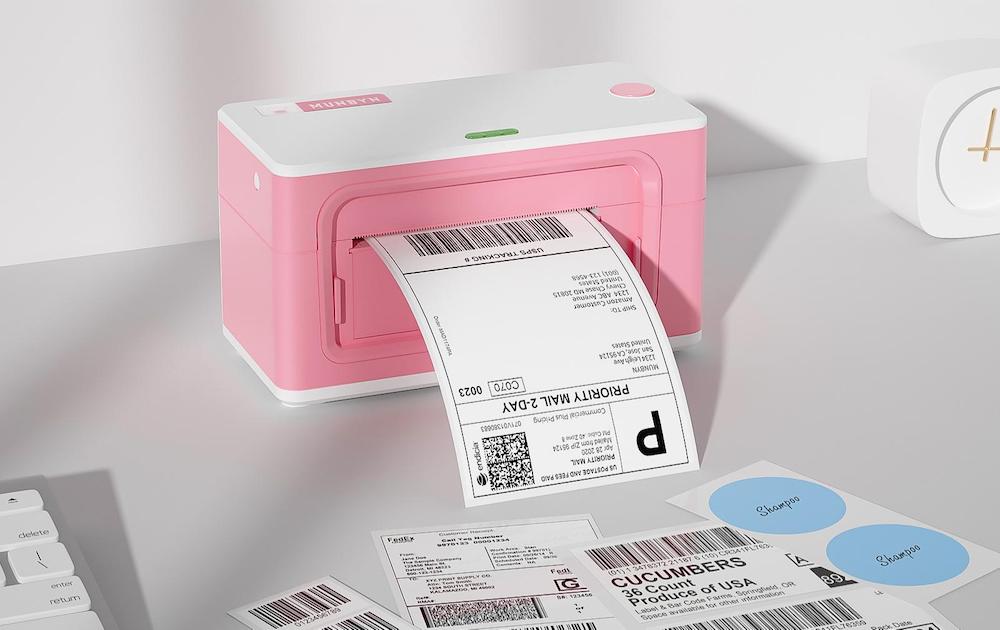
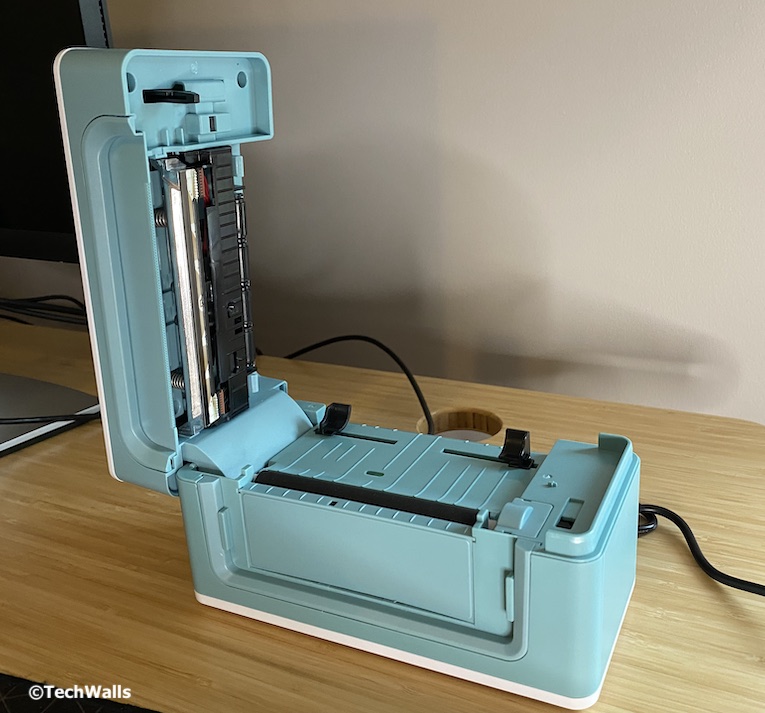
After plugging in, you can download and install the driver from its official website (available for Windows and macOS). Then, the printer is ready to use. You can get started by inserting thermal label into the printer. The MUNBYN features automatic label identification, so you can insert any label from 1.7″ to 4.1″ wide, then hold the Feed button until you hear a beep sound so it can make the adjustment. I tested with standard 4×6-inch label and it worked perfectly. The only disadvantage of the machine is that it doesn’t include a label holder, therefore, you will need to buy one separately or just leave your label stack on the back of the printer.
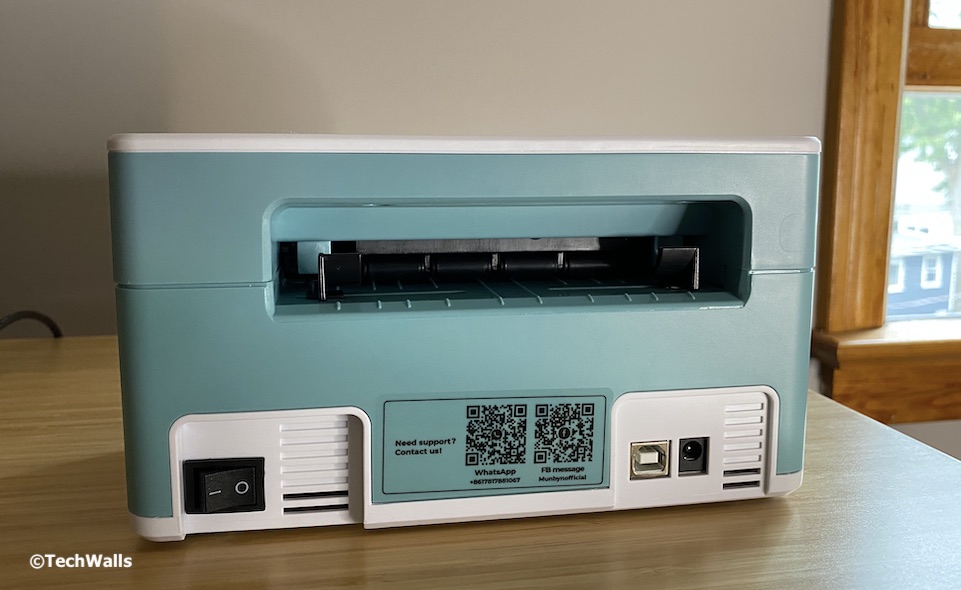
The MUNBYN features 150mm/s high-speed printing and when you have to print hundreds of labels, it will automatically pause for 5 minutes before resuming. According to the manufacturer, it can print up to 700 labels continuously. I am quite satisfied with the printing quality although its printing resolution is way lower than the Pro version (203DPI, 8 dots/mm vs 300DPI, 12 dots/mm). All the labels come out sharp and I am not aware of any defect. The text is smooth and clear; Everything is printed out correctly and there is no white area as seen on some other printers.
Overall, I have no complaint after testing the product for a few days. It works great as I expected but I really hope the price could come down a little bit. It would be an easy recommendation if the price is in the $100-$150 range.